Collect RSVPs on Your Event Page
Guests answer Yes, Maybe or No with their name and email; you see every response in the Attendees List and can export it.
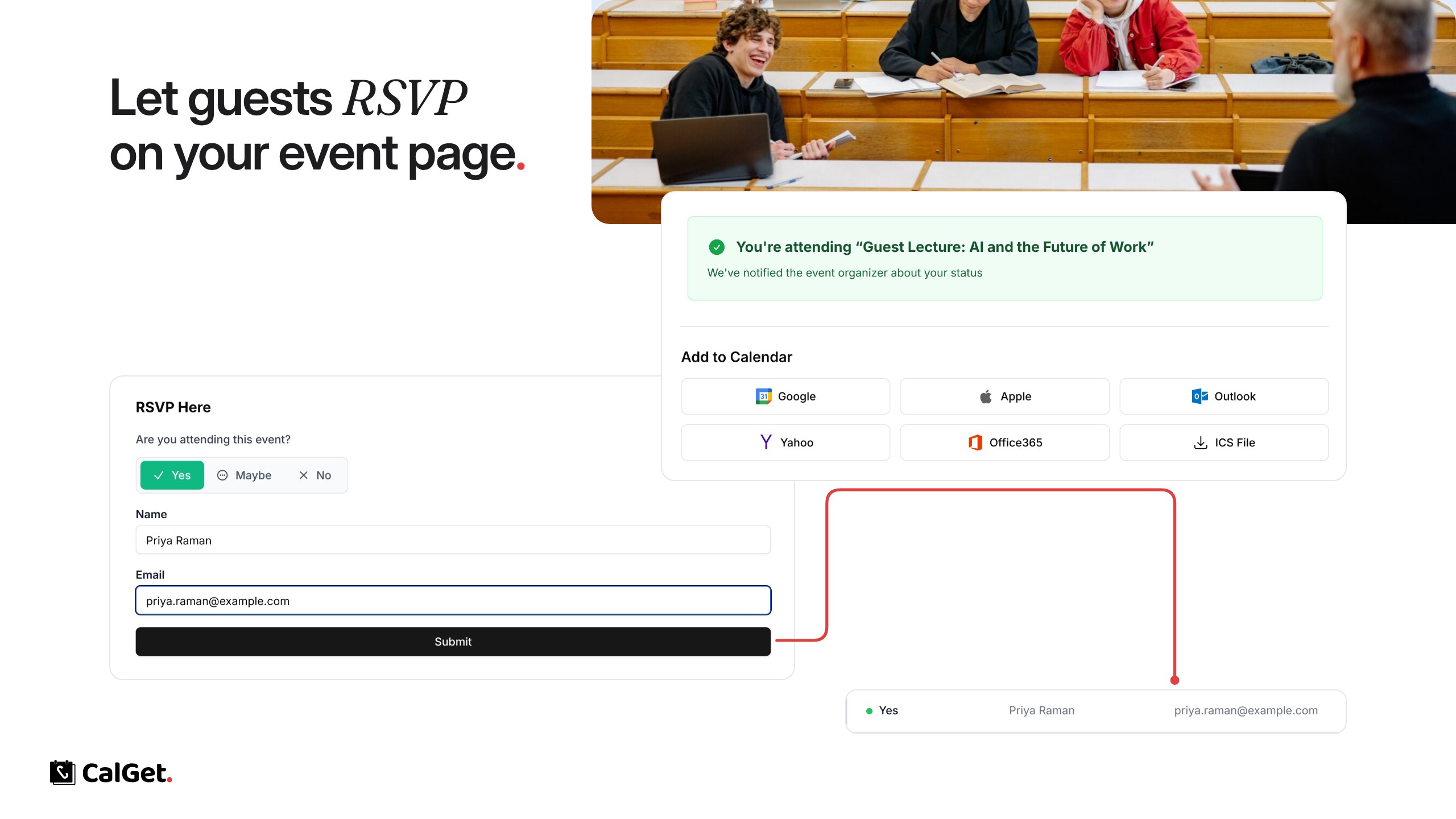
You can now collect RSVPs on your event pages. Guests answer Yes, Maybe or No, add their name and email, and can add the event to their calendar right after.
RSVP stats – See how many guests are attending, maybe or not attending.
Attendees List – Every response with the guest’s name, email and date. Click Export List to download it.
To turn it on, open your event, go to RSVPs and click Enable RSVP, or switch on Collect RSVPs under Edit.