Get Your Events on Everyone's Calendar .
Easily create “Add to Calendar” links with CalGet, compatible with Google Calendar, Apple, Outlook, and more. Share your calendar links anywhere, collect RSVPs, and embed an event calendar widget to boost attendance.
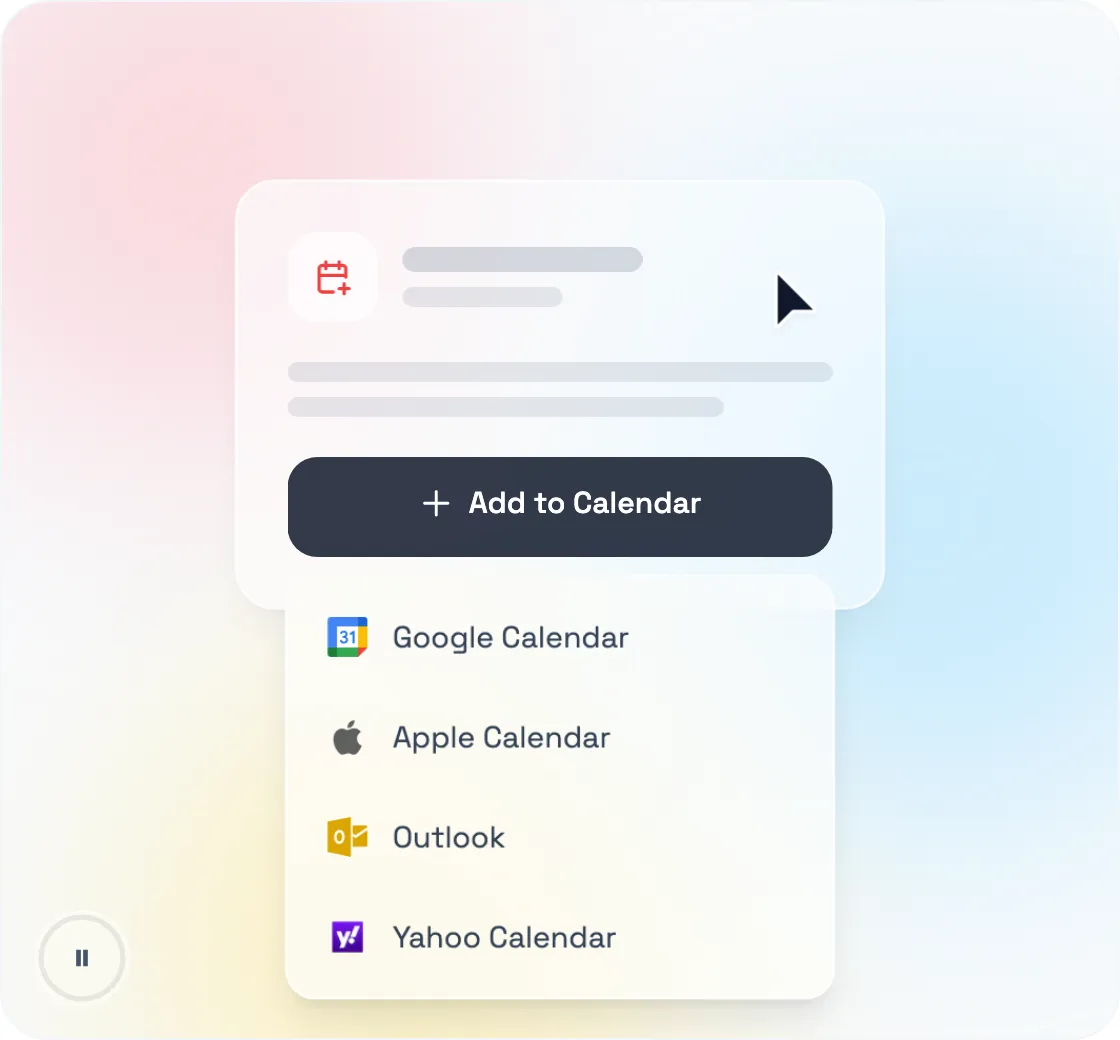
CalGet gives you a single add-to-calendar link that works everywhere, plus an .ics file
 Google
 Apple
Apple
 Office365
 Outlook
 Yahoo
Yahoo
Trusted by People at Leading Organizations.
Join the people at these organizations who use CalGet to share add to calendar links, collect RSVPs, and embed event calendars









See CalGet in Action.
Watch an overview of how CalGet helps you create and share events with the calendar link generator, manage RSVPs, embed calendars, and create subscription calendars that work across all major platforms.
Use cases
See how different industries use CalGet to share add to calendar links, collect RSVPs, and manage events
Boost campaign engagement with CalGet
Marketing teams use CalGet to include "Add to Calendar" links in campaigns for webinars, product launches, and promotions. Recipients can add events to their calendars in one click, boosting attendance and engagement.
- Subscription calendars for ongoing campaigns
- RSVP collection to gauge interest and plan effectively
- Seamless integration with marketing tools like Mailchimp and Salesforce
Keep fans engaged with CalGet
Sports teams and leagues use CalGet to share schedules for games, tournaments, and fan events. Fans add matches to their calendars with a single link or subscribe to a season-long calendar, and teams embed an event calendar on their website so no one misses a game.
- Share full team schedules with one link
- Custom RSVP forms for fan events, with personalized preferences
- Export RSVPs to manage event logistics like seating and merchandise
Streamline academic scheduling with CalGet
Schools, universities, and training institutions use CalGet to share "Add to Calendar" links for exams, meetings, and workshops. Embedded event calendars on their websites and newsletters keep students and parents informed all year.
- Simple calendar sharing for academic schedules, holidays, and events
- RSVP tracking for extracurricular activities or seminars
- Seamless integration with popular calendars like Google, Apple, and Outlook
Organize events efficiently with CalGet
Nonprofits use CalGet to run fundraising events, volunteer drives, and board meetings. "Add to Calendar" links keep donors and volunteers informed, custom RSVP forms capture volunteer availability and informations, and a subscription calendar keeps supporters up to date.
- Custom RSVP forms for volunteer registration and fundraising events
- Share event links via email or social media to maximize reach
- Embed calendars on websites or newsletters for easy event visibility
Enhance corporate event management with CalGet
Corporations use CalGet for internal training, webinars, and meetings. "Add to Calendar" links let employees save key dates instantly, while RSVPs confirm headcount for meetings and reserve seats for training sessions.
- Calendar links for recurring or one-time corporate training
- RSVPs for tracking employee participation and feedback
- Zapier integration for syncing with Slack, Salesforce, or other internal tools
Simplify conference scheduling with CalGet
Conference and trade-show organizers use CalGet to share schedules for keynotes, workshops, and networking sessions. Attendees add sessions to their calendars with one link, and organizers embed an event calendar to keep everyone in sync.
- Multiple event calendar links for different sessions (e.g., workshops, keynotes)
- Custom RSVPs to collect attendee information and preferences
- Embeddable event calendar integration for websites and apps
Compatible with All Your
Favorite Tools.
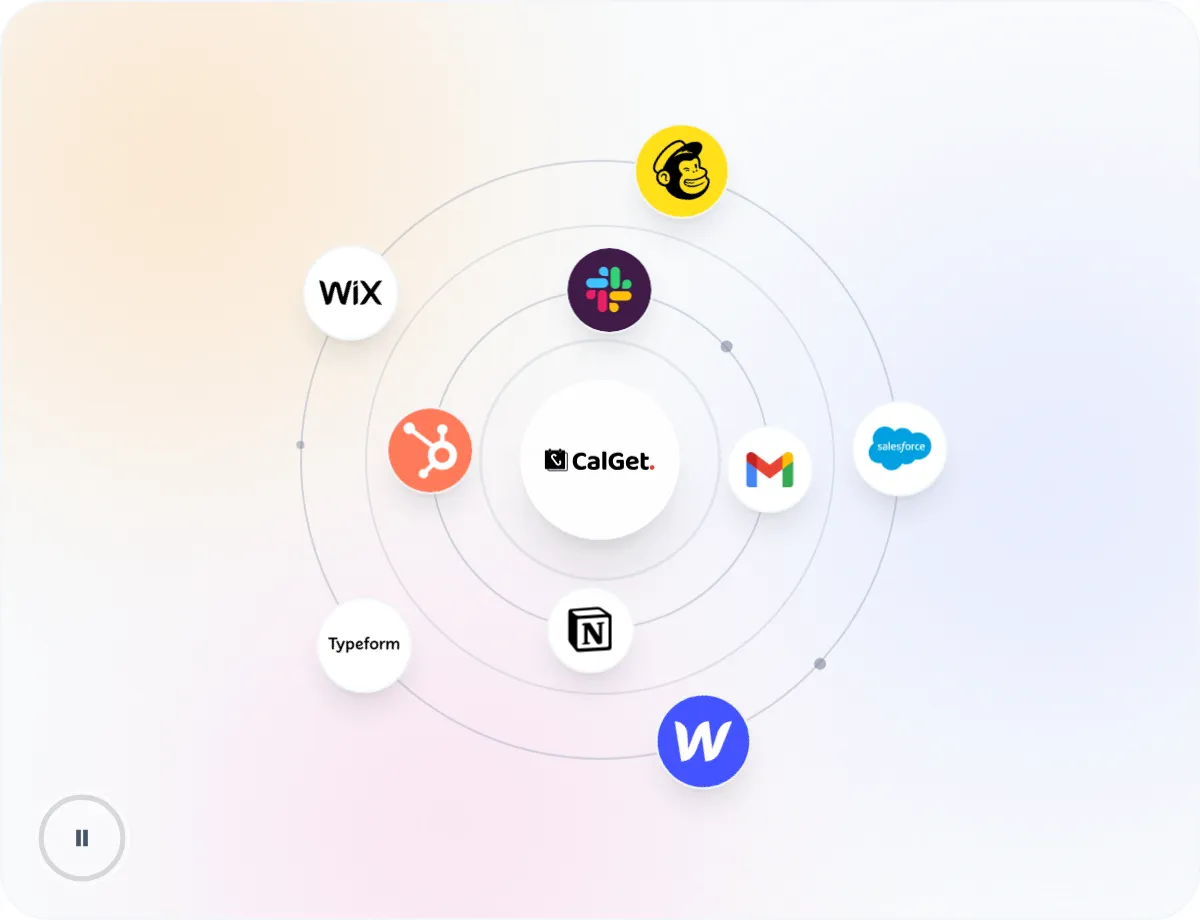
There's no need to master a new tool. Keep using the tools you already rely on to share "Add to Calendar" links across your website, emails, and apps.
Zapier
Connect with 7,000+ apps through Zapier
HTML Embed
Embed calendar buttons on any website
Copy & Paste
Simple embed code for any platform
API Access
REST API access for integrations Coming Soon
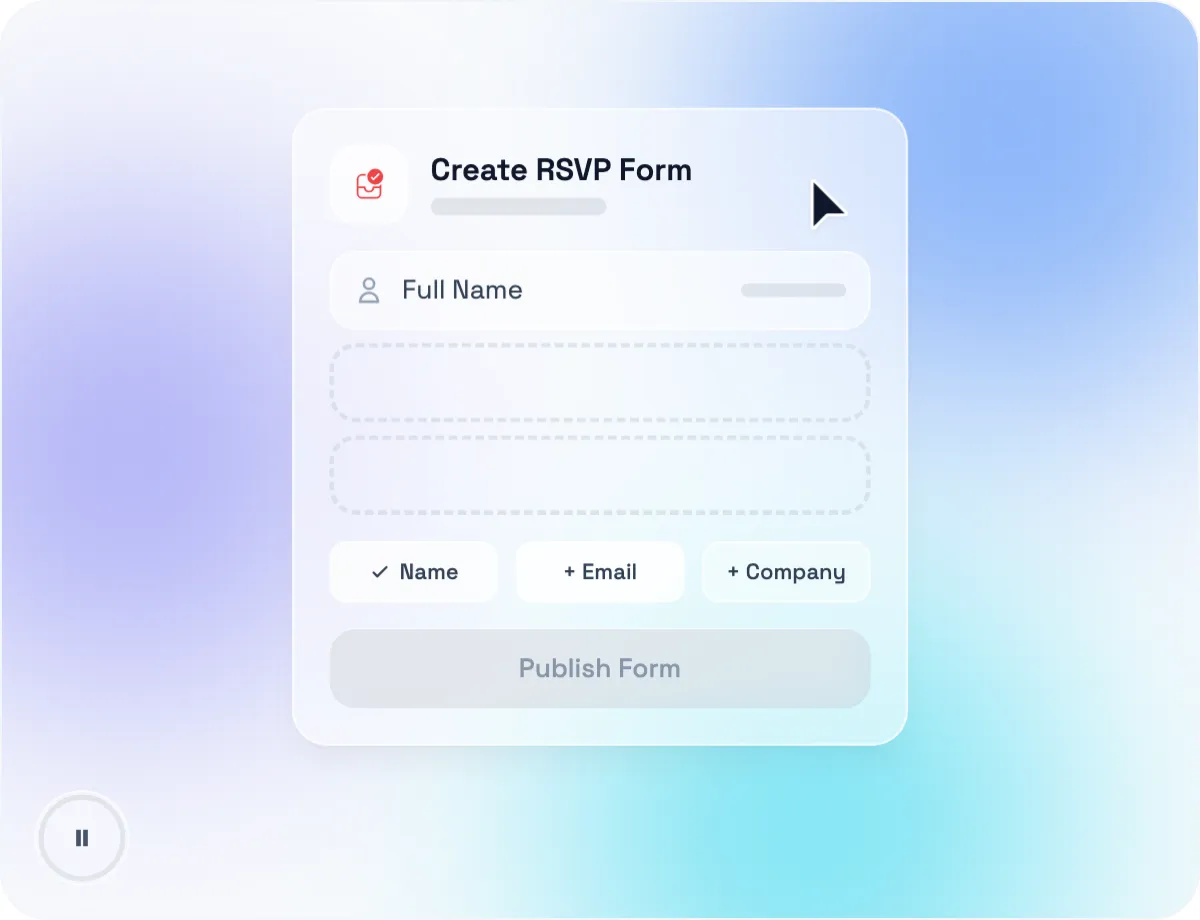
Collect RSVPs.
Make your event management simpler with our powerful RSVP forms. Create beautiful RSVP pages, collect responses, and manage attendees with ease.
Custom Forms
Gather exactly the information you need from attendees
Smart Notifications
Get instant alerts and a daily summary of your RSVP responses
Subscription Calendars.
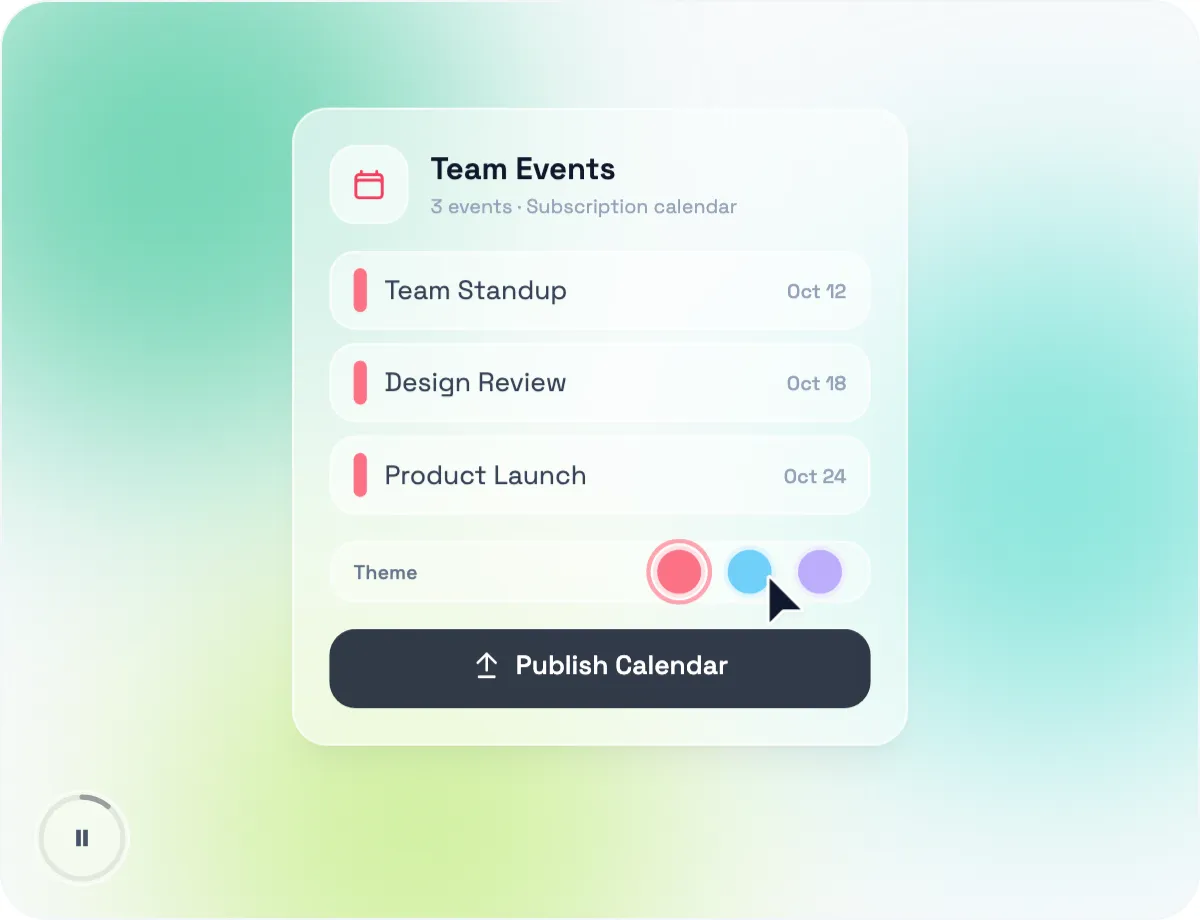
Share a collection of your events as a subscription calendar your audience can follow. New and updated events sync directly to their own calendar, keeping everyone up to date effortlessly.
Unlimited Events
Add as many events as you need
Customizable
Easily update the colors and branding
Subscriber Data
Collect subscriber information
Multi-Platform
Works with all major calendars
Brand Your Event Pages.
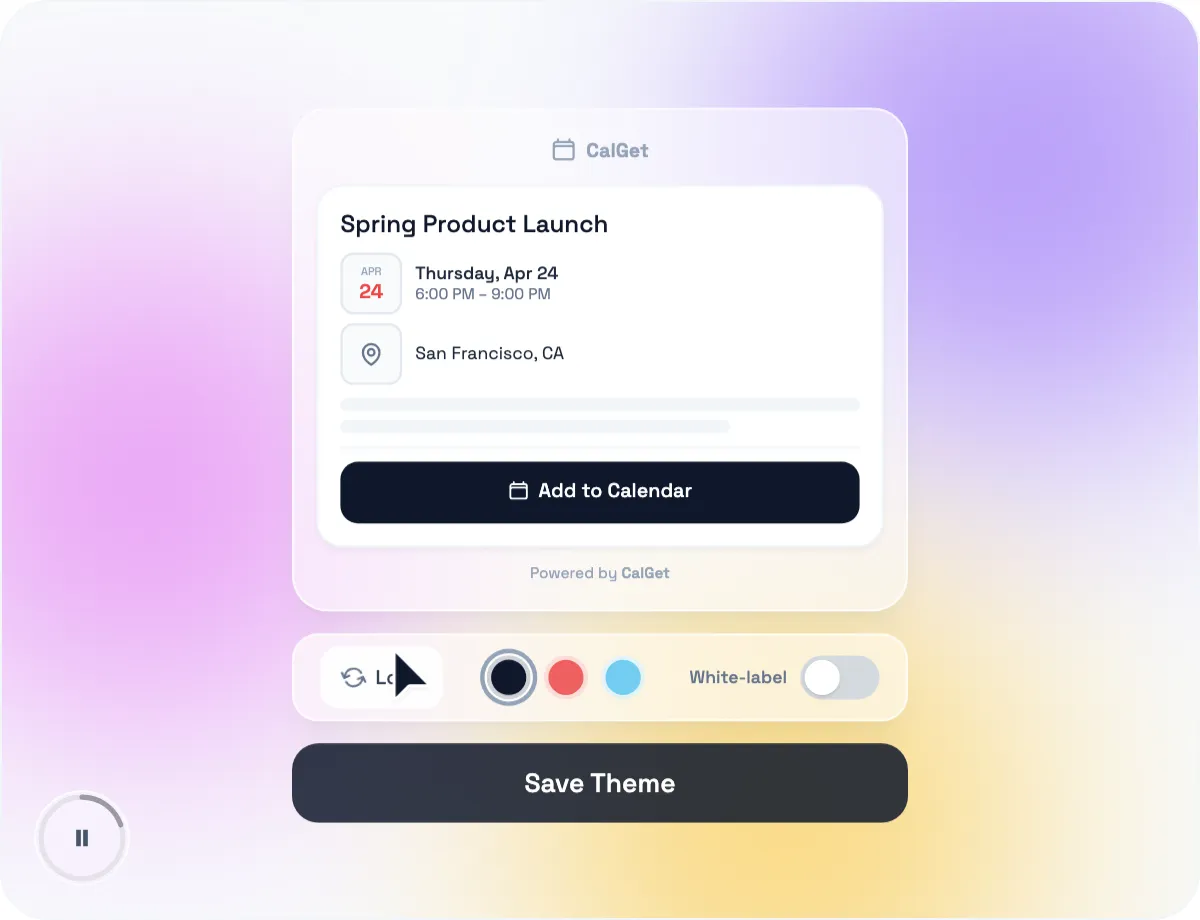
Customize your event pages with your own logo and brand colors. Every page guests see when they add your event to their calendar or RSVP reflects your brand and styling.
Custom Logo
Add your logo to make your event pages look professional and familiar to your audience
Brand Colors
Customize your event page colors to match your brand
White Label Option
Remove "Powered by CalGet" for a completely branded experience
People Love Using CalGet.
Join thousands of satisfied users who trust CalGet for their event scheduling needs





Frequently asked questions.
Everything you need to know about creating and sharing add to calendar links. Can't find what you're looking for?
Visit our help centerAn add to calendar link is a single link or button that lets anyone save your event to their calendar in one click. When clicked, it opens the person's calendar app with your event details already filled in, ready to save — no manual entry required.
Fill in your event details — title, date, time, and location — and CalGet instantly creates a shareable add to calendar link. Add it to your emails, website, or social media, or share it as a QR code.
CalGet's add to calendar links work with all major calendar services, including Google Calendar, Apple Calendar, Microsoft Outlook, Office 365, and Yahoo Calendar. We also provide an ICS file that works with virtually any calendar app.
Yes. You can create add to calendar links, collect RSVPs, and generate QR codes for free. Paid plans unlock custom branding, analytics, higher usage limits, and more.
Yes! You can collect RSVPs for free with any event. Track responses, export guest lists to CSV, and customize RSVP forms to gather exactly the information you need from attendees — perfect for webinars, workshops, or any event where you manage attendance.
Yes. CalGet gives you ready-to-use embed code, so you can add an event calendar or an "Add to Calendar" button to any website, newsletter, or landing page with a simple copy and paste.
A subscription calendar lets people follow a collection of your events. Once they subscribe, every new or updated event syncs automatically to their own calendar, so they always stay up to date.
Yes! You can brand your event pages with your own logo, customize the colors to match your brand, and even remove the "Powered by CalGet" footer for a fully white-label experience.
You can create basic add to calendar links without an account. Signing up unlocks RSVP tracking, custom branding, analytics, and lets you manage all your events in one place.
No problem! Just update the event details in your dashboard and the changes automatically reflect in your shared link. Anyone who hasn't added the event yet will see the updated information; for those who already added it, we recommend sending them the updated link.
We use cookies to enhance your browsing experience. Learn more