Blog.
Latest news and updates from CalGet
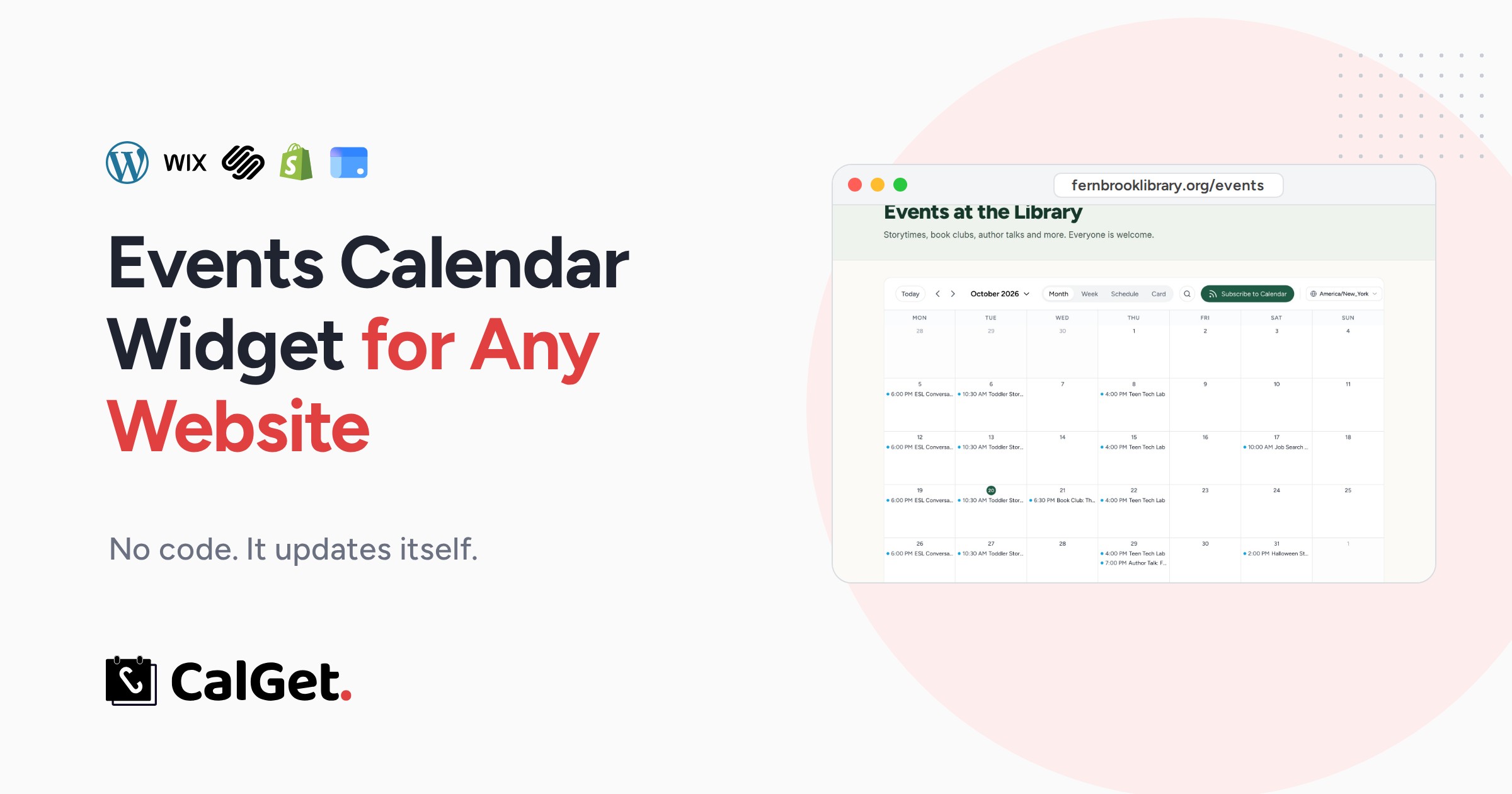
How to Add an Events Calendar to Any Website (No Code, 2026)
How to add an events calendar to any website in 5 steps, no code: WordPress, Wix, Squarespace, Shopify and Google Sites. It updates itself. Tested.
Tuesday, October 20th 2026
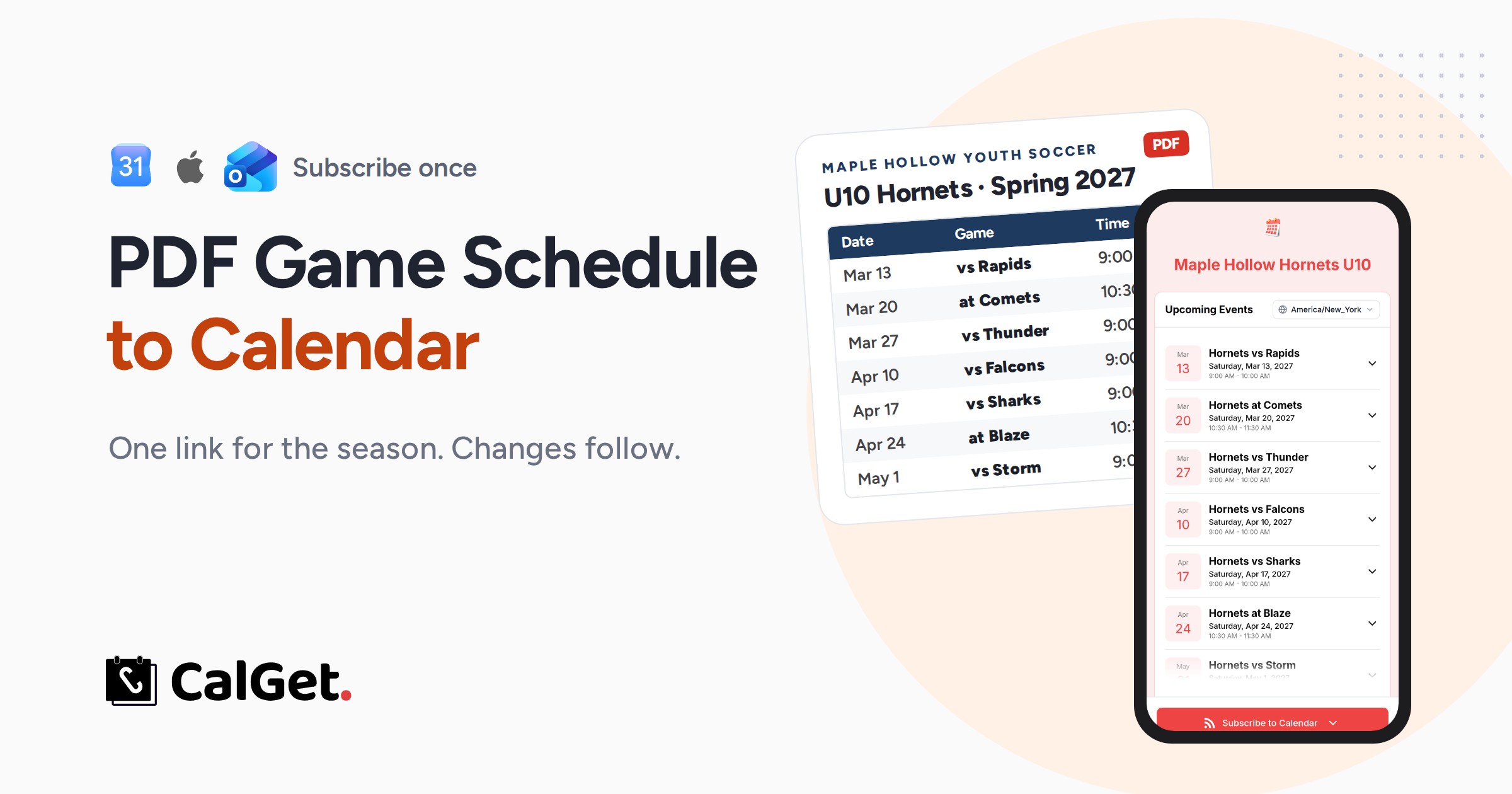
PDF Game Schedule to Calendar: One Link for the Season (2026)
Turn a PDF game schedule into one calendar link parents subscribe to once. Every game lands in Google, Apple or Outlook, and your changes follow. Tested.
Tuesday, October 20th 2026
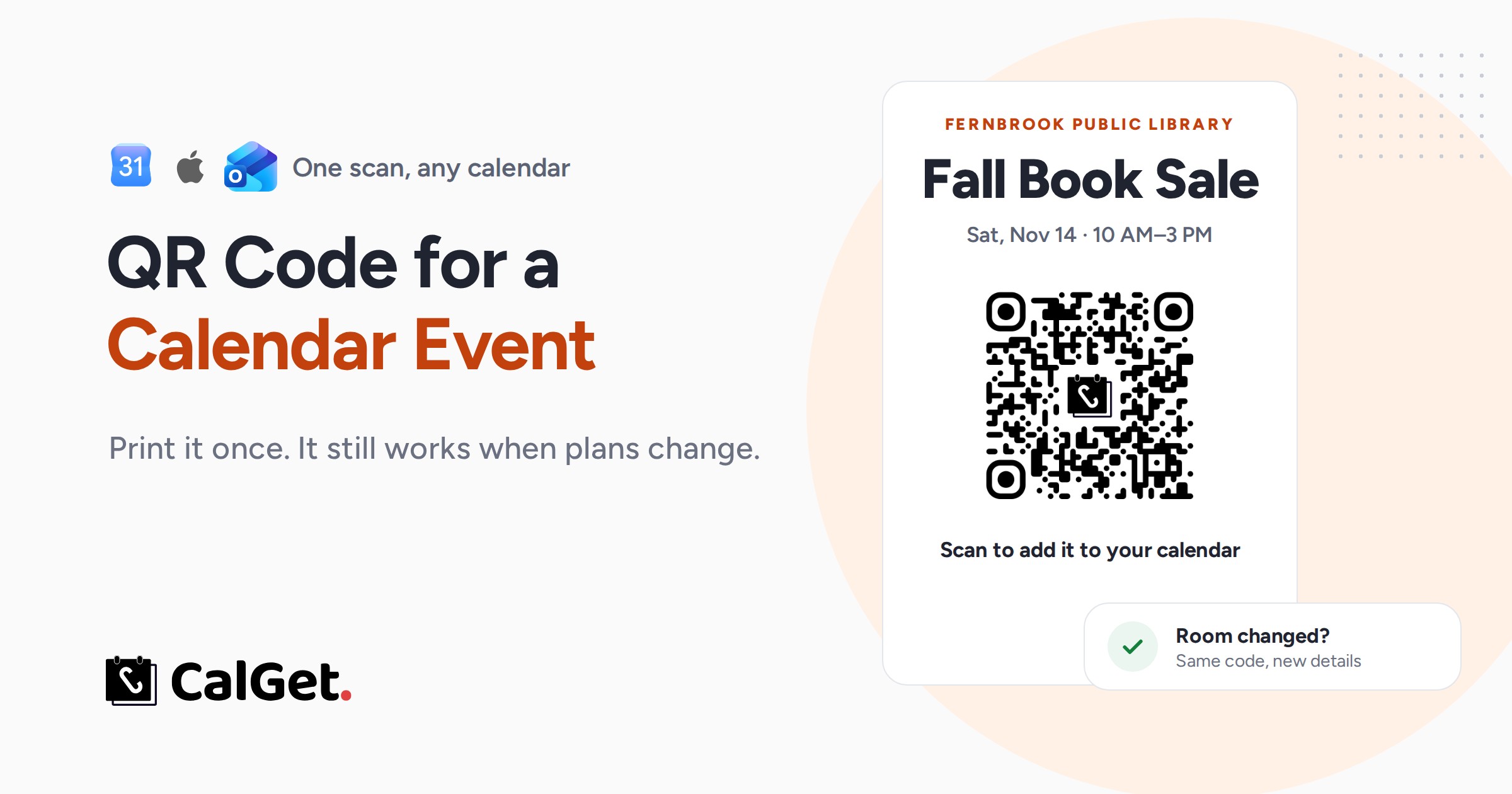
QR Code for a Calendar Event That Won't Break (2026)
Make a QR code for a calendar event that adds it to Google, Apple or Outlook in one scan and still works when the date or room changes. Tested, with print tips.
Tuesday, October 20th 2026
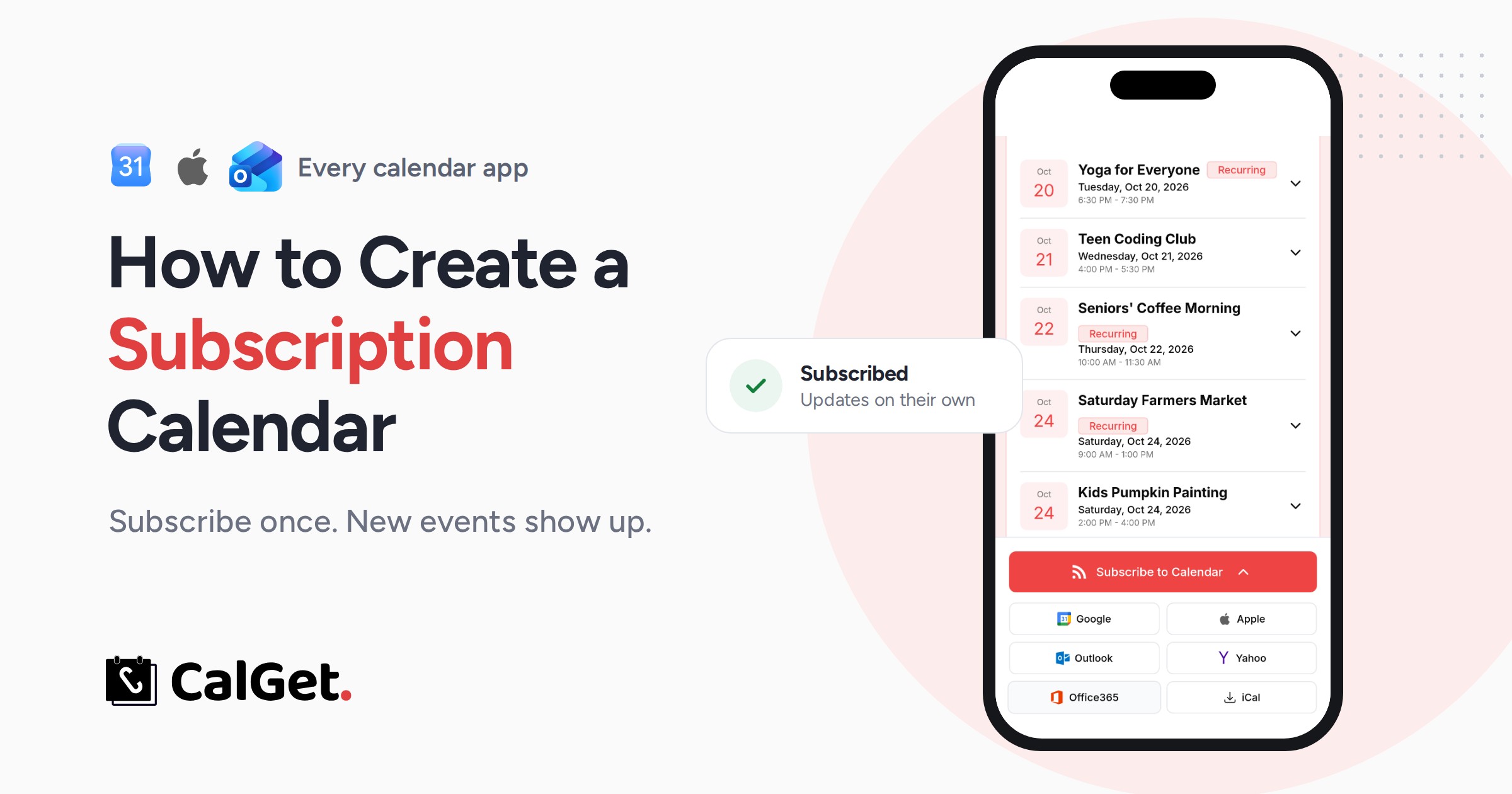
How to Create a Subscription Calendar (Google, Apple, Outlook)
How to create a subscription calendar people can follow in Google Calendar, Apple Calendar or Outlook, the catch with each, and one link for every app.
Monday, October 19th 2026
What Is Webcal? How Webcal Links Work in Every Calendar App
What is webcal? A webcal:// link subscribes you to a calendar instead of downloading it. How it works on iPhone, Android, Windows, Google and Outlook.
Monday, October 19th 2026
How to Share a Google Calendar With People Who Don't Use Google
Share a Google Calendar with people who don't use Google: a public link, an iCal subscription for iPhone and Outlook, or a subscription calendar. Step by step.
Monday, October 19th 2026
How to Send a Calendar Invite to a Large Group (Without Showing Everyone's Email)
Send a calendar invite to a large group without showing everyone's email: hide the guest list in Google Calendar or Outlook, or send an Add to Calendar link.
Monday, October 19th 2026
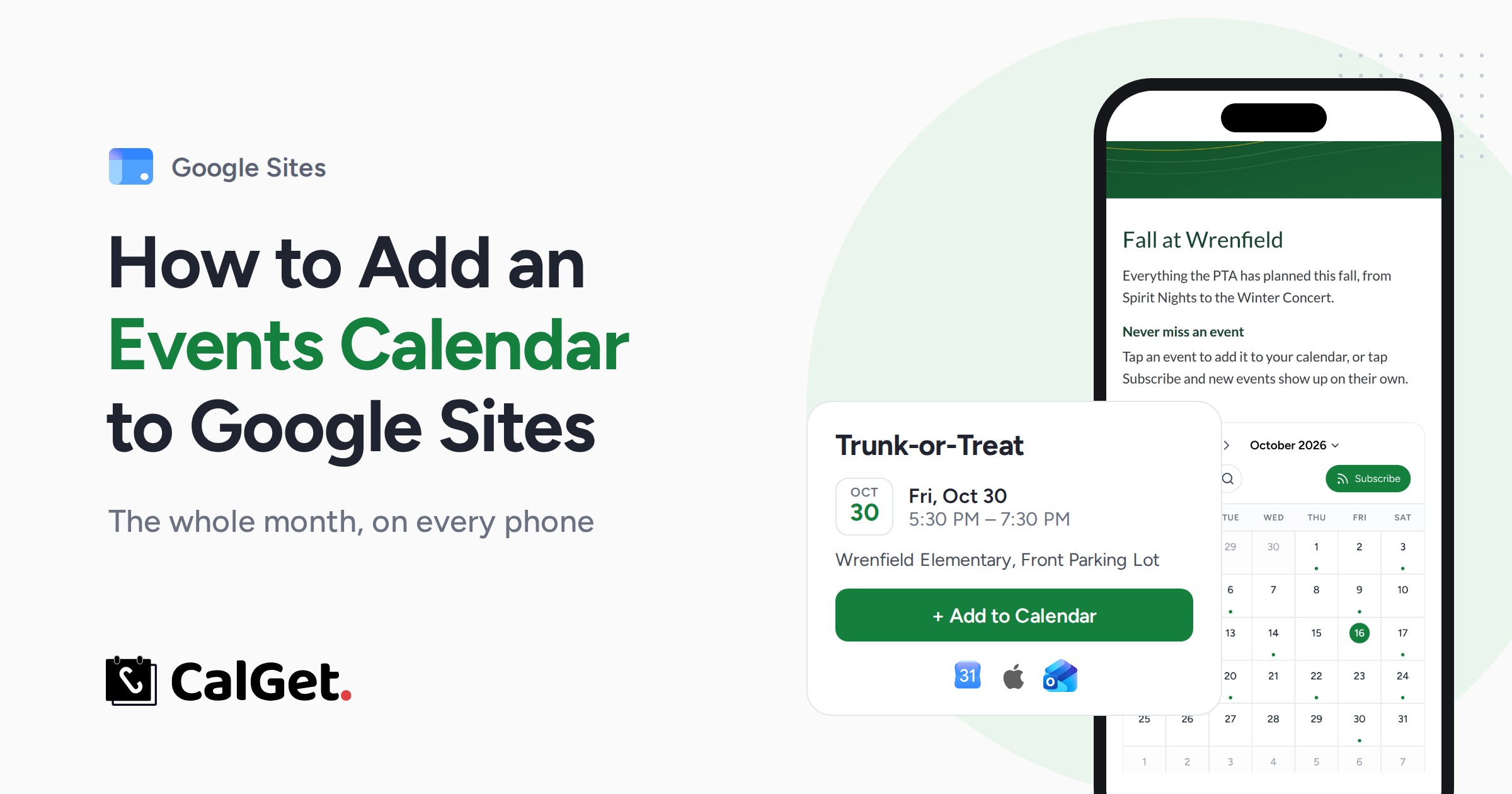
Add an Events Calendar to Google Sites That Fits Phones
Google Sites' Calendar block cuts off titles, needs a public calendar and shrinks to a strip on phones. Add an events calendar that fits phones in 7 steps.
Friday, October 16th 2026
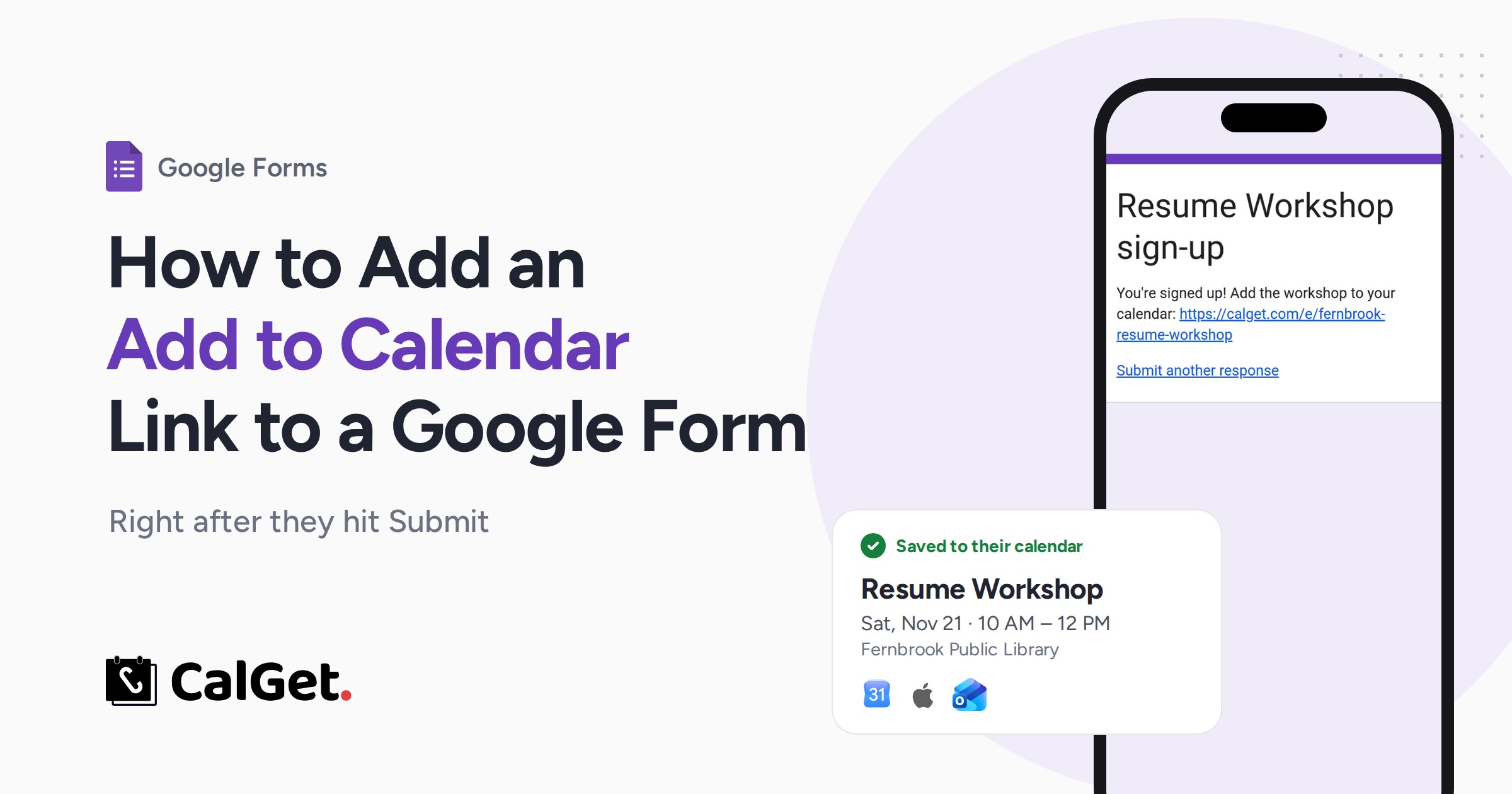
Google Forms Add to Calendar: How to Add the Link (2026)
Google Forms has no add to calendar button. Put one link in the confirmation message and description so sign-ups save your event to Google, Apple or Outlook.
Friday, October 16th 2026
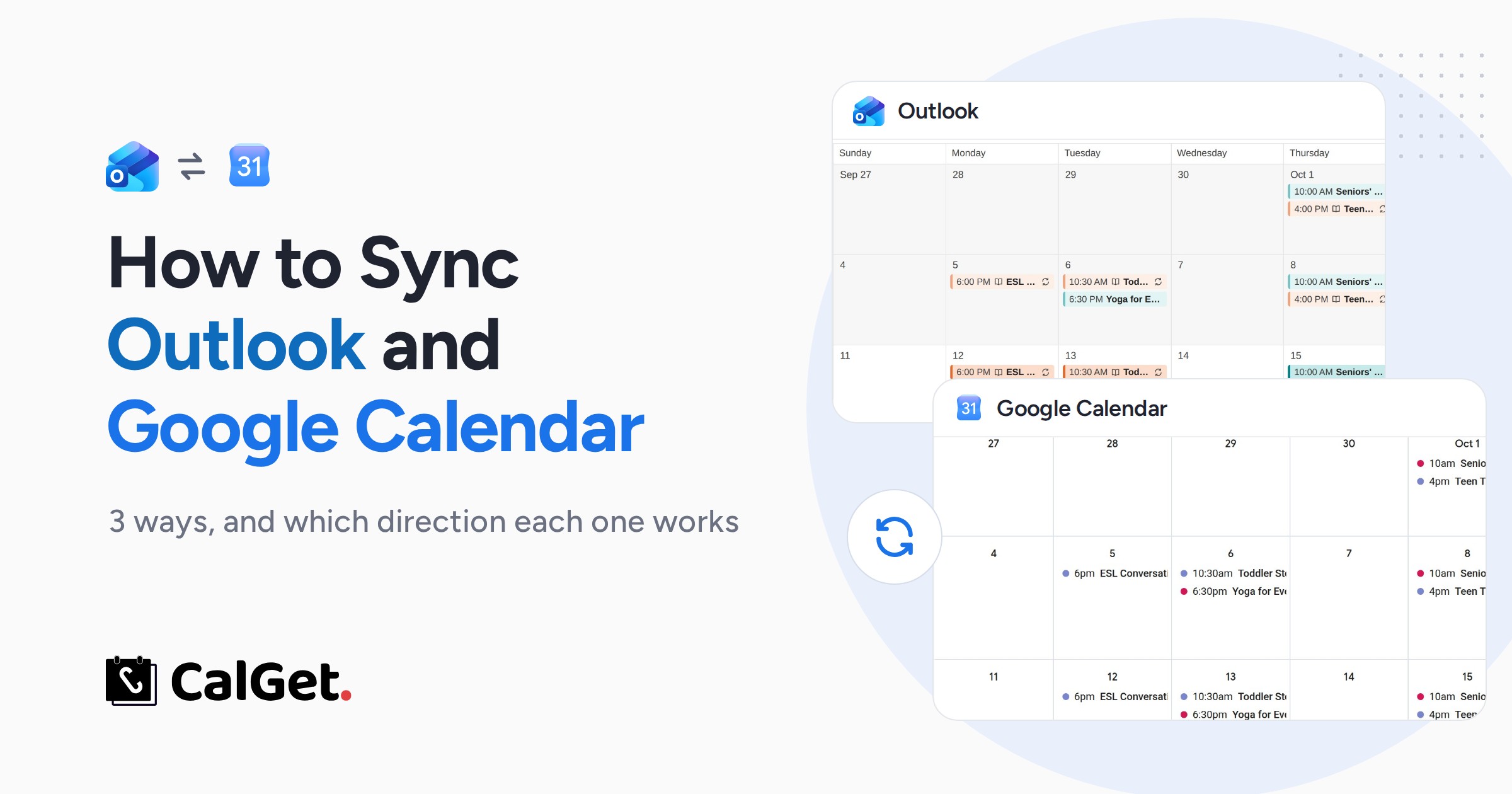
How to Sync Outlook and Google Calendar (3 Ways, 2026)
Sync Outlook and Google Calendar 3 ways: the Outlook app (both ways), Google's secret iCal link, or Outlook's ICS link. Exact steps, refresh times and catches.
Friday, October 16th 2026
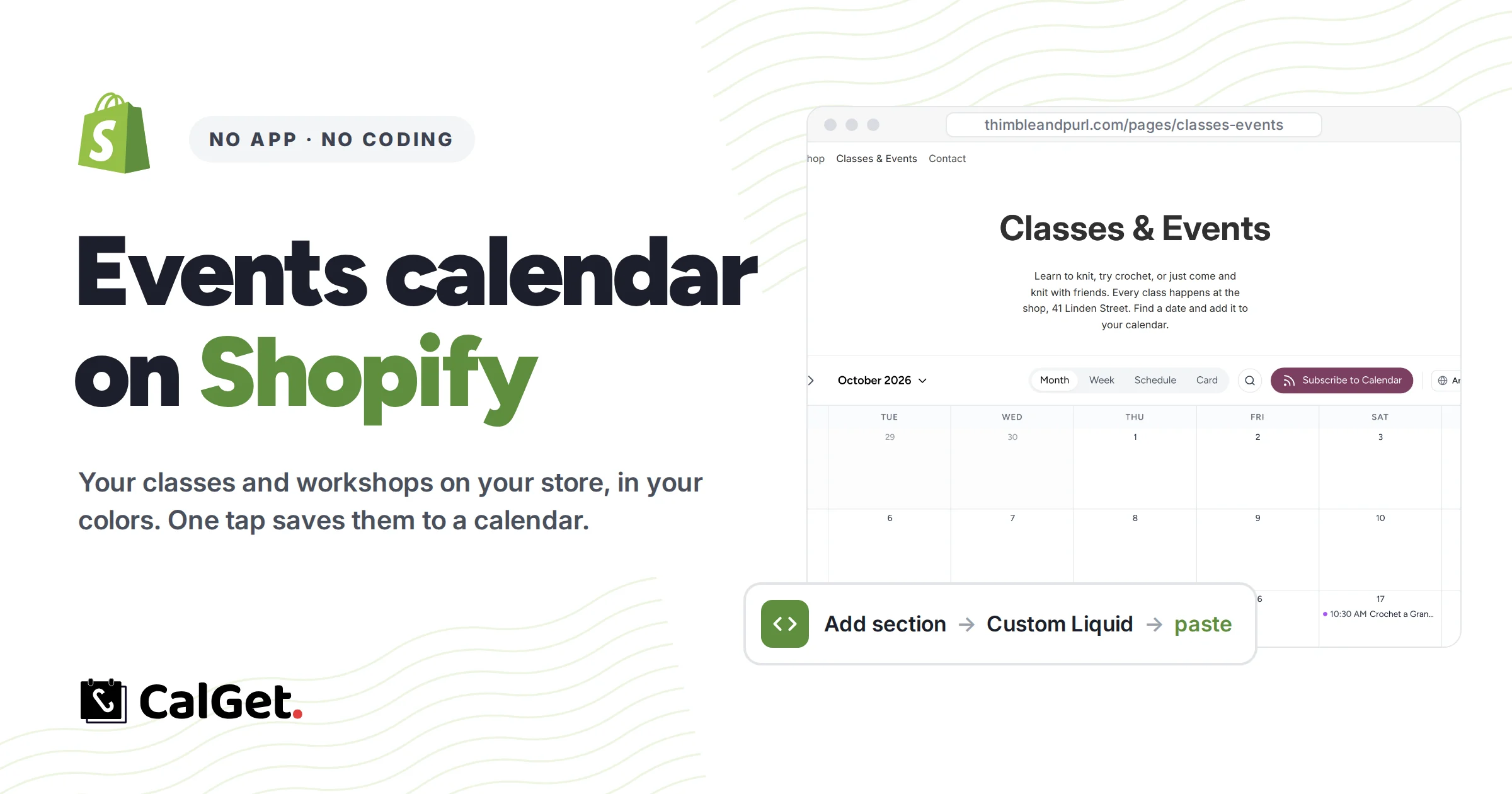
How to Add an Events Calendar to Your Shopify Store (No App)
Add an events calendar to your Shopify store without an app: one Custom Liquid section, your brand colors, and events that update themselves. Step by step.
Thursday, October 15th 2026
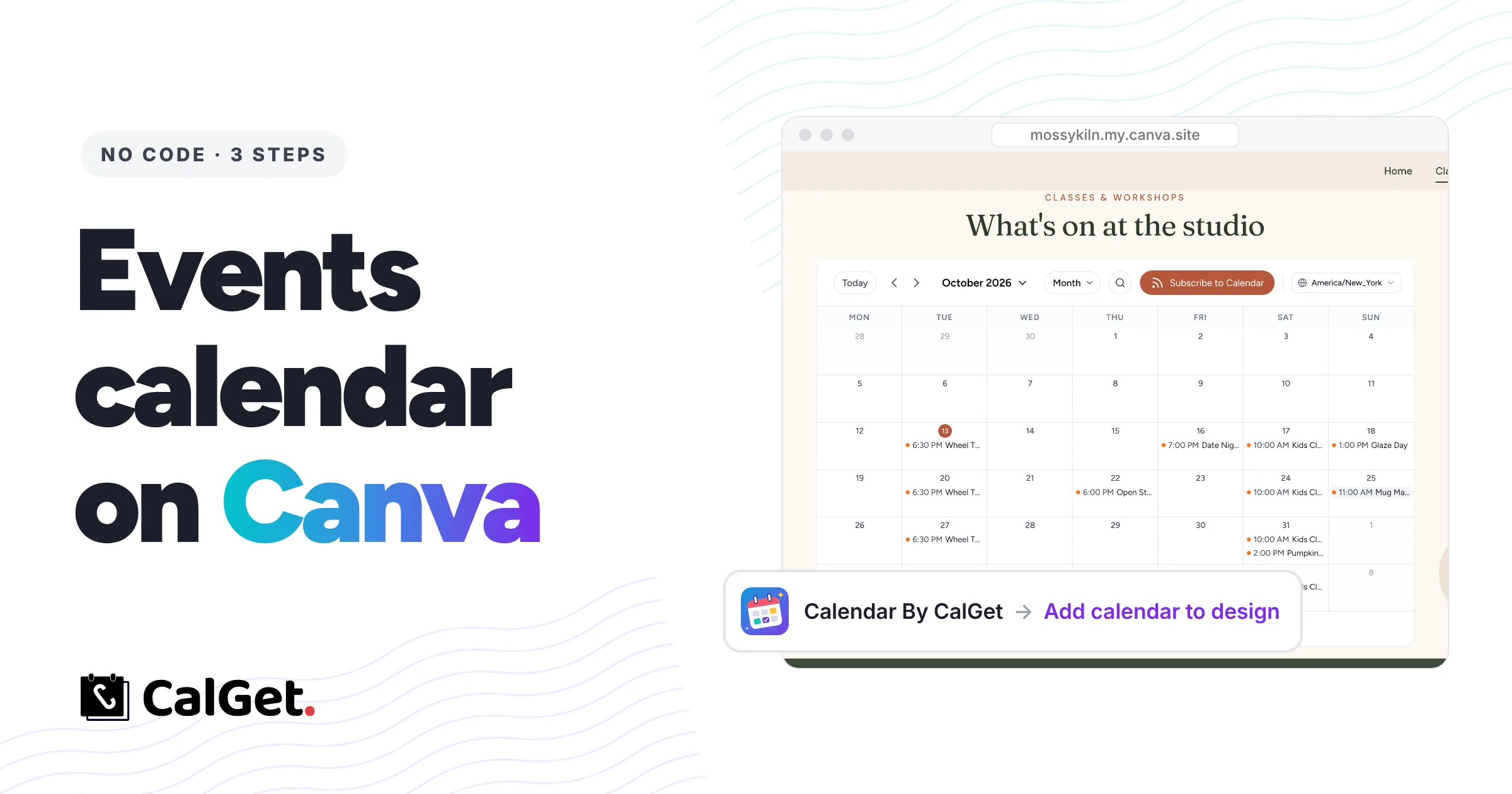
How to Add an Events Calendar to Your Canva Website (2026)
Add a live events calendar to your Canva website with the Calendar By CalGet app: connect, style it in Canva and publish. New events show up by themselves.
Wednesday, October 14th 2026
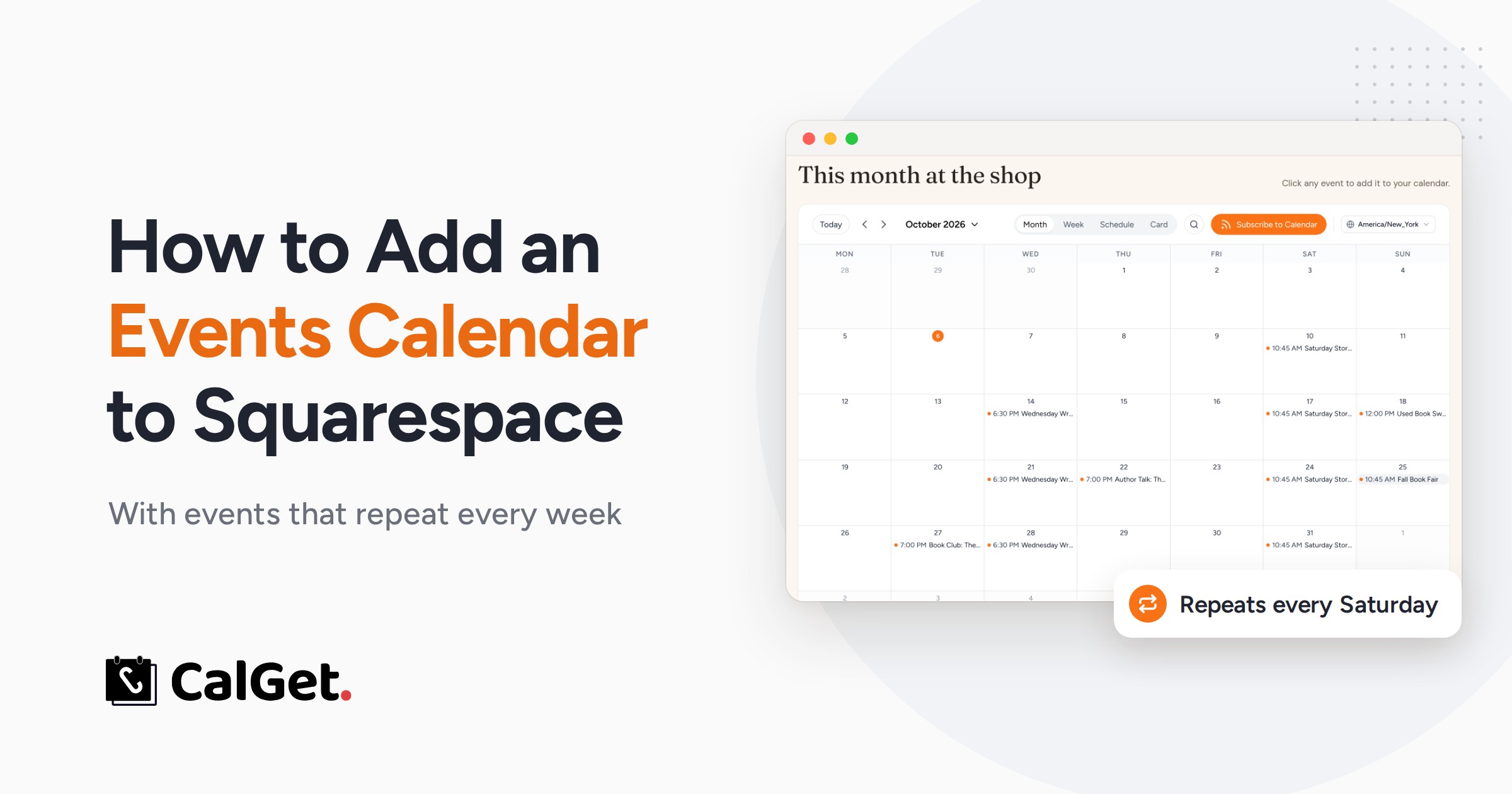
How to Add a Recurring Events Calendar to Squarespace
Squarespace can't repeat events. Here's how to add an events calendar to your Squarespace site where weekly events repeat on their own, in about 10 minutes.
Saturday, October 10th 2026
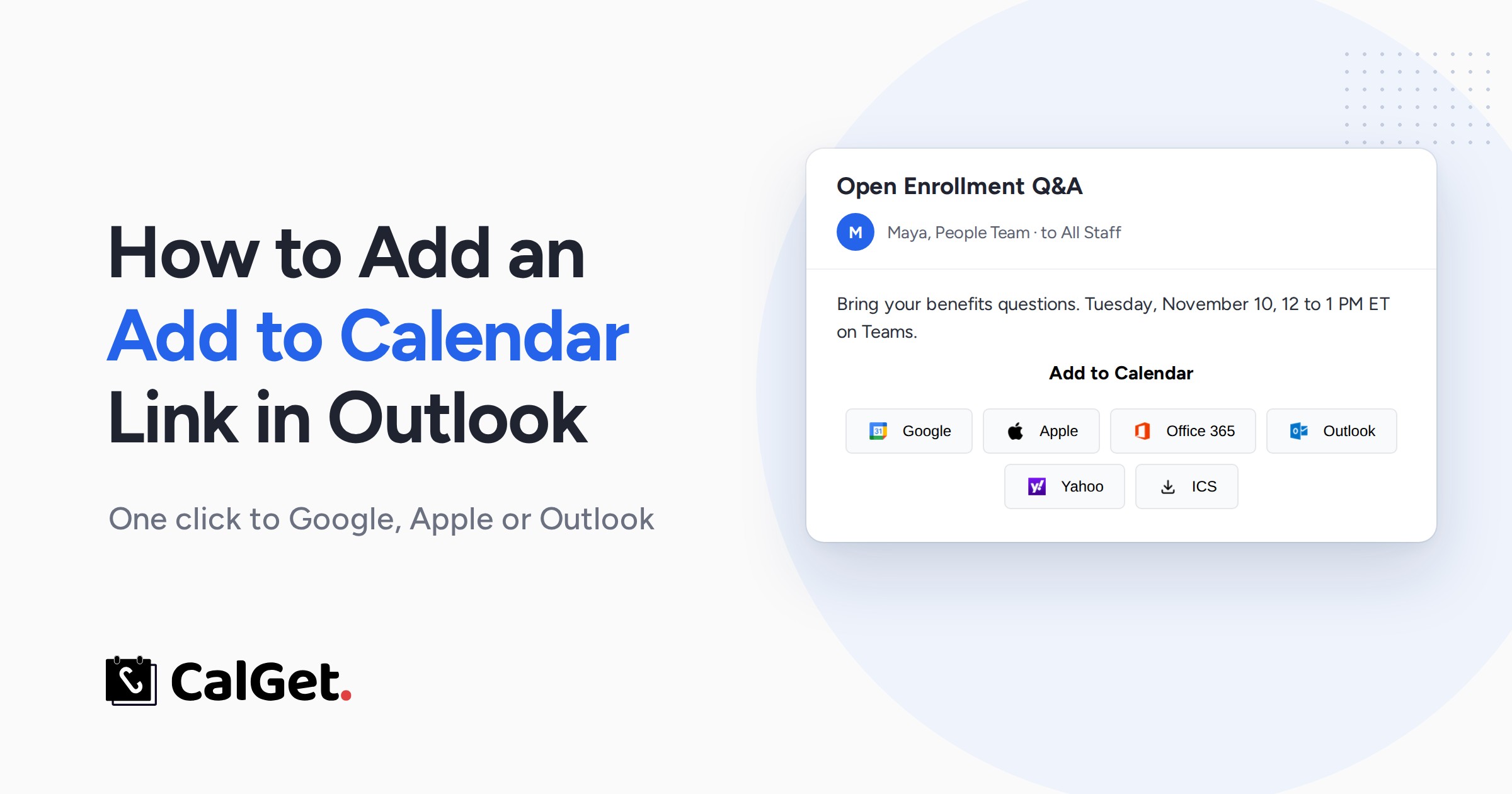
How to Add an Add to Calendar Link in an Outlook Email
Outlook has no Add to Calendar button. Here's how to add one to any Outlook email so people save your event to Google, Apple or Outlook calendars in one click.
Saturday, October 10th 2026
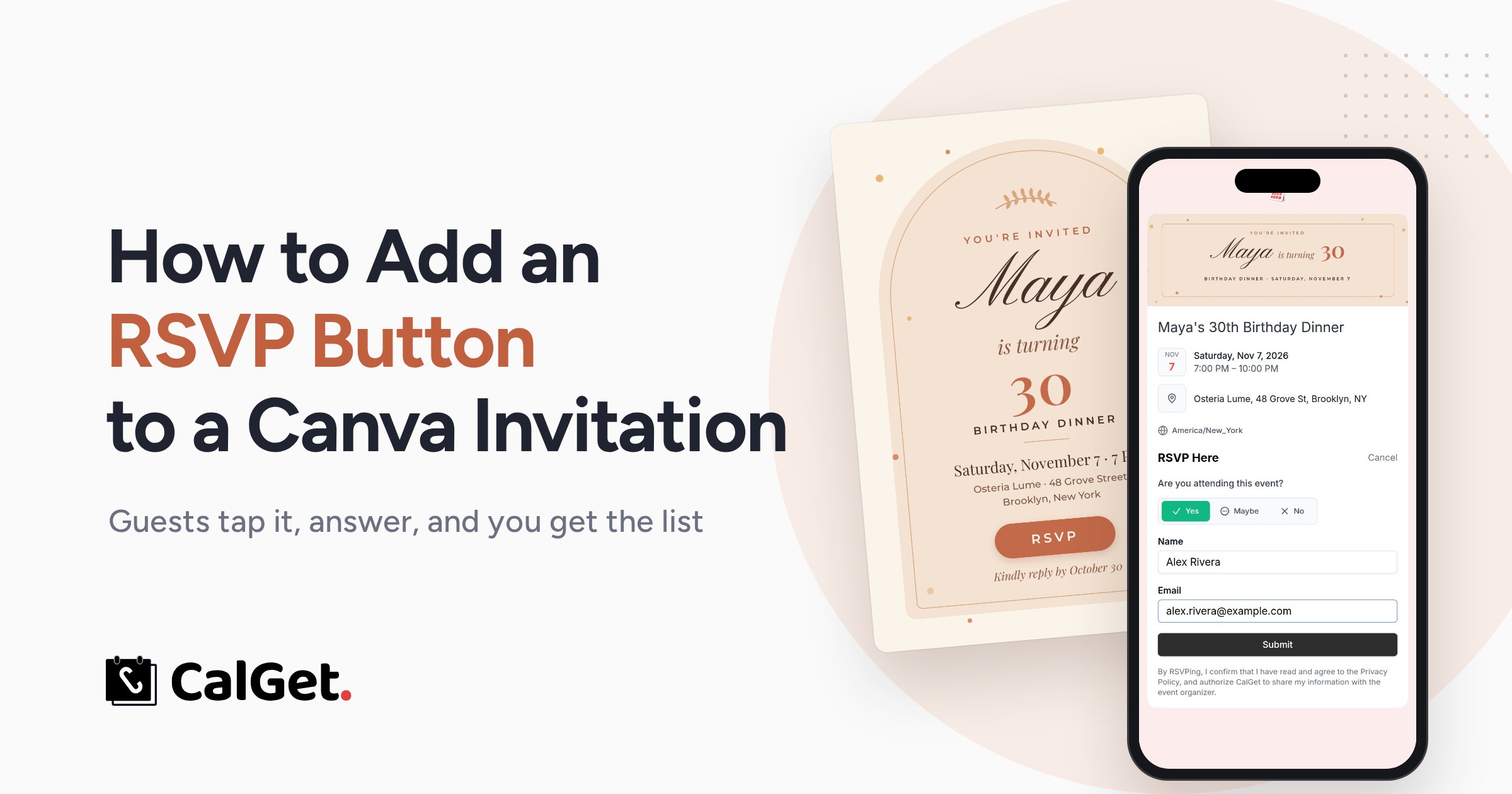
How to Add an RSVP Button to Your Canva Invitation
Canva has no RSVP button. Here's how to add one to your Canva invitation: an RSVP page, a QR code for print, and the PDF setting that keeps it clickable.
Saturday, October 10th 2026
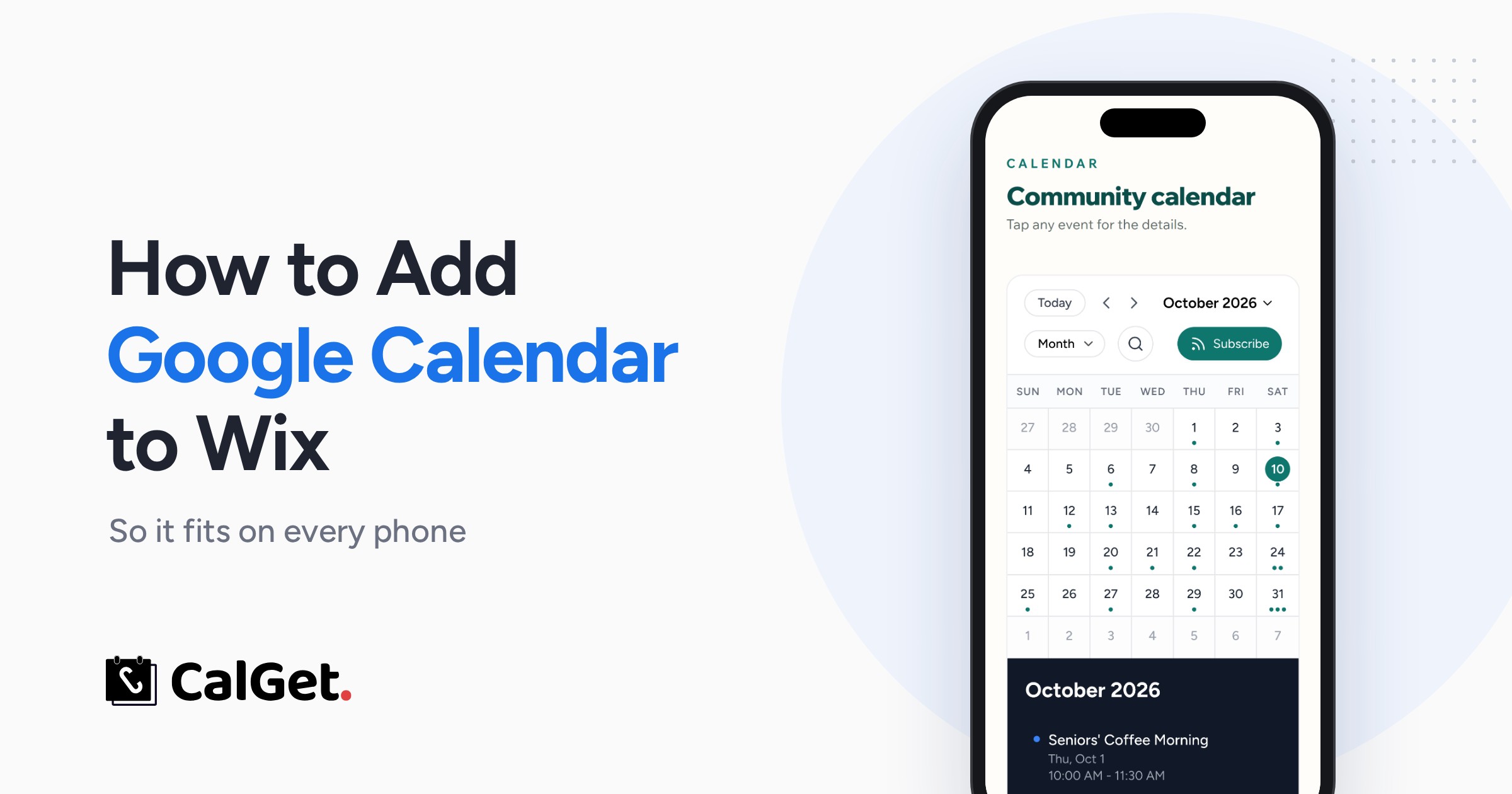
How to Add Google Calendar to Wix (So It Fits on Phones)
Wix retired its Google Calendar app. Here's how to add Google Calendar to Wix, why Google's embed gets cut off on phones, and the fix that fits every screen.
Saturday, October 10th 2026

What Does RSVP Mean? Definition, Etiquette, and How to Respond
A complete reference on the meaning and etiquette of RSVP. The article opens with the direct answer — RSVP is French for "please respond" — then works through the letter-by-letter breakdown, pronunciation, whether it's an acronym or initialism, and its use as an English verb. It covers the term's origins in 1890s high society and explains why the familiar paper reply card was itself a later invention to fix poor response rates. The practical half covers how to reply across six formats, decodes variations like "regrets only" and the "M" line, and gives copy-ready wording for accepting, declining, and canceling.
Thursday, July 23rd 2026
How to Embed Google Calendar in Your Website
Google gives you an iframe. You paste it into your site and, technically, it works. It also looks exactly like someone dropped a tab from Google Calendar into the middle of a page you designed. The colors are wrong, the branding is Google's, and visitors get zero way to subscribe to future events.
Wednesday, April 29th 2026
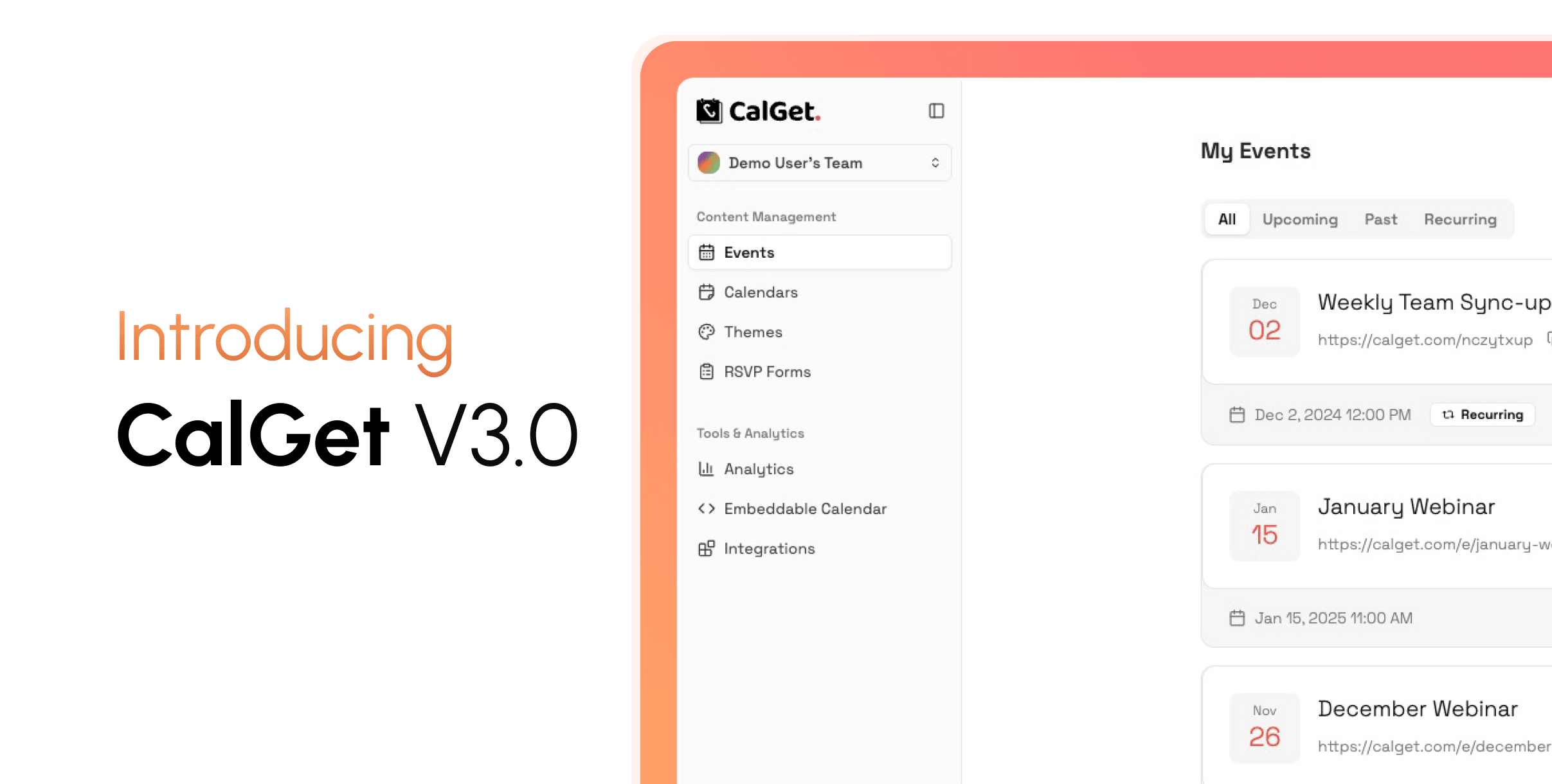
Introducing CalGet V3: Fast, Modern, Powerful
CalGet v3 rebuilds the app from scratch with a cleaner interface that works well on both desktop and mobile. The public event page got a full redesign, with better layout, featured image support, a smoother RSVP flow, and a much higher character limit for event descriptions. The theme system is now genuinely flexible, letting you customize backgrounds, typography, and colors with a live preview as you go. Analytics got a serious upgrade with interactive charts, UTM campaign tracking, device and geography breakdowns, and calendar provider stats. Smaller touches, like a mini calendar on each dashboard card and across-the-board speed improvements, round out a release that feels like a meaningful step forward rather than a routine update.
Tuesday, March 31st 2026
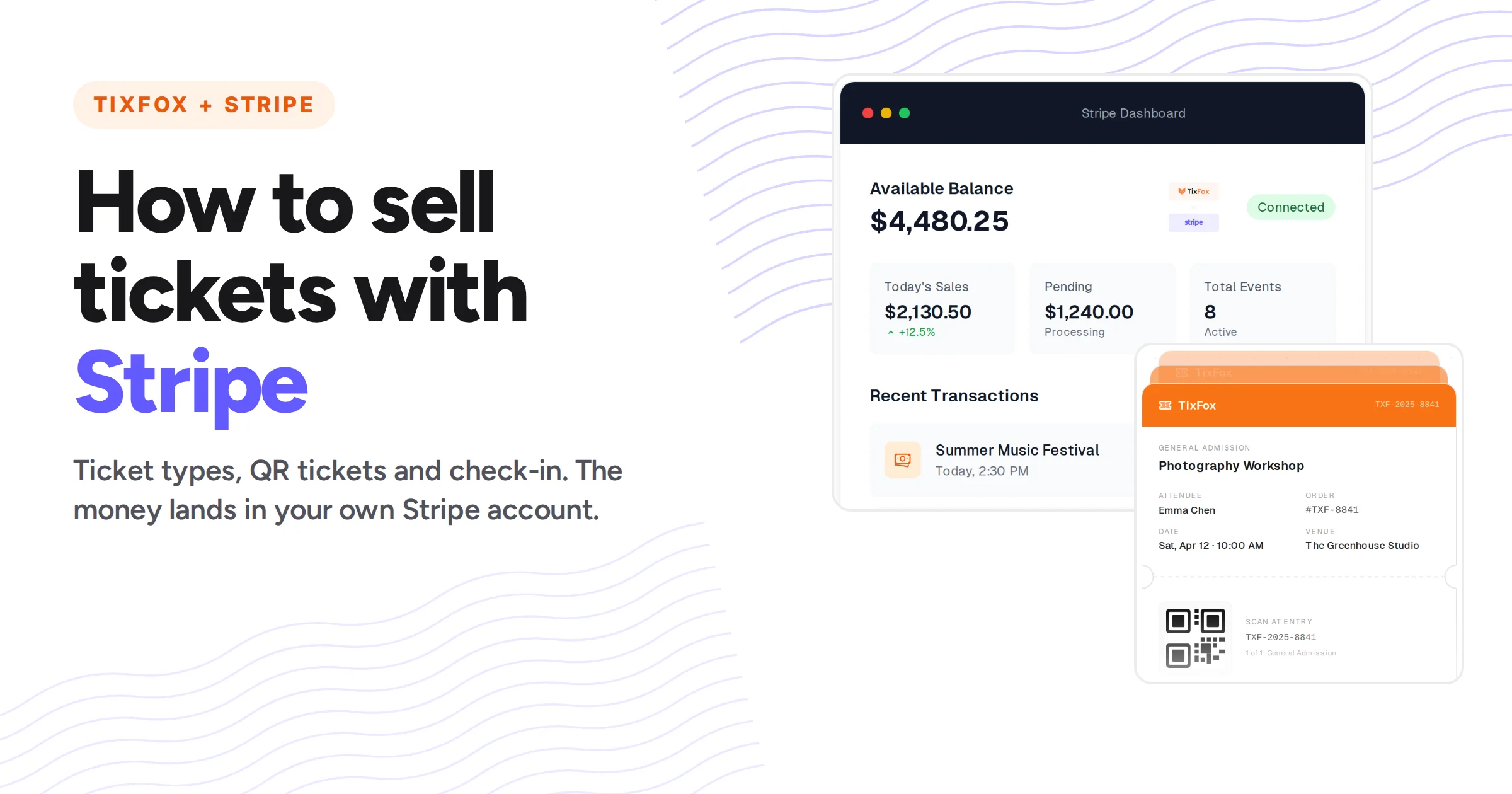
How to Sell Tickets With Stripe: 3 Ways Compared (2026)
Stripe takes payments but doesn't issue tickets. Here are 3 ways to sell tickets with Stripe, what each costs, and how to add QR tickets and check-in with TixFox.
Monday, December 8th 2025

How to Share a Calendar on iPhone With Anyone (iOS 27)
Share your iPhone calendar with family, another iPhone, Android, Google Calendar or Outlook. iOS 27 steps, who can edit, and fixes when it won't show.
Monday, August 25th 2025

10 Best Eventbrite Alternatives (2026): Real Fees Compared
Eventbrite charges $3.45 in fees on a $25 ticket. Compare 10 Eventbrite alternatives with real 2026 fees in $ and £, what each is best for, and how to switch.
Tuesday, May 6th 2025
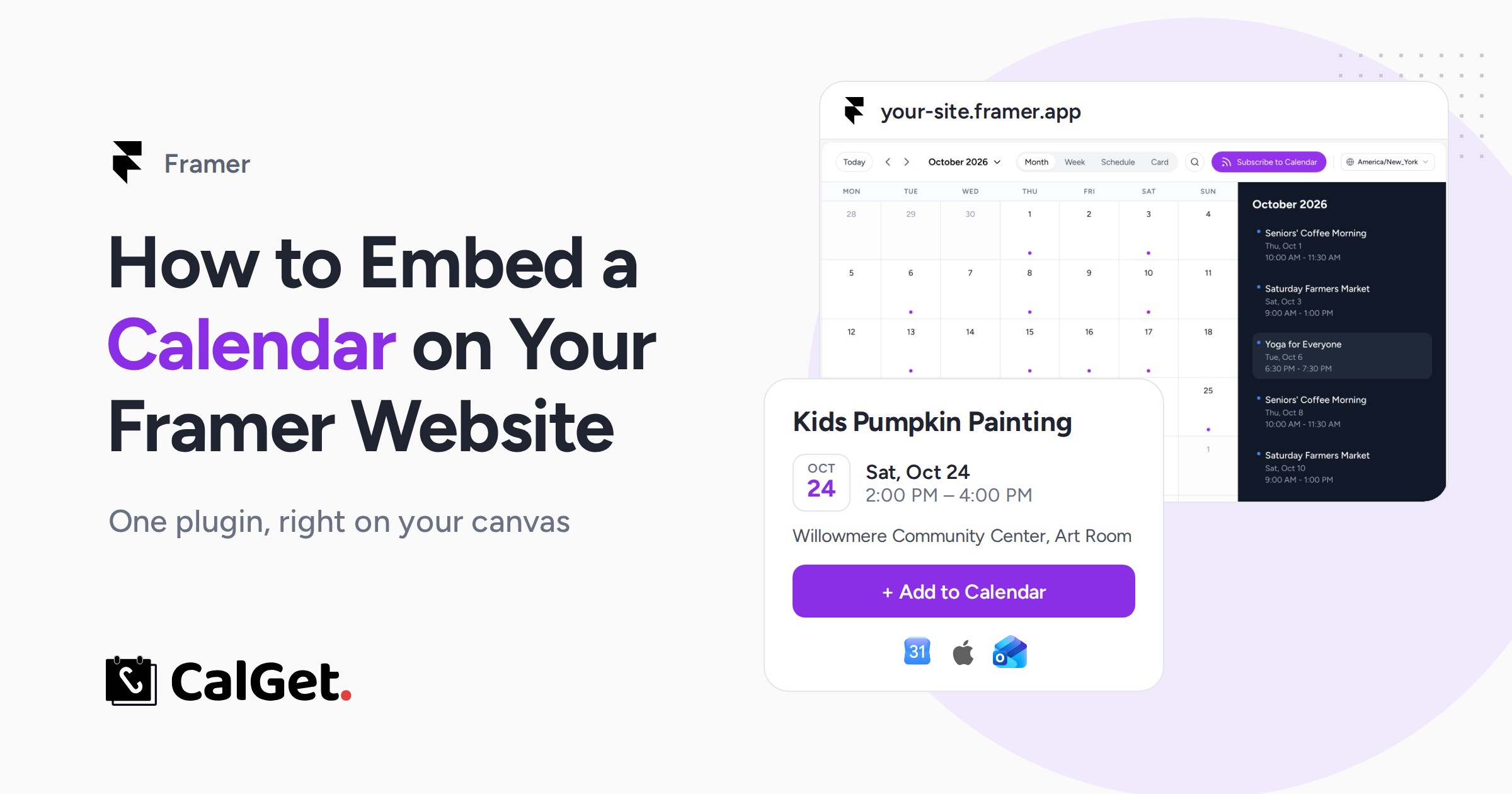
How to Embed a Calendar on Your Framer Website
Add an events calendar to your Framer site with the CalGet plugin: connect, insert, style it on the canvas and publish. Step by step, with a video.
Tuesday, May 6th 2025
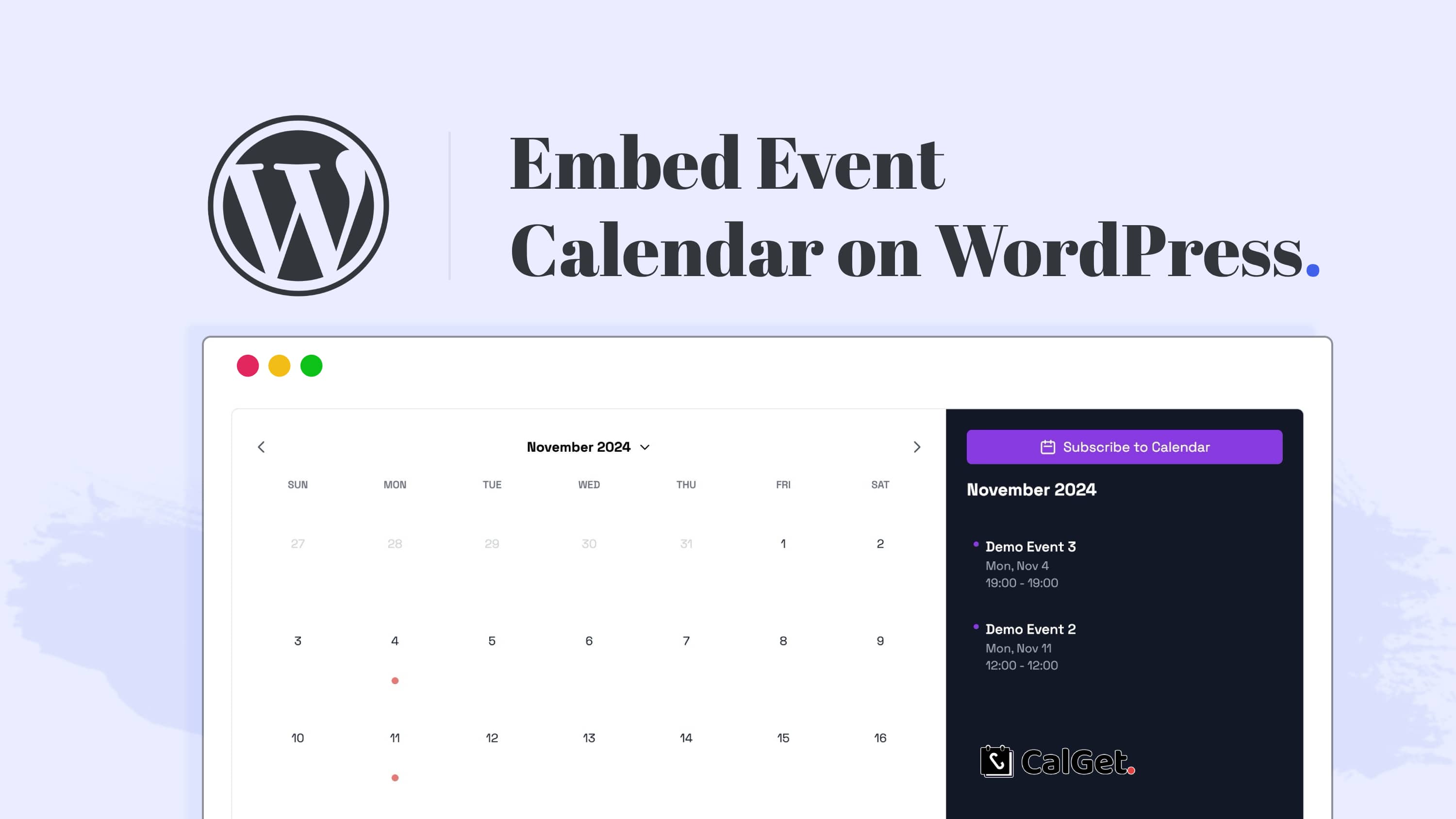
How to Embed a Calendar on Your WordPress Website with CalGet
Adding an event calendar to your WordPress website is an excellent way to keep your visitors engaged and informed about your events, classes, webinars, or product launches. With CalGet’s embeddable calendar, you can seamlessly add an attractive, interactive calendar to your website in just a few steps, without needing extensive technical knowledge. Here’s a comprehensive guide to setting up and embedding CalGet’s event calendar on your WordPress site.
Tuesday, November 12th 2024

How CalGet Revolutionizes Sports Fixture Management with Calendar Subscriptions
In the fast-paced world of sports, staying updated with fixture schedules can be challenging for fans, teams, and organizers alike. A single missed game or scheduling conflict can lead to confusion or missed opportunities to engage with teams and events. CalGet, an innovative tool for calendar event management, simplifies this process by offering a feature-packed platform that lets users subscribe to sports fixtures and get automatic updates. This article dives deep into how CalGet enhances the sports scheduling experience, including specific use cases and benefits for users, with a special focus on the calendar subscription feature.
Friday, November 8th 2024
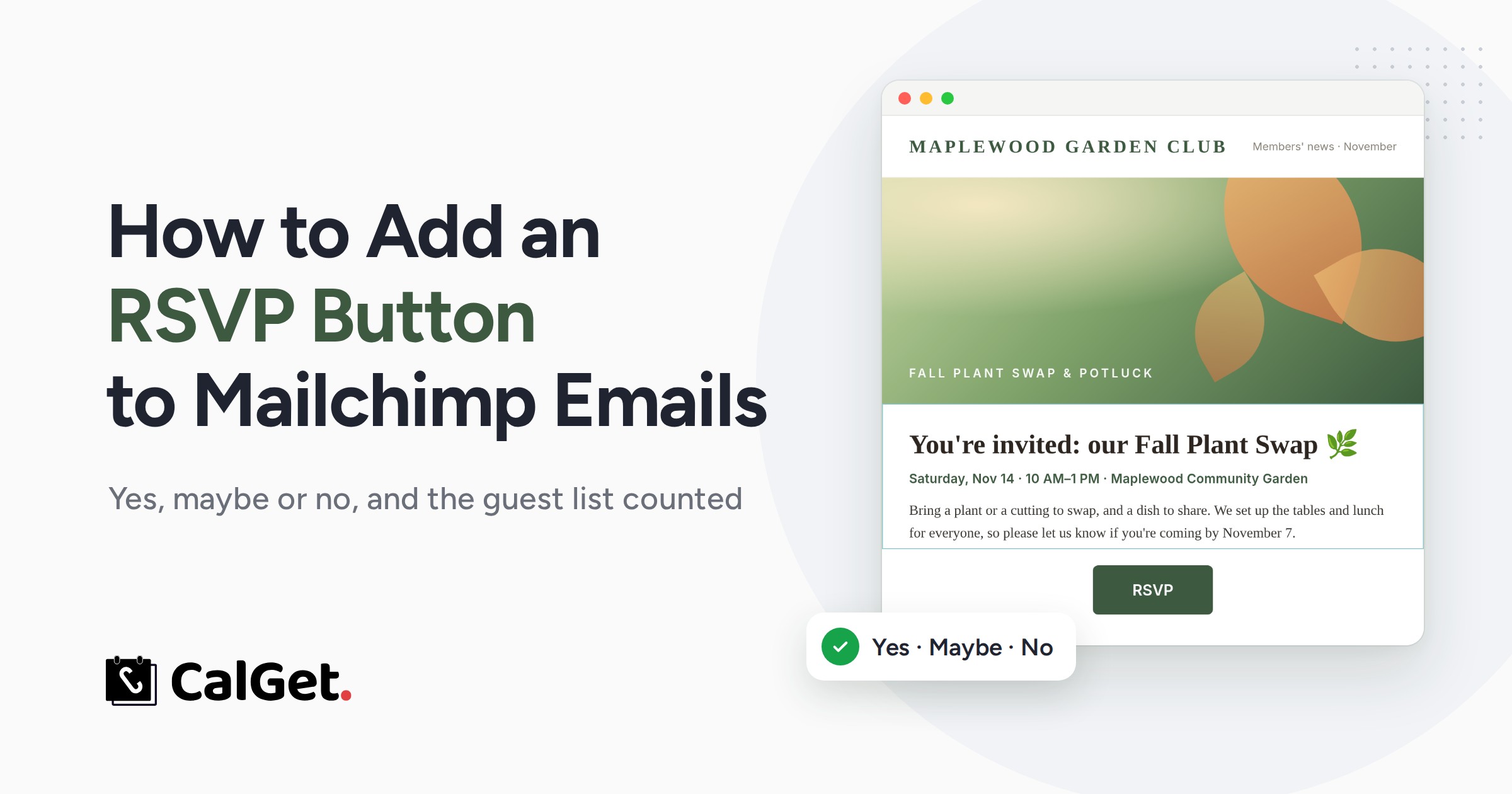
How to Add an RSVP Button to Your Mailchimp Emails (2026)
Mailchimp has no RSVP button. Here's how to add one to any Mailchimp email: Yes, Maybe or No answers, Add to Calendar, and a guest list counted for you.
Thursday, November 7th 2024

Understanding Recurring Events: What They Are and How They Work
In today’s fast-paced world, planning and keeping track of recurring events is essential. From business meetings and classes to personal commitments, recurring events simplify scheduling by automatically repeating on a set schedule. In this blog, we’ll explore what recurring events are, their advantages, and how to set them up efficiently.
Wednesday, November 6th 2024
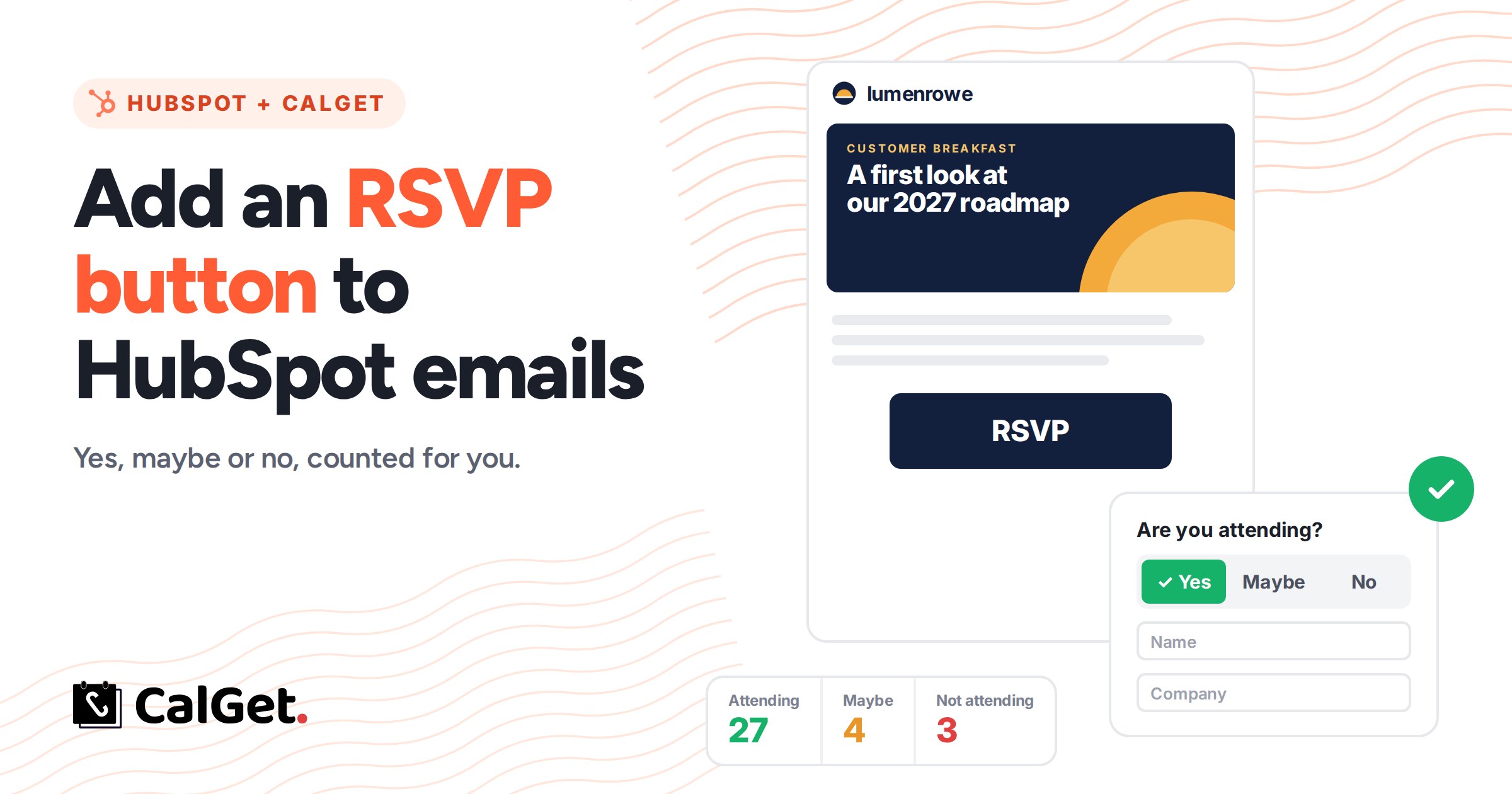
How to Add an RSVP Button to HubSpot Emails (2026)
HubSpot's Button module can't collect RSVPs on its own. Here's how to add a real RSVP button to any HubSpot email: Yes, Maybe or No, your own questions, Add to Calendar, and a guest list counted for you.
Tuesday, November 5th 2024

Best Free RSVP Tool for Seamless Event Management : Why CalGet is Your Best Choice
In today’s digital world, event planning has evolved significantly, with online RSVP tools becoming essential for managing guest lists, tracking attendance, and ensuring that attendees have all event details saved conveniently in their calendars. If you’re looking for a free, reliable RSVP solution, CalGet offers an exceptional tool to streamline your event management process. Here’s a closer look at what makes CalGet a top choice for event organizers everywhere.
Wednesday, October 30th 2024
What is an ICS File? A Guide to Understanding .ics Files and Links for Your Events
In the world of digital calendars, you’ve likely encountered the term “.ics file.” An ICS file, short for iCalendar file, is a common file format used to share event information across various calendar applications. Whether you’re planning a meeting, promoting an event, or simply trying to ensure a date is saved, ICS files offer a standardized way to share event details. However, there’s more to consider regarding their utility, benefits, and potential limitations, especially when compared to newer solutions like “add to calendar” links.
Wednesday, October 30th 2024
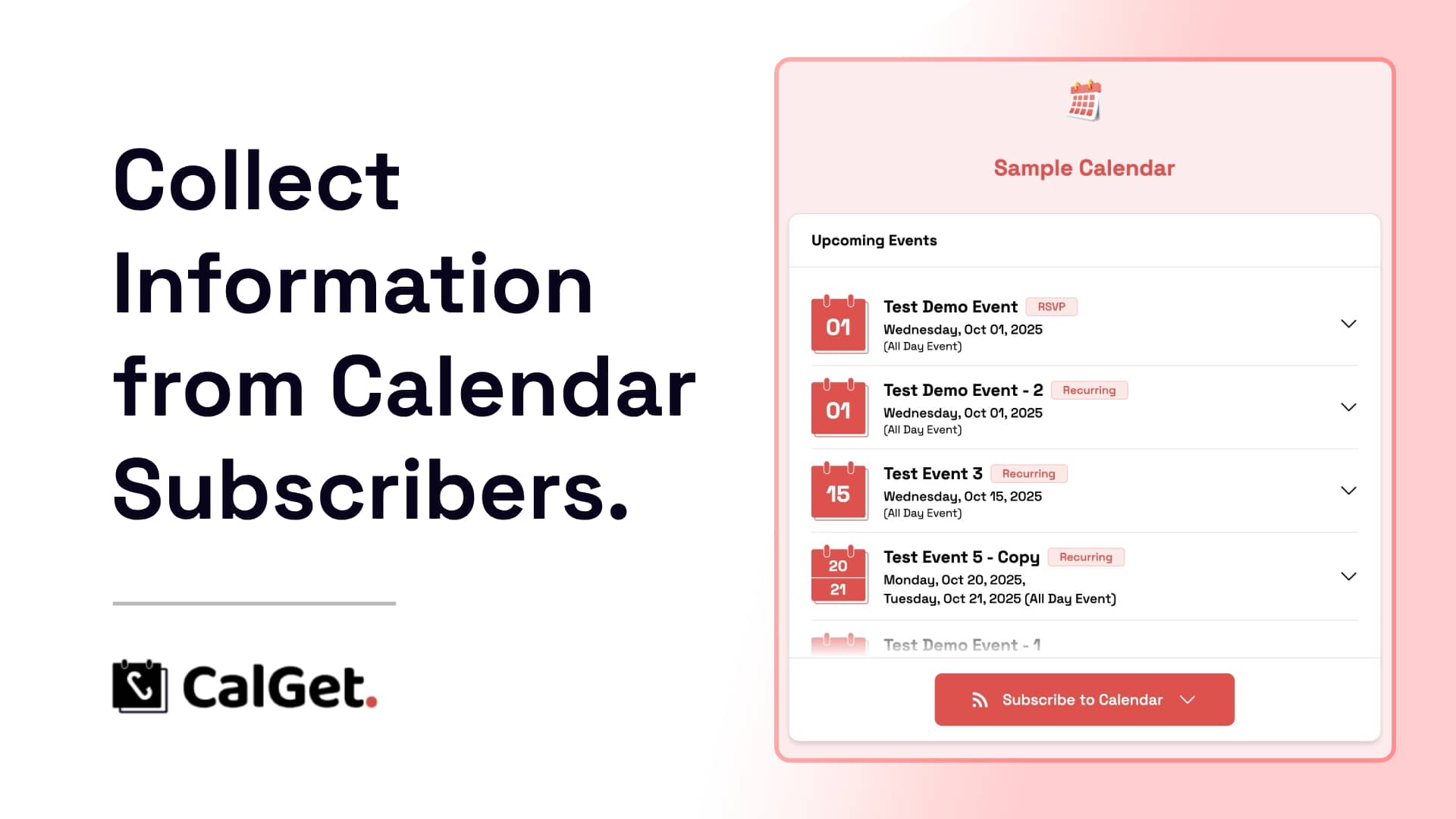
How to Collect Calendar Subscribers’ Information Using CalGet
If you’re planning events, managing a team calendar, or organizing a community, gathering subscriber information is essential to stay informed and connected with your audience. CalGet makes it simple to collect and manage subscriber data. In this blog, we’ll walk you through how to collect calendar subscriber information using CalGet, step by step.
Thursday, October 24th 2024

What is an Add to Calendar Link?
In today’s fast-paced digital world, where events, meetings, webinars, and gatherings fill up our schedules, missing an important date is easier than ever. To help avoid these missed opportunities, many organizations and event planners have turned to a simple yet powerful tool: the "Add to Calendar" link. But what exactly is this feature, and how can it benefit you? Let's dive in.
Friday, October 4th 2024
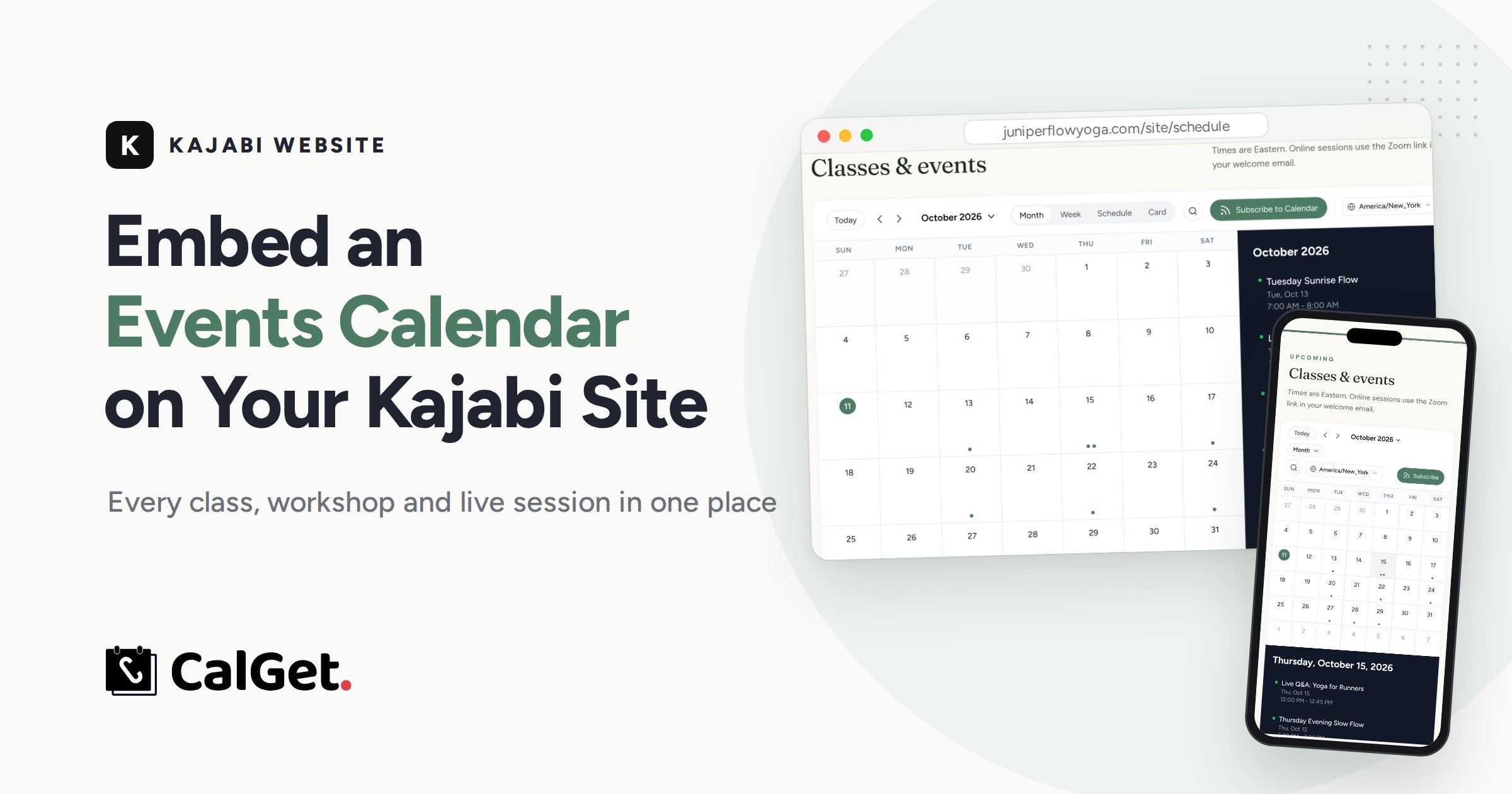
How to Embed an Events Calendar on Kajabi (2026 Guide)
Kajabi's Event block shows one event. Here's how to embed a full events calendar on your Kajabi website with a Custom Code block, step by step, in your colors and on every phone.
Thursday, September 5th 2024
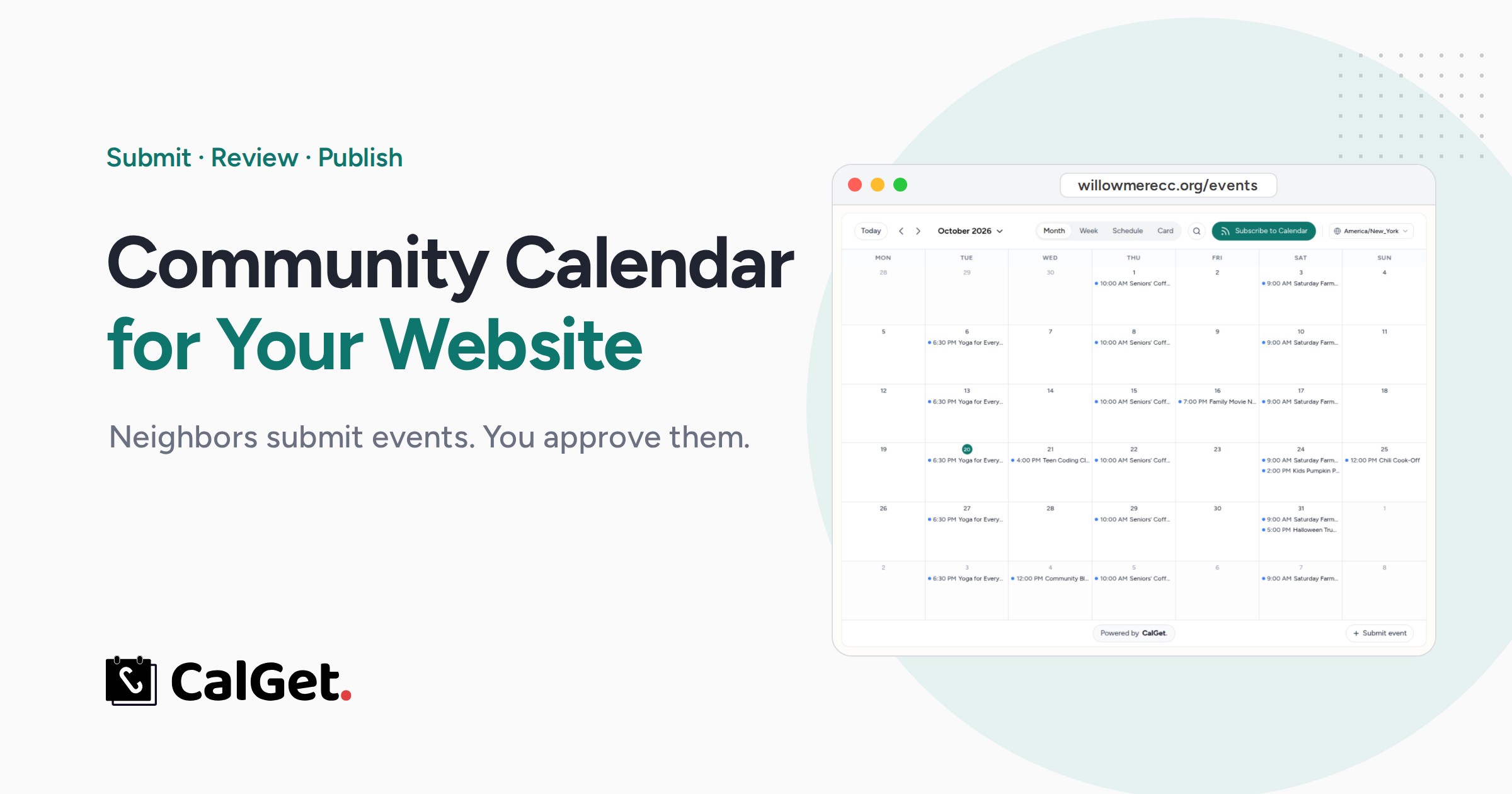
Community Calendar for Your Website, With Event Submissions
How to create a community calendar for your website where neighbors submit events and you approve them first. Real steps, screenshots and submission rules.
Monday, September 2nd 2024
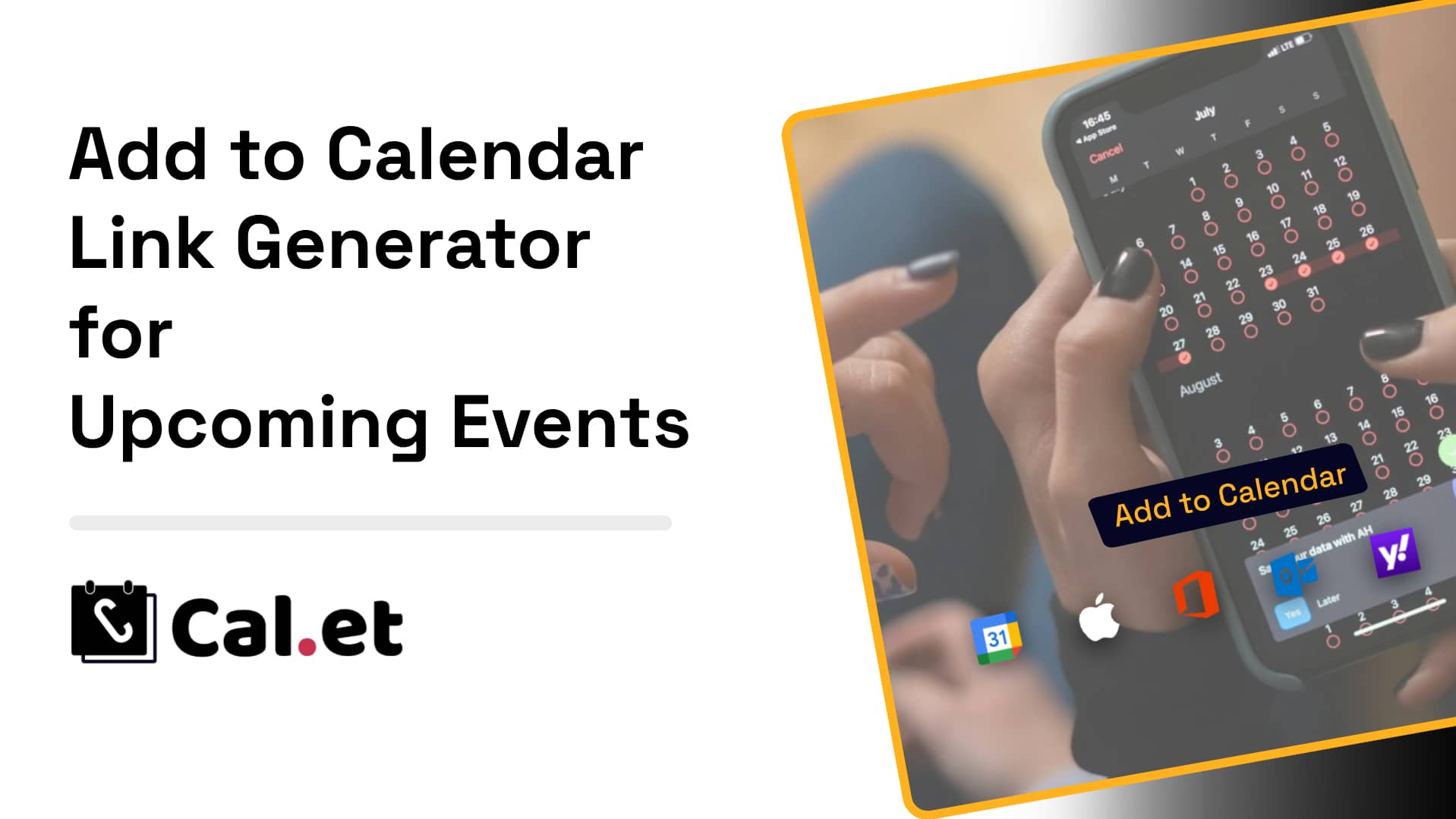
Add to Calendar Link Generator for Upcoming Events: A Comprehensive Guide
In today’s fast-paced digital landscape, staying organized and ensuring that your audience never misses an event is crucial. Whether you’re hosting a corporate seminar, a webinar, a virtual conference, or a personal event like a wedding, the ability to easily share event details is key to maximizing attendance. One of the most effective ways to achieve this is by using an “Add to Calendar” link generator. This guide will walk you through everything you need to know about creating and utilizing “Add to Calendar” links for your upcoming events.
Tuesday, August 13th 2024

How to Create a 'Save the Date' with RSVP Option for Your Wedding: A Step-by-Step Guide
Planning a wedding involves countless details, but one of the first and most crucial steps is letting your guests know the big day is coming. A "Save the Date" with an RSVP option is a powerful way to make sure your guests can mark their calendars and confirm their attendance early on. In this guide, we'll walk you through the process of creating a "Save the Date" with an RSVP option using CalGet, a user-friendly tool designed to simplify event management.
Friday, August 9th 2024

Boost Event Attendance with CalGet’s Custom RSVP Forms and Add-to-Calendar Links
Planning an event often involves gathering crucial information from attendees, and with CalGet’s new custom RSVP form feature, you can now collect all the details you need seamlessly. This powerful tool goes beyond basic RSVP forms, allowing you to customize fields to gather specific information, enhancing your event planning and attendee management.
Tuesday, July 16th 2024

How to Easily Generate RRULE for Recurring Events with CalGet
If you're managing events or scheduling tasks, understanding and utilizing RRULE (Recurrence Rule) can significantly streamline your process. RRULE is a powerful tool that allows you to define complex recurrence patterns for calendar events. This guide will explain what RRULE is and how to generate it using CalGet’s RRULE Generator.
Friday, June 28th 2024
How to Add an “Add to Calendar” Button to Your Framer Website
Adding an "Add to Calendar" button to your Framer website can significantly improve user engagement by allowing visitors to effortlessly save events to their personal calendars. Here’s a detailed guide on how to integrate this feature using CalGet:
Friday, June 28th 2024

ECAL Alternative: Exploring CalGet as a Robust Event Management Tool
When it comes to managing events, ensuring that your guests can easily add them to their calendars is crucial. eCal.com has been a popular choice for this purpose, offering a range of features to create and share calendar events. However, if you’re looking for an alternative that is equally robust and user-friendly, CalGet stands out as an excellent option. Let’s delve into how CalGet can serve as a powerful alternative to eCal.com.
Thursday, June 27th 2024

Print vs. Digital Invitations: Which is Right for Your Event?
When planning an event, one of the first decisions you'll make is how to invite your guests. In today's digital age, you have the choice between traditional print invitations and modern digital invitations. Each option comes with its own set of advantages and considerations. This blog will explore the pros and cons of print and digital invitations to help you determine which is best for your event.
Wednesday, June 26th 2024

How to Add an “Add to Calendar” Link on Salesforce Marketing Cloud
Adding an “Add to Calendar” link to your Salesforce Marketing Cloud emails can significantly enhance your campaign’s engagement by making it convenient for recipients to save event dates directly into their calendars. Here’s a straightforward guide to incorporating this feature into your emails using a tool like CalGet.
Monday, June 17th 2024
How to Add an "Add to Calendar" Link to Your Canva Designs
Add an add to calendar link to any Canva design: link your button to a CalGet event, download as PDF Standard, and add a QR code for print. Step by step.
Saturday, June 15th 2024

Add to Calendar Button - Free - 2024: Boost Your Event Attendance Effortlessly
Are you looking for a hassle-free way to boost event attendance and ensure your guests never miss an important date?
Tuesday, June 11th 2024

CalGet vs ECAL.com - The Best Event Management Tool for Your Needs
Choosing the right tool to manage and share your events can be a game-changer for engagement and operational ease. In this comparison between CalGet (eCal.com, AddEvent Alternative) and ECAL.com, we dive deeper into their functionalities, aiming to help you decide which platform best suits your needs without overwhelming you with jargon or complexity.
Friday, June 7th 2024
How to Import ICS Files and Events into Google Calendar
Importing ICS files into Google Calendar can streamline your event management. Follow these simple steps:
Tuesday, June 4th 2024

How to Include "Add to Calendar" Links on Jotform
Integrating "Add to Calendar" links into your Jotform submissions can make it easier for your users to save events directly to their calendars. This guide will show you how to do it using CalGet, a simple and user-friendly tool.
Monday, June 3rd 2024

AI Powered "Add To Calendar Link" Generator
Easily create calendar links with the AI Calendar Link Generator. Type your event details, and get links compatible with Google, Apple, Outlook, Yahoo, and Office365. Includes ICS files, embeddable HTML, and QR codes for easy sharing. Free and simple to use!
Wednesday, May 22nd 2024
How to Include Add to Calendar Links on Constant Contact
Are you looking to make it easier for your email recipients to save your event details directly to their calendars? Adding "Add to Calendar" links in your Constant Contact emails can significantly boost engagement and participation in your events. Here’s a step-by-step guide to help you do just that using CalGet.
Wednesday, May 22nd 2024
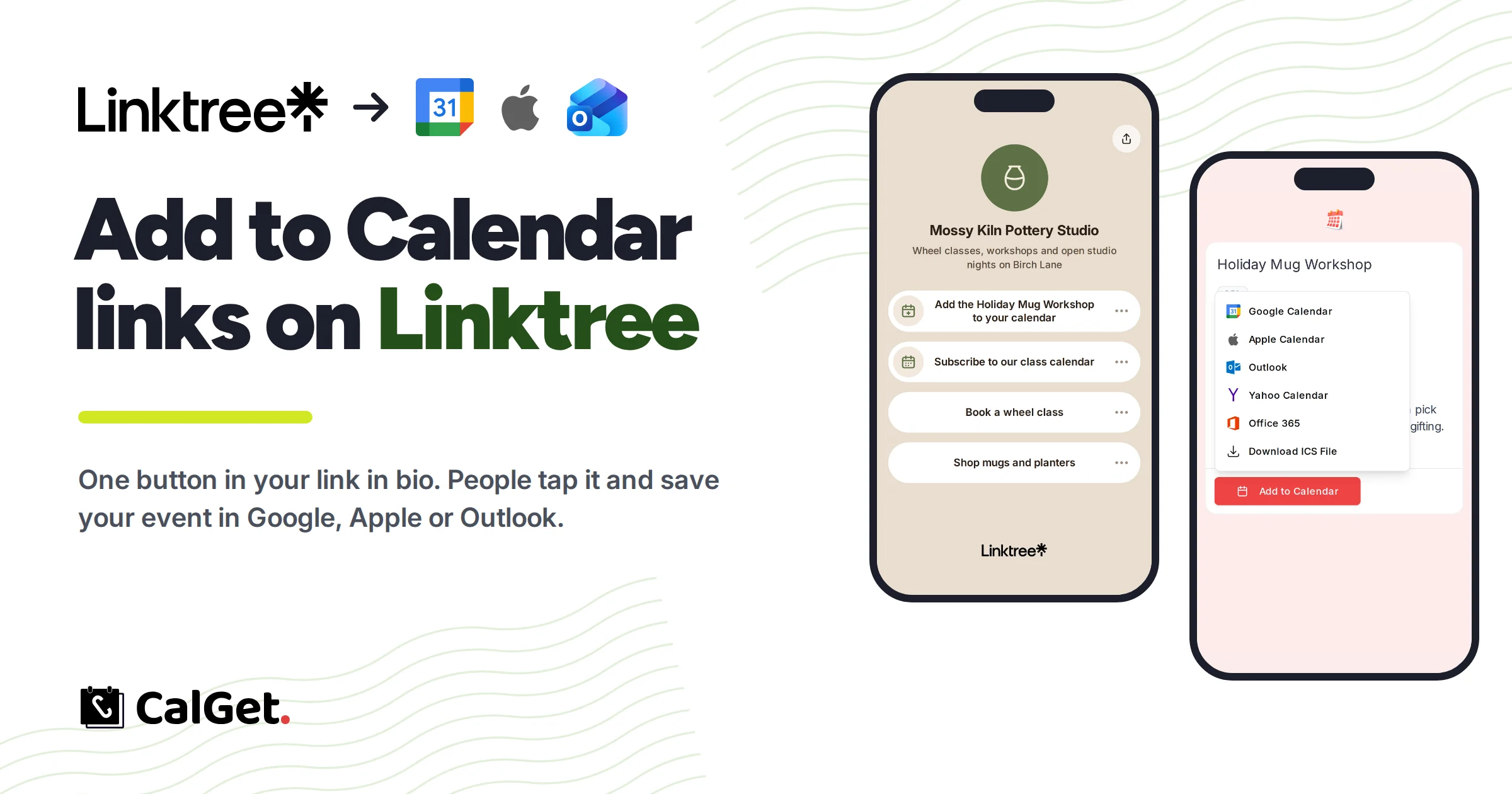
How to Add Add to Calendar Links on Linktree (2026)
Linktree has no add to calendar button. Here's the fix: make a CalGet event link, add it with + Add, and followers save it to Google, Apple or Outlook.
Tuesday, May 21st 2024

How to Easily Create a Calendar Event Collection with CalGet
Keeping your audience updated with all your events can be a hassle, especially if you have multiple dates and activities to share. Enter CalGet's Calendar Event Collection feature – a game-changer for effortlessly sharing and managing your events.
Monday, May 20th 2024

How to Generate iCal Files Using CalGet
If you're looking to streamline event sharing and ensure your guests never miss a date, understanding iCal files and how to generate them is essential. Let's dive into what iCal is and how you can easily create one using CalGet.
Monday, May 20th 2024

How to Create an Add to Calendar Link for Easy Event Management
Managing online events can be a hassle, but adding an "Add to Calendar" link can simplify things for your attendees. This blog will walk you through the process of using CalGet to create these links effortlessly.
Saturday, May 18th 2024

Online Event Planning for Beginners - CalGet
Planning an online event can seem daunting, especially if you're new to the process. But don't worry—this guide will walk you through the basics and show you how to use CalGet to make your event planning a breeze.
Thursday, May 16th 2024

Boost Your Event Planning with CalGet’s RSVP and Calendar Integration
Planning an event can be overwhelming, but with CalGet, it doesn't have to be. This handy tool allows you to generate shareable links that let your attendees add events directly to their Google or Apple calendars. Plus, with the RSVP option, you can easily keep track of who's coming.
Thursday, May 16th 2024
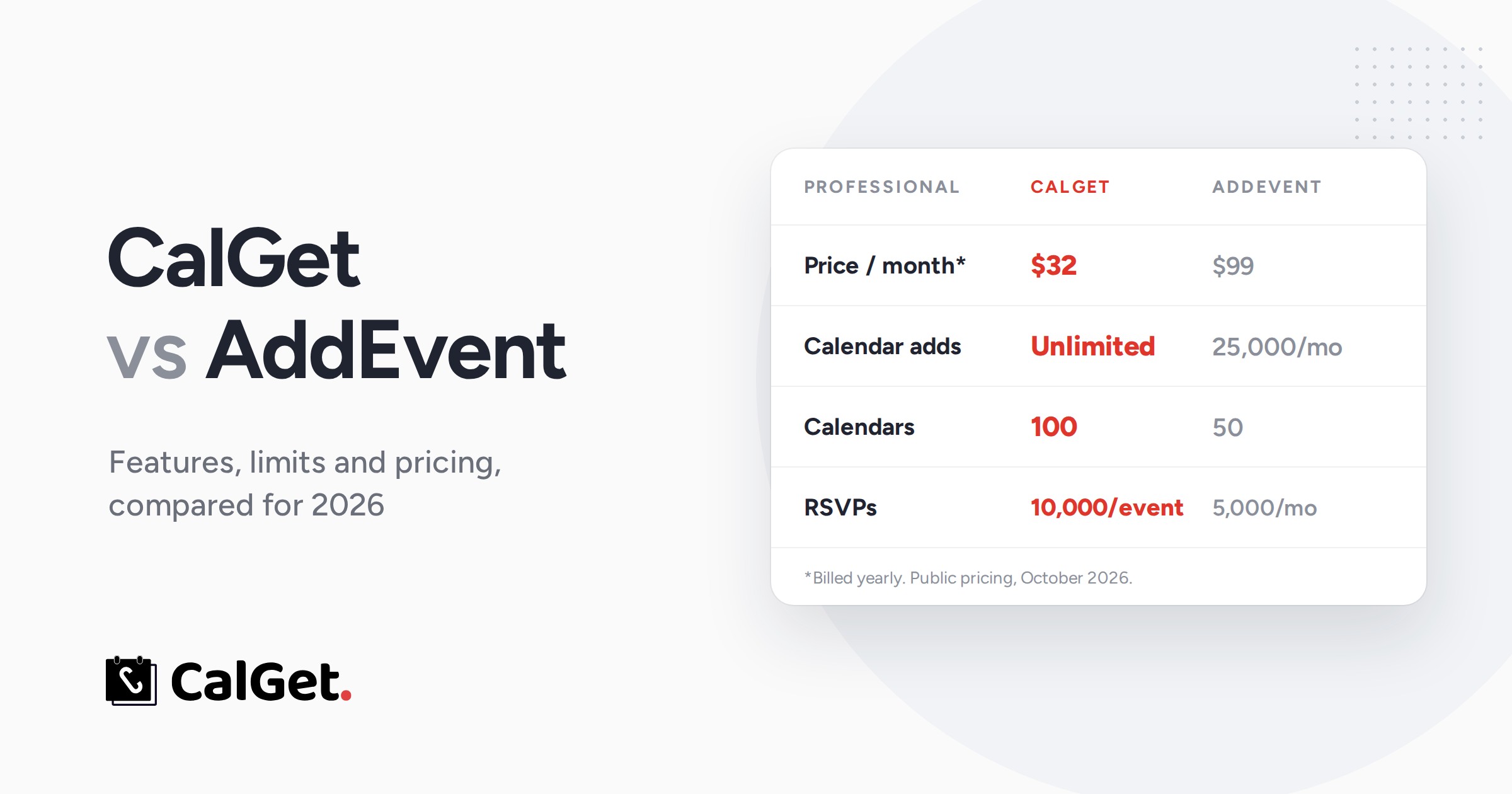
CalGet vs AddEvent: Features and Pricing Compared (2026)
CalGet vs AddEvent, plan by plan: CalGet Professional is $32/month with unlimited calendar adds vs $99 on AddEvent, and CalGet counts limits per event.
Thursday, May 16th 2024
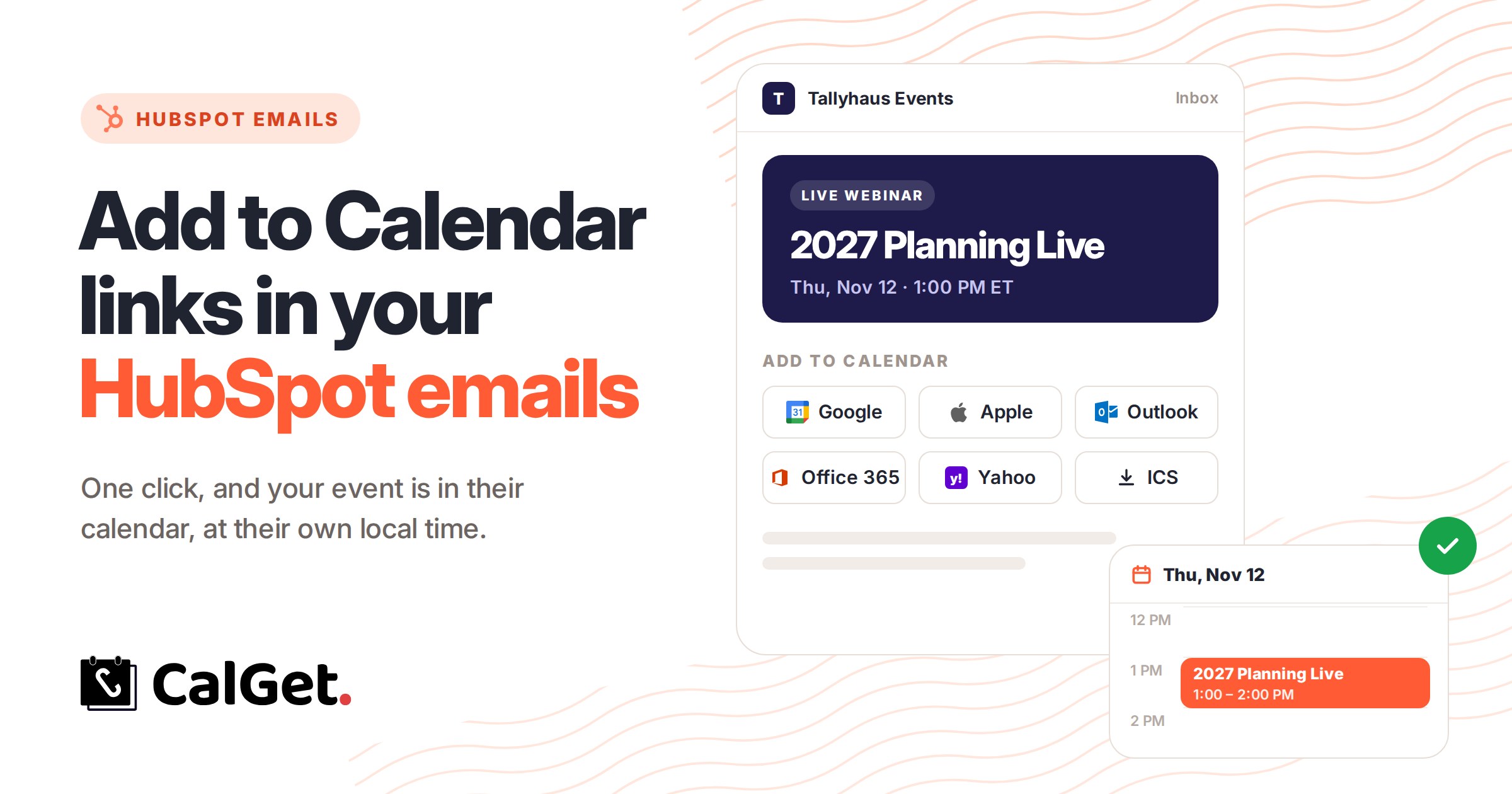
Add to Calendar Links in HubSpot Emails: Step-by-Step (2026)
How to add Add to Calendar links to HubSpot emails: copy CalGet's buttons as HTML, paste them into an HTML module, and every contact saves your event at their own local time.
Tuesday, May 14th 2024

How to Embed “Add to Calendar” Links in Your Notion Pages
Ever wanted to embed an “Add to Calendar” link in your Notion pages? Here's how you can do it using CalGet, ensuring that anyone viewing your Notion page can easily add the event to their calendar with a single click.
Tuesday, May 14th 2024
How to Include “Add to Calendar” link to Mailchimp Emails
Integrating "Add to Calendar" links into your Mailchimp emails or newsletters can make it much easier for your recipients to save events directly to their calendars. Here's how you can do it using CalGet, a simple and user-friendly tool
Tuesday, May 14th 2024