Collect Subscriber Details for Your Calendar
Ask people for their name, email and any other details before they subscribe, and see every answer in one list.
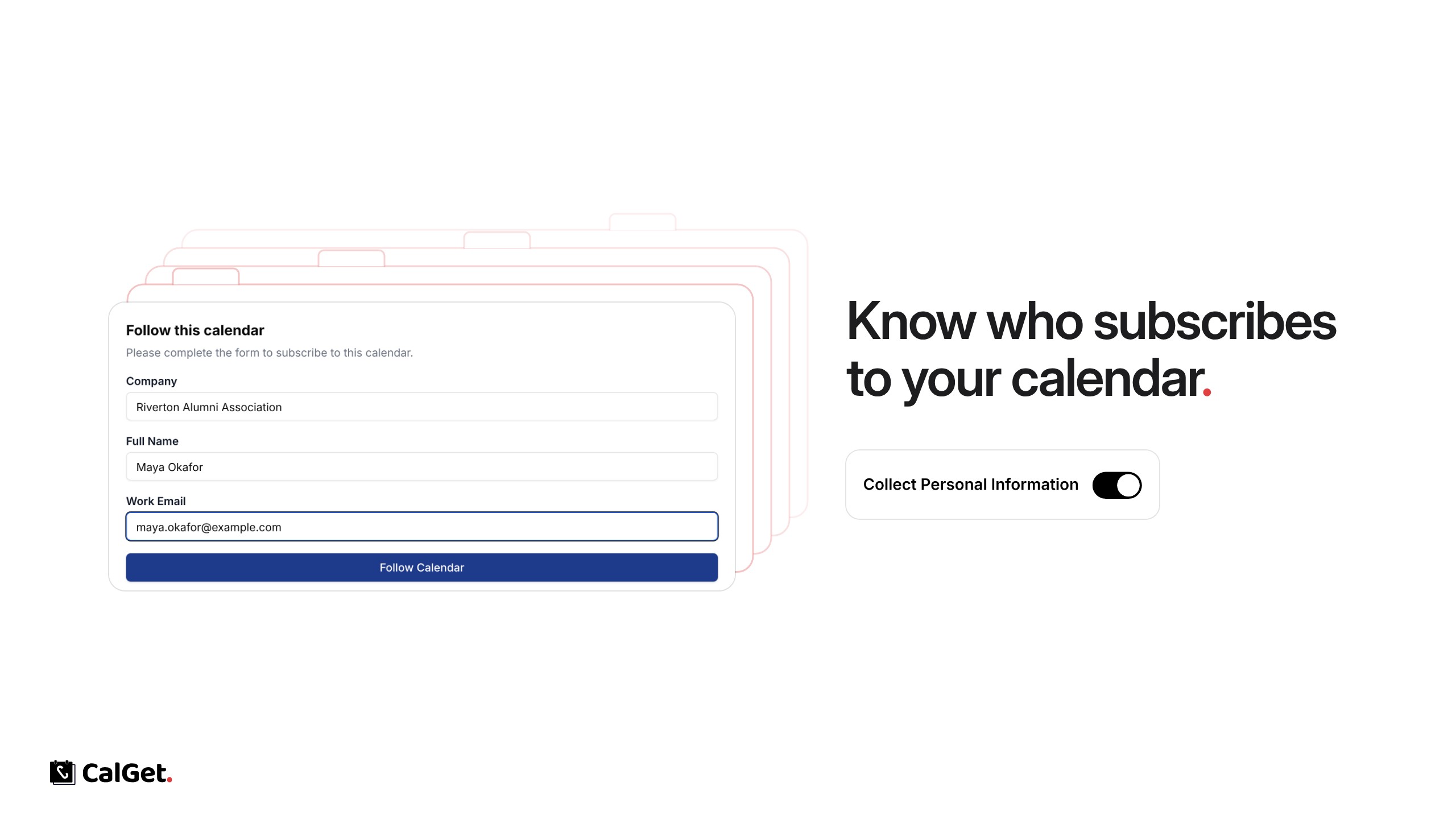
You can now ask people for their details before they subscribe to your calendar. When it’s on, your public calendar page shows a short form, and every subscriber’s answers are saved in your Subscribers List.
The basics – Name and email for every subscriber.
Your own questions – Edit the form to ask for anything else, like a company, a phone number or how they’d like to be contacted.
Export – Download the list from Export List for your follow-ups.
To turn it on, open your calendar, go to Subscribers and switch on Collect Personal Information. Click Edit Form to change the questions.