Protect an Event Page with a Passcode
Add a passcode to an event, and guests have to enter it before they can see the event details.
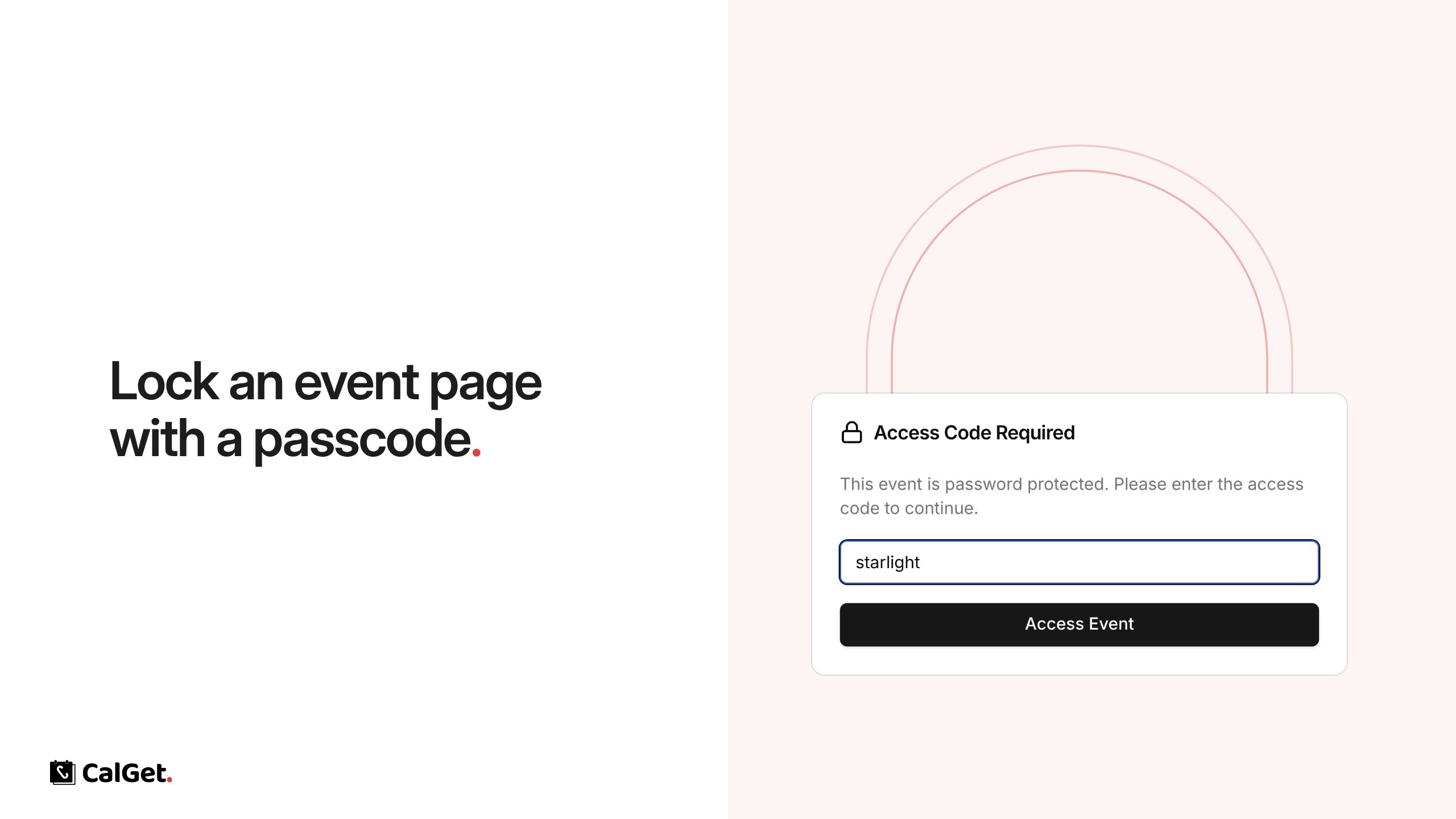
You can now lock an event page with a passcode. Guests see an Access Code Required screen and have to enter the passcode before the event details appear.
Set a passcode – Any passcode of at least 4 characters.
Share it with your guests – Send the passcode along with the event link.
Turn it off – Clear the passcode and save, and the page is open to everyone again.
To set it, open your event, go to Edit, click Password Protection, enter a passcode and click Save.