How subscription calendars work in CalGet
Updated October 20, 2026
A subscription calendar is a calendar people add to their own calendar app once and then keep. Every event you add later shows up for them automatically, and changes to your events reach them too. It's the easiest way to share a full schedule, like a season of games, a term of classes or a year of community events.
Subscription calendar or Add to Calendar link?
| Add to Calendar link | Subscription calendar | |
|---|---|---|
| What people save | One event | All the events in your calendar |
| New events | You share each one | Appear on their own |
| Best for | A single event, like a webinar or a party | A schedule that keeps growing |
How it works in CalGet
- Make a calendar under Calendars and add your events to it.
- Share the calendar's Public Link.
- Visitors click Subscribe to Calendar and choose their calendar app.
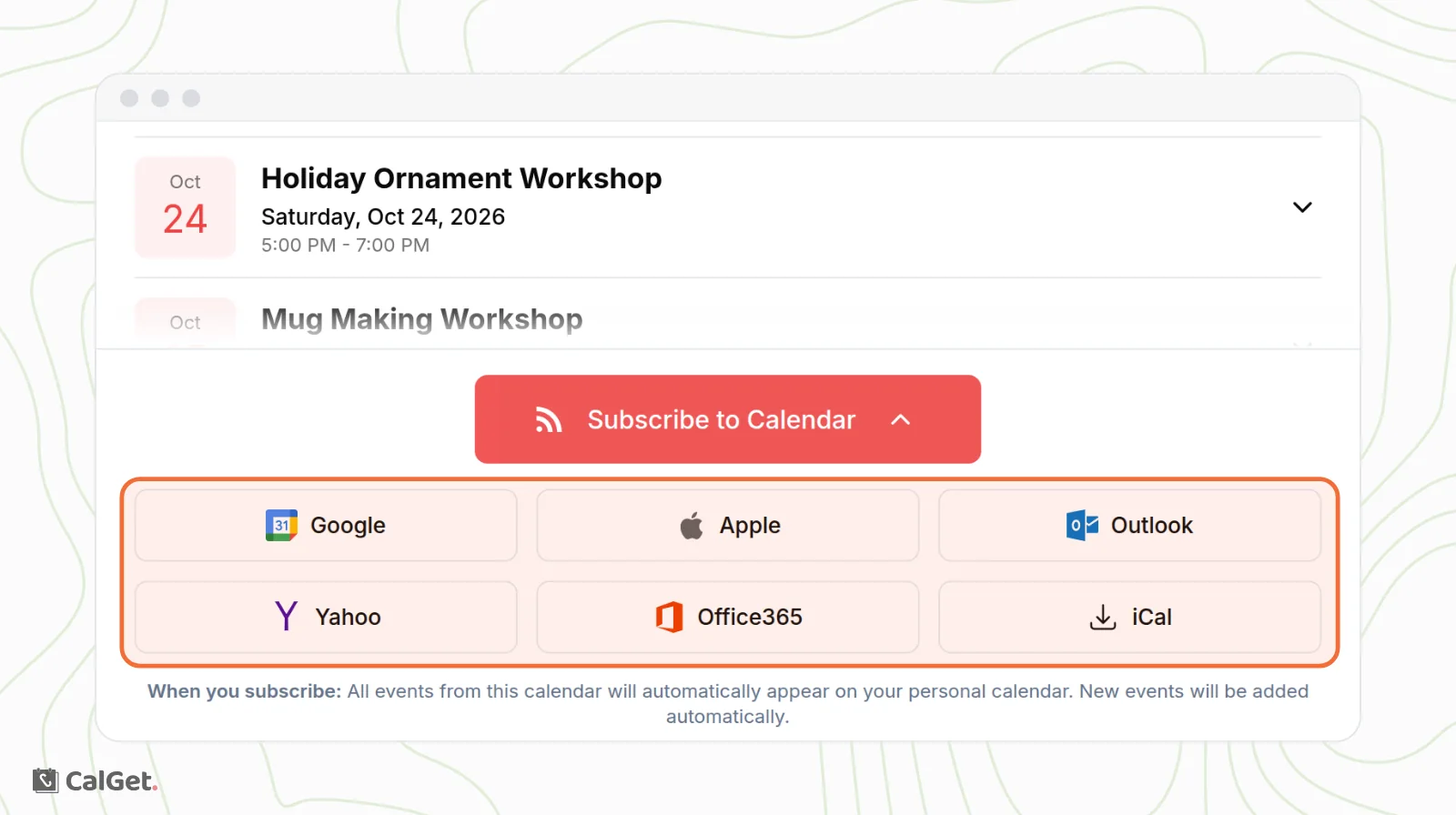
The full steps are in Start a new calendar and share its Public Link.
How fast do updates arrive?
CalGet updates the calendar as soon as you save. Each calendar app then checks for changes on its own schedule. That can take a few hours, and sometimes more than a day. See Subscribers don't see my new event yet.
Learn more
- For a full guide with Google Calendar, Apple Calendar and Outlook, read How to create a subscription calendar on our blog.
- To see who subscribes, see View, export and block calendar subscribers.
- To ask subscribers for their name and email, see Ask subscribers for their name and email.