Embed Your Event Calendar on Your Website
Show your CalGet events as a calendar on your own site. Copy the embed code once, and it stays up to date.
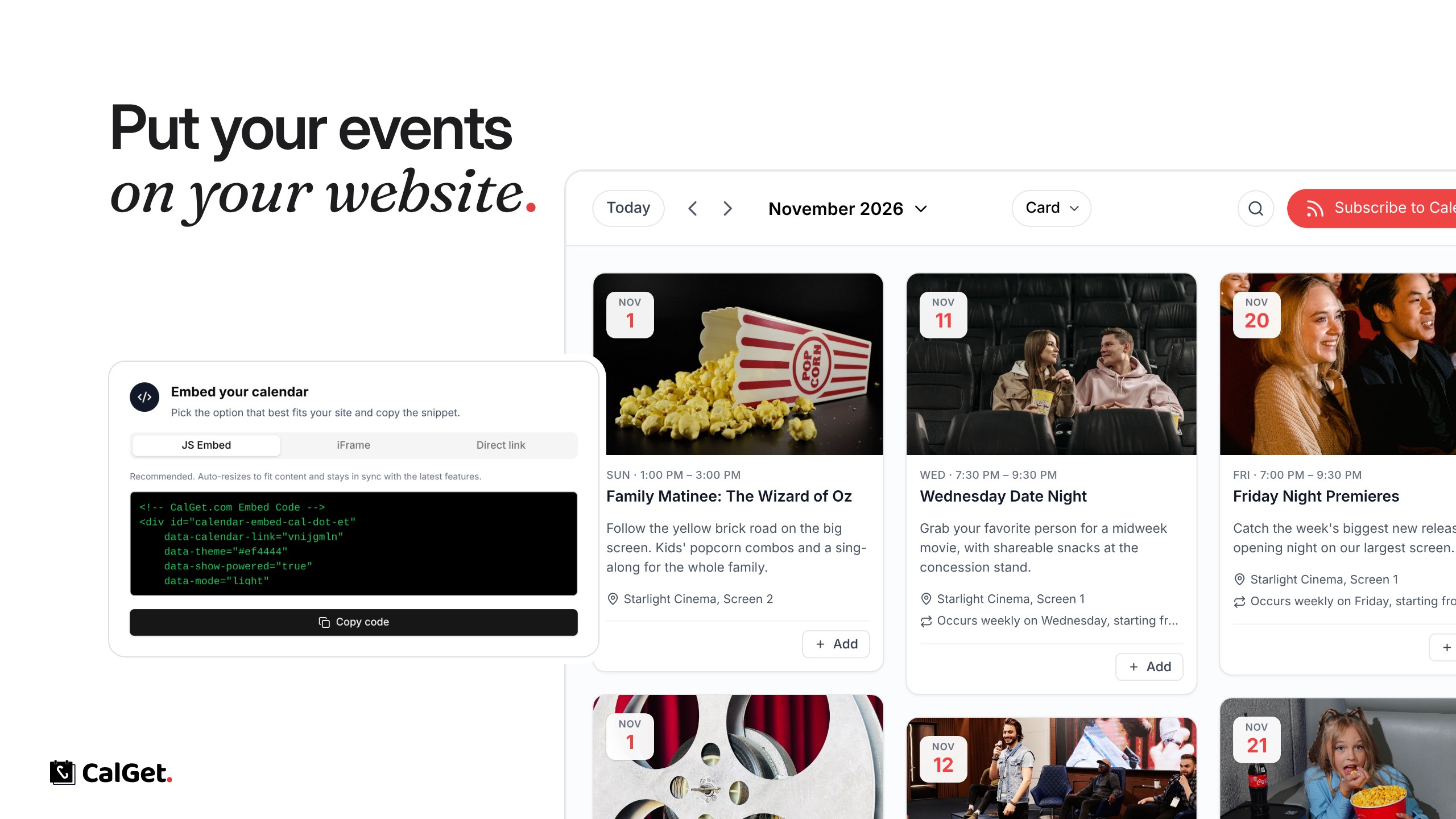
You can now put your CalGet events on your own website as a calendar. Visitors see your upcoming events, open any of them, and add them to Google, Apple, Outlook, Office 365 or Yahoo Calendar.
Your design – Pick a color and a view, and the calendar matches your site.
Always up to date – Change an event in CalGet and the calendar on your site changes with it.
Works on any site – Copy the embed code and paste it into WordPress, Wix, Squarespace, Shopify or any page that accepts HTML.
To get the code, open your calendar, go to Embed, choose your options and click Get embed code.