Build Custom RSVP Forms with Your Own Questions
Add your own questions to the RSVP form, like a meal choice or the number of guests, and see the form as you build it.
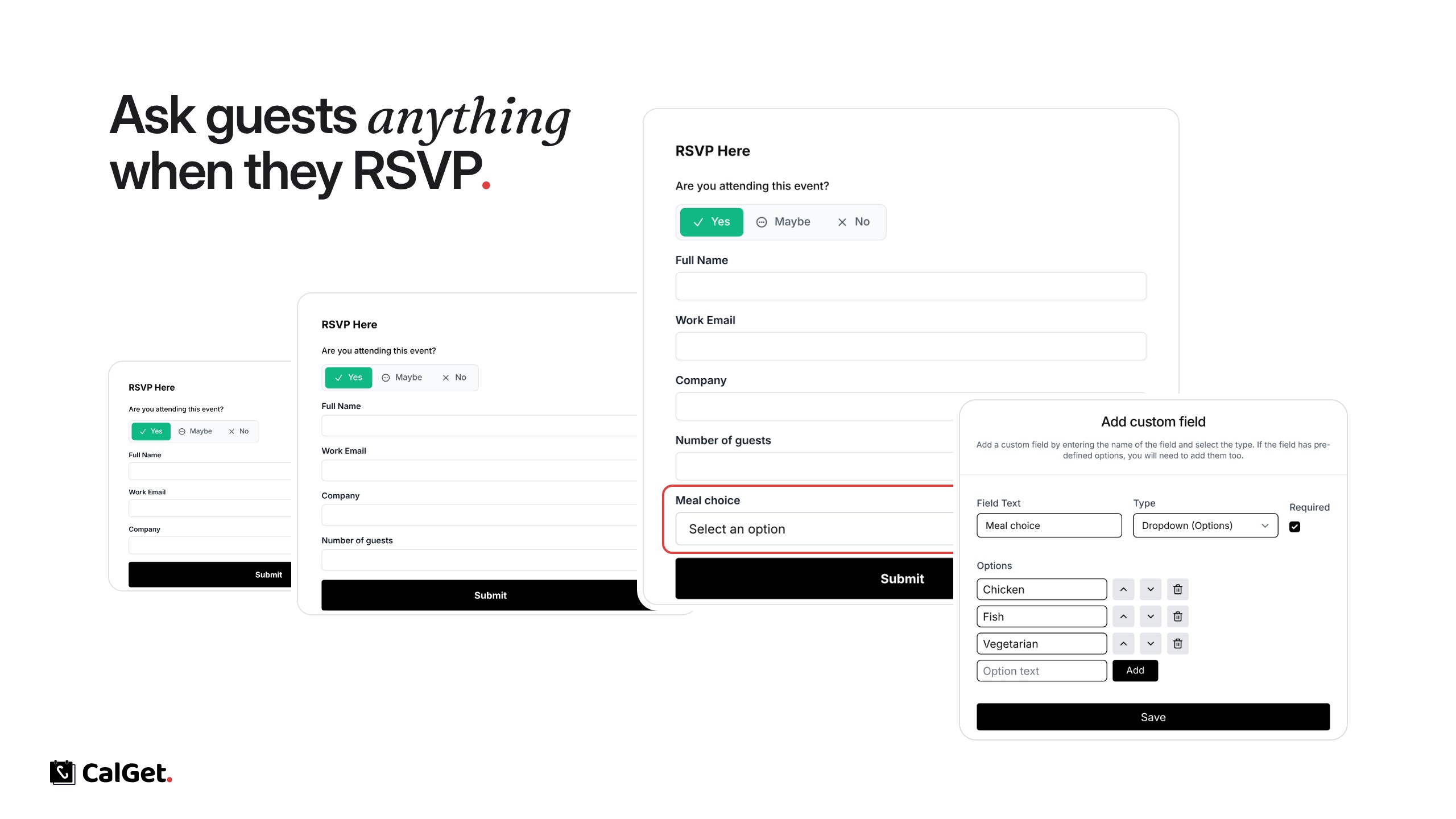
You can now build your own RSVP form. On top of Yes, Maybe or No with a name and email, ask guests whatever you need to know before the event.
Add your own questions – Text, Number, Email or a Dropdown with your own options, like a meal choice or the number of guests someone is bringing.
Make them required – Tick Required for anything you must know.
See it as you build – The Design Preview shows the form exactly as guests will see it.
To create one, go to RSVP Forms, click New RSVP Form, add your fields with Add field and save. Then choose the form in your event’s RSVP settings.