Customize the Color and Corners of Add to Calendar Buttons
Choose a design for the buttons you copy from an event, or set your own color and corner radius, from square to fully rounded.
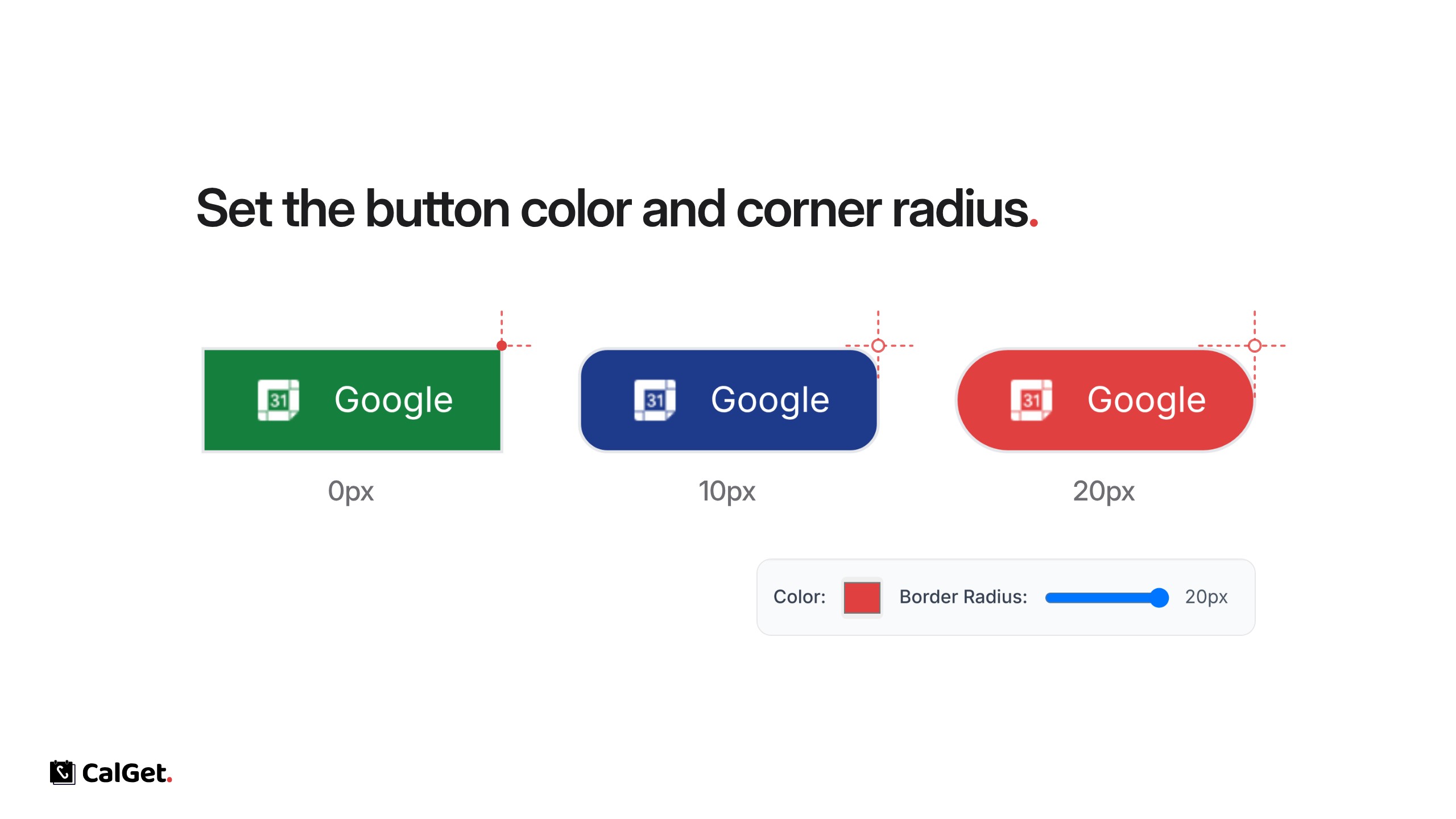
You can now style the Add to Calendar buttons you copy from an event, for your website, emails or anywhere else. The default buttons also got a cleaner design.
Pick a design – Modern, Classic, Text Only or Custom.
Set the color – With Custom, choose one color for all buttons to match your brand or event.
Set the corner radius – Slide from 0px for square corners to 20px for fully rounded buttons.
To use it, open your event, go to Event Details → HTML Code, choose Custom under Select Design, set Color and Border Radius, then copy the buttons as HTML or Content.