Add to Calendar Button Plugin for WordPress
Add the Add to Calendar Button block to any WordPress post or page, pick a CalGet event, and set the button color and roundness.
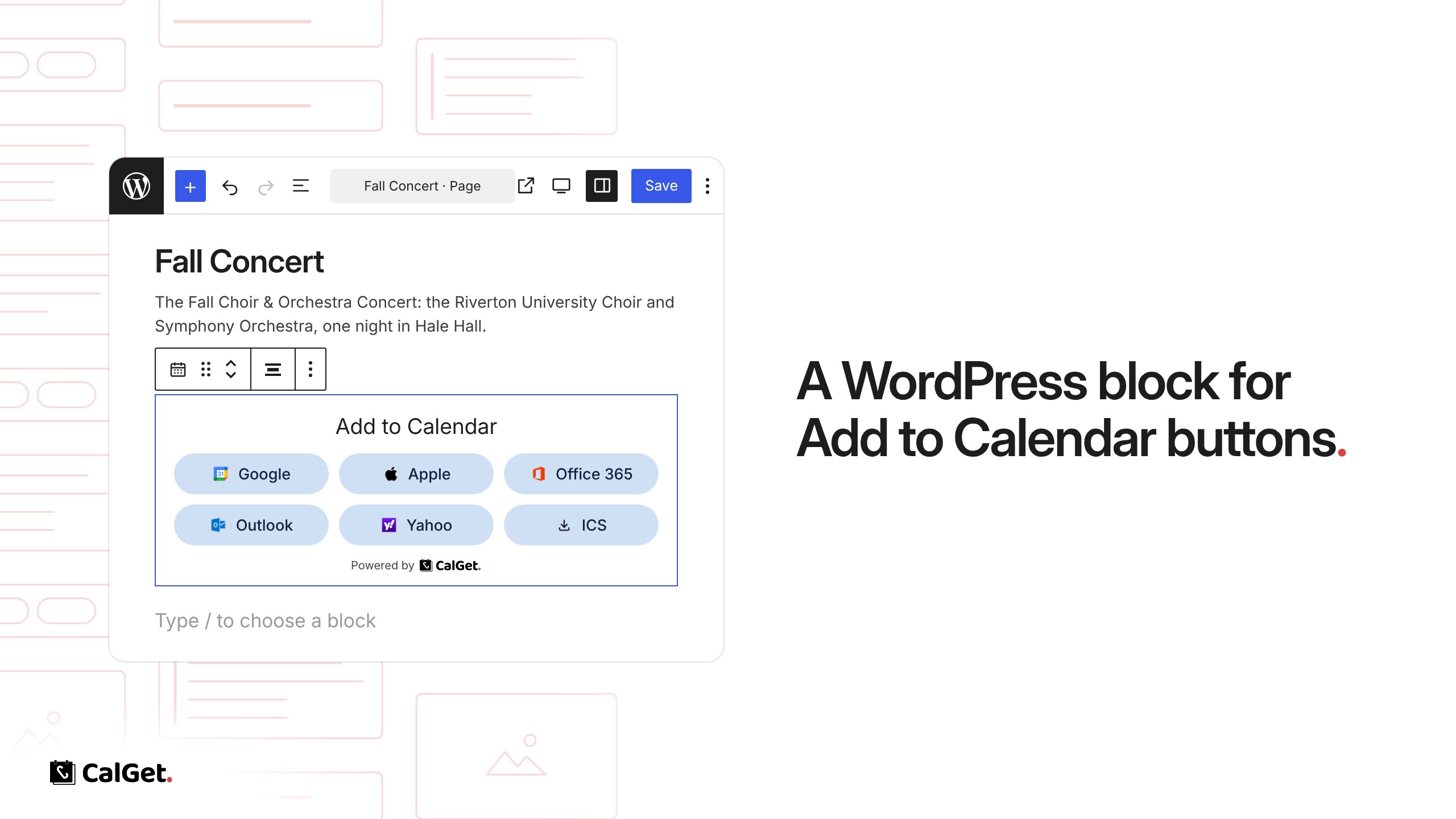
CalGet is now a WordPress plugin. It adds an Add to Calendar Button block to the block editor, so you can put calendar buttons on any post or page.
Pick an event – Choose an event from your CalGet calendars, or create a new one from the block.
Choose the calendars – Show any of Google, Apple, Office 365, Outlook, Yahoo and an ICS download.
Match your site – Set the button color and corner roundness, and show or hide the icons.
To set it up, install Add to Calendar Button – CalGet from the WordPress plugin directory, open Settings → Add to Calendar : CalGet and paste your CalGet API key. Then add the Add to Calendar Button block to a page and pick your event.