Click Analytics for Event Links
See how many times your event link is clicked, and which sites, countries and devices the clicks come from.
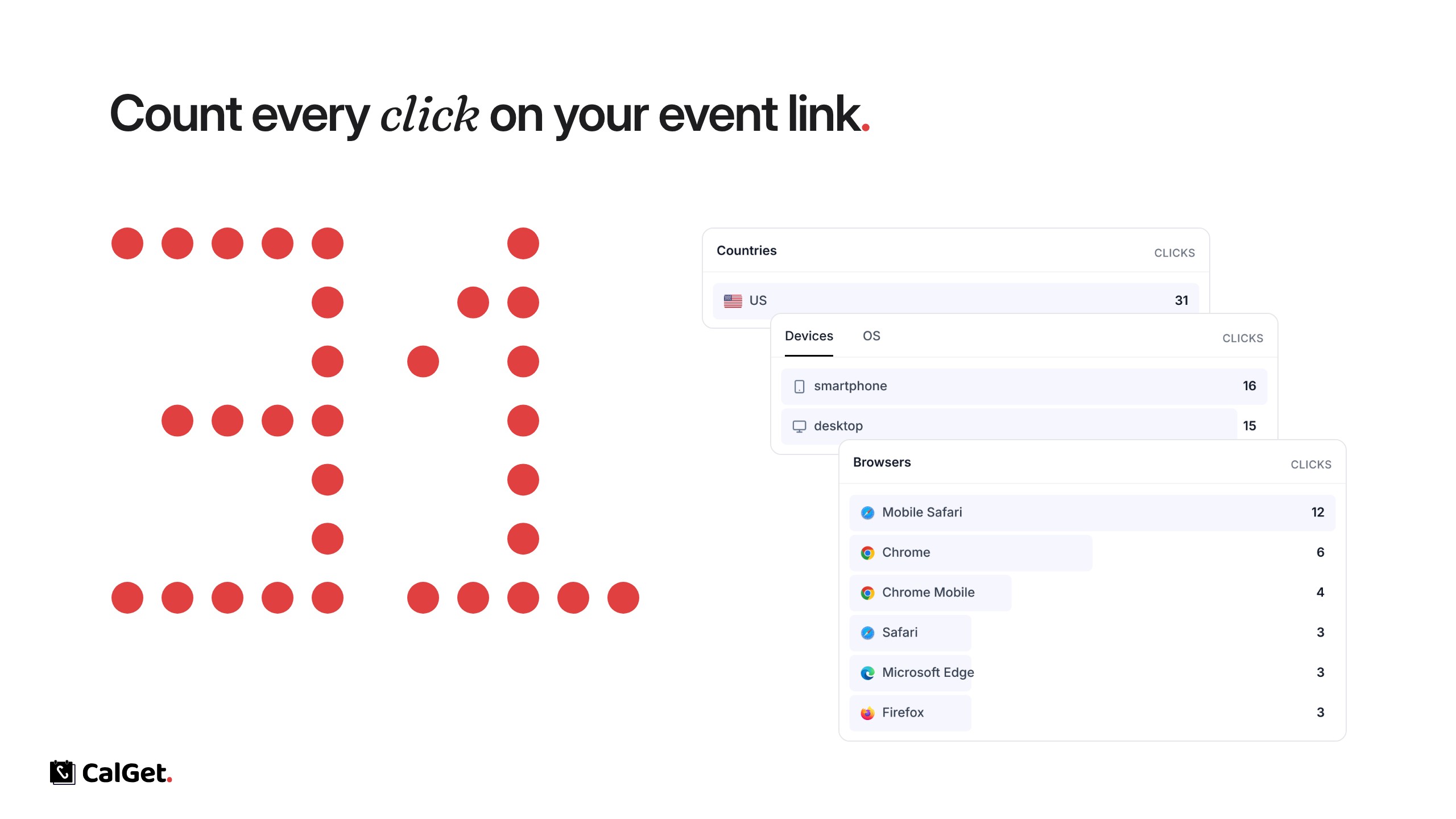
Every event now counts the clicks on its link. Open an event and go to Analytics to see how many people opened it and where they came from.
Clicks – How many times the event link was opened, shown over time for the range you pick (for example Last 30 days).
Referrers and UTM Parameters – The sites and campaigns the clicks came from.
Countries, Devices, OS and Browsers – Where your visitors are and what they use.
The same tab also shows Calendar Adds and RSVPs for the event.