Custom Branding for Event Pages
Add your logo, background, fonts and colors to a theme, then use it on any event page.
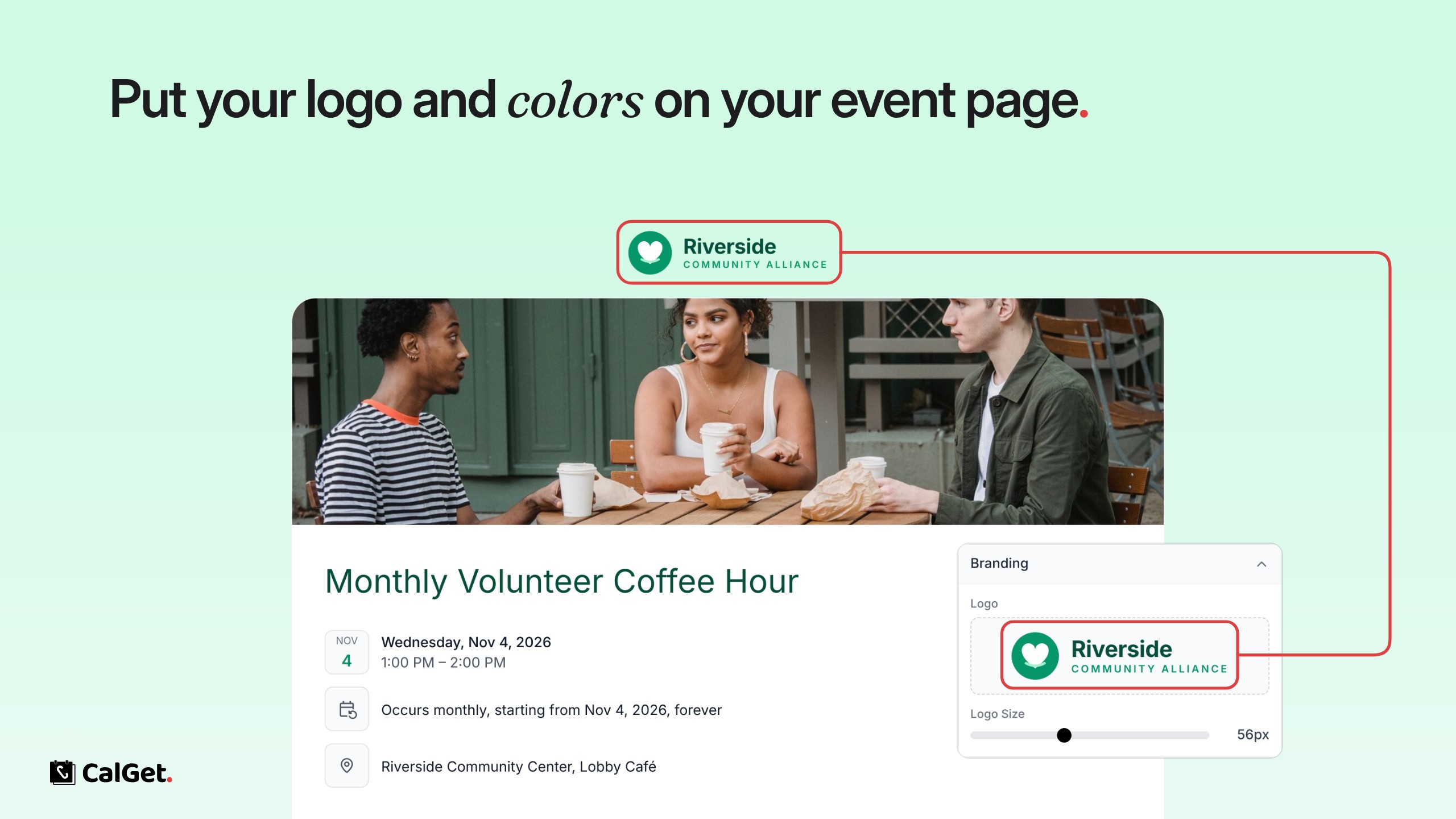
You can now style your event pages with your own branding. Create a theme once, then pick it for any event.
Logo – Upload your logo and set its size; it shows at the top of the event page.
Background – A solid color, a gradient or an image.
Colors and fonts – Choose the title font and color, and the link, date and button colors.
Buttons – Pick the button style, the button text and which calendar options guests see.
To set it up, go to Themes, click New Theme (or Edit Theme), make your changes and save them. Then open an event, go to Edit and choose the theme under Theme.