Custom Social Media Card for Events
Upload your own image and set the title and description people see when your event link is shared on social media.
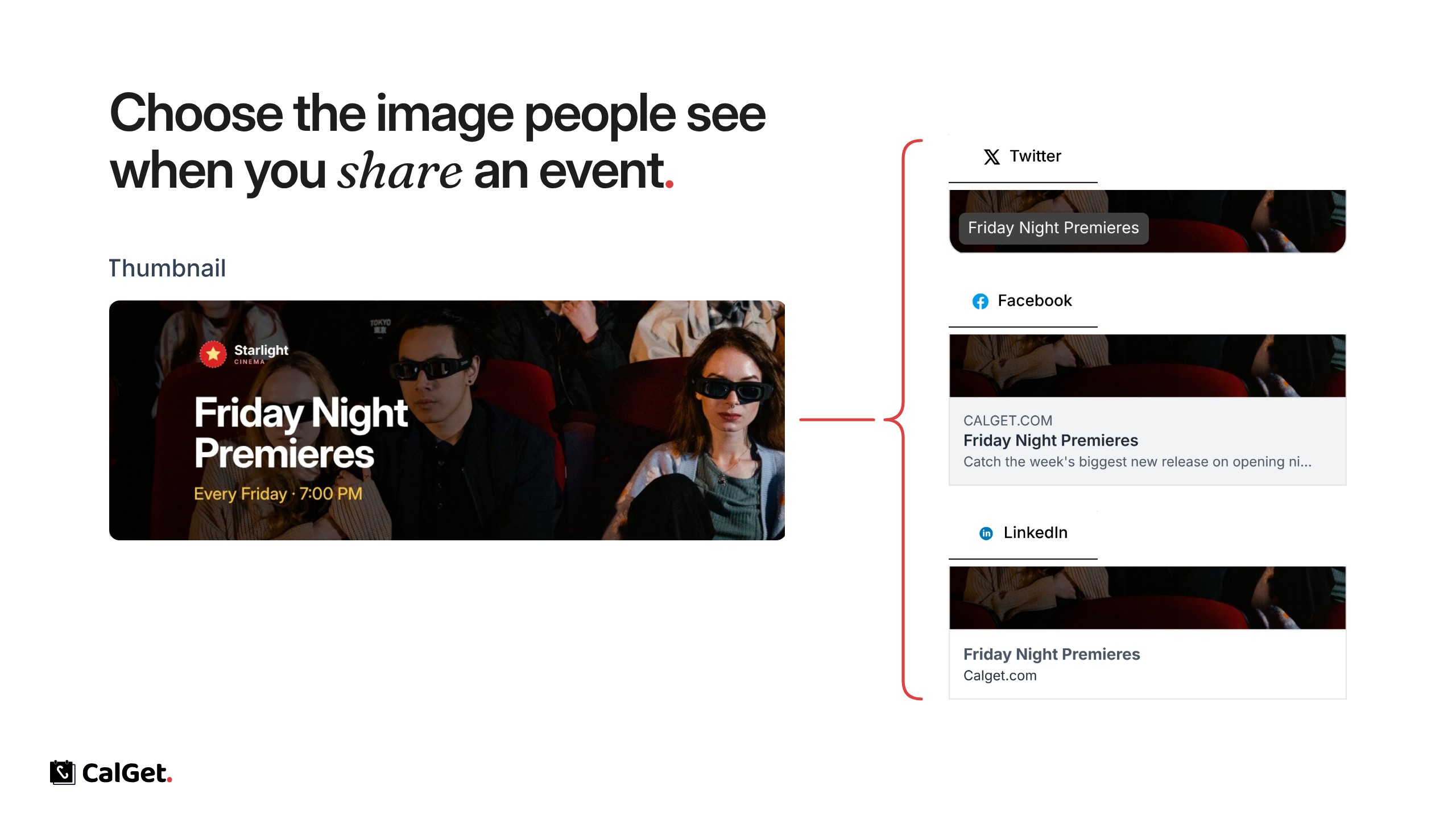
You can now choose how an event looks when its link is shared on social media. Upload your own image, and set the title and description that appear with it.
Thumbnail – Upload an image; 1200 × 630px is recommended.
Title and Description – The text shown under the image (up to 160 characters for the description).
Preview – See the card as it will look on Twitter, Facebook and LinkedIn before you save.
To set it, open your event, go to Edit, click Edit next to Social Media Preview, make your changes and click Save Changes.