Create Recurring Events
Set an event to repeat every day, week, month or year, on the days you pick, and choose when it ends.
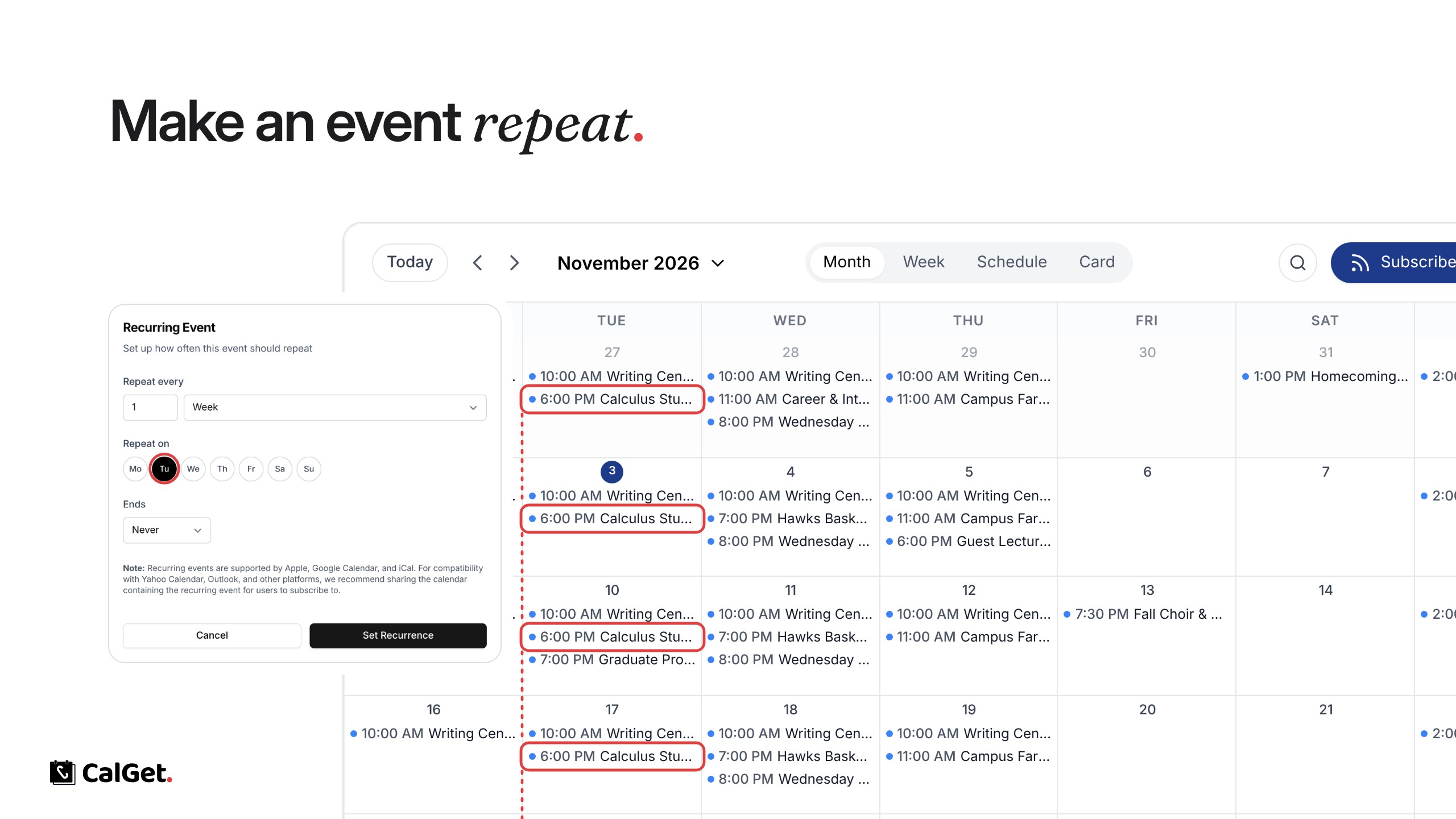
You can now make an event repeat. Set it up once, and CalGet adds every date to your calendar and to the Add to Calendar links.
Repeat every – Choose a number of days, weeks, months or years.
Repeat on – For weekly events, pick the days of the week.
Ends – Never, after a number of times, or on a date.
To set it, open your event, go to Edit, click Edit next to Recurring, choose the pattern and click Set Recurrence. Repeating events work in Apple and Google Calendar; for Outlook and Yahoo, share a calendar that guests can subscribe to.