Add to Calendar Button Plugin for Framer
Insert an Add to Calendar button on your Framer site with the CalGet plugin. Pick an event, and visitors can save it to their calendar.
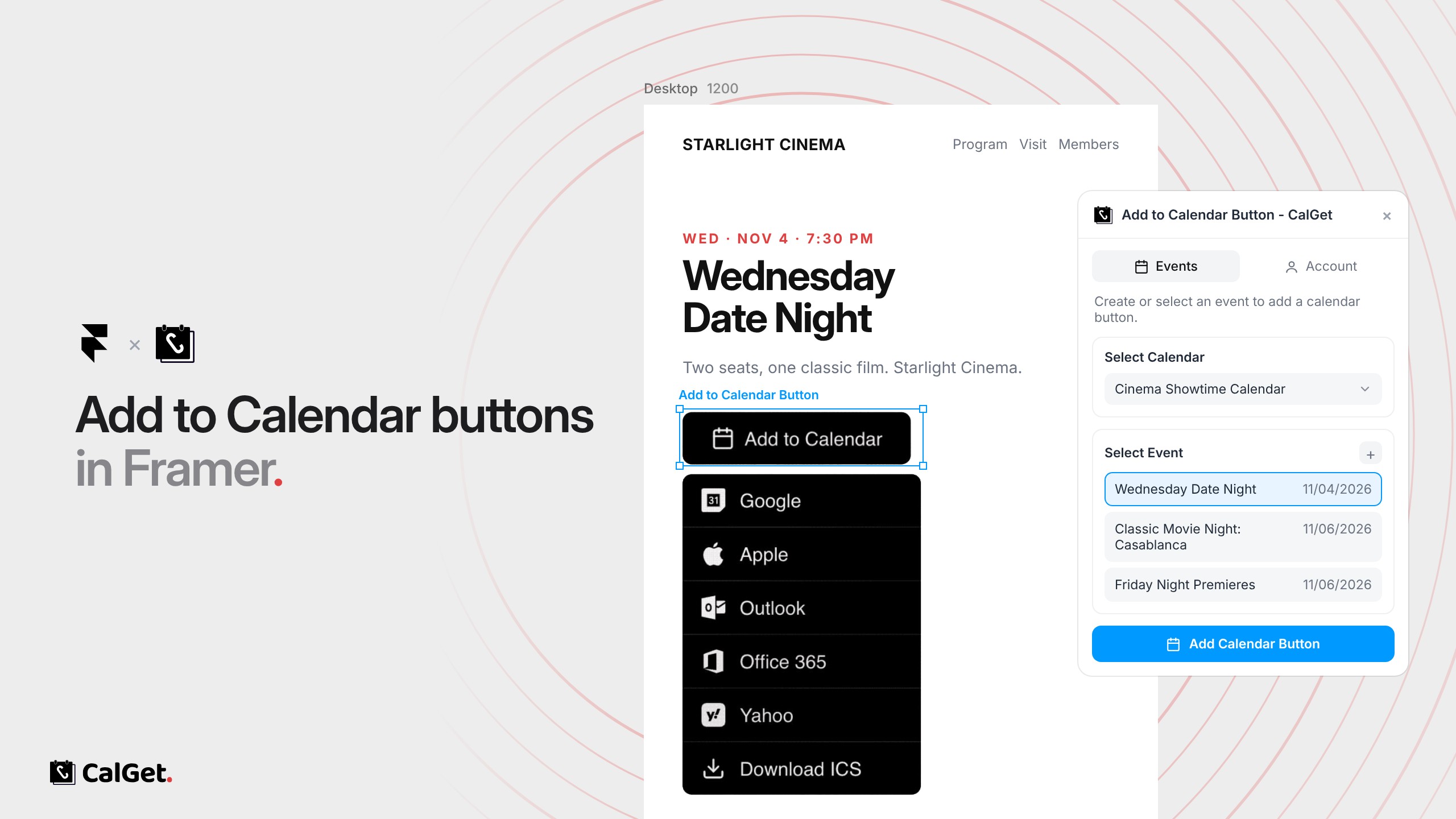
The CalGet plugin for Framer adds an “Add to Calendar” button to your Framer site. Pick one of your CalGet events in the plugin and insert the button onto your canvas.
Every major calendar – Visitors can save the event to Google Calendar, Apple Calendar, Outlook, Office 365 or Yahoo, or download an .ics file.
Styled in Framer – Adjust the button’s size, colors and corner radius in its properties, like any other component.
Get the Add to Calendar Button plugin from the Framer Marketplace. In Framer, open the plugin, connect your CalGet account under Account, choose a calendar and an event, and click Add Calendar Button.