Edit or Remove RSVP Responses
Click any RSVP in your attendee list to change the answer, fix the name or email, or delete it.
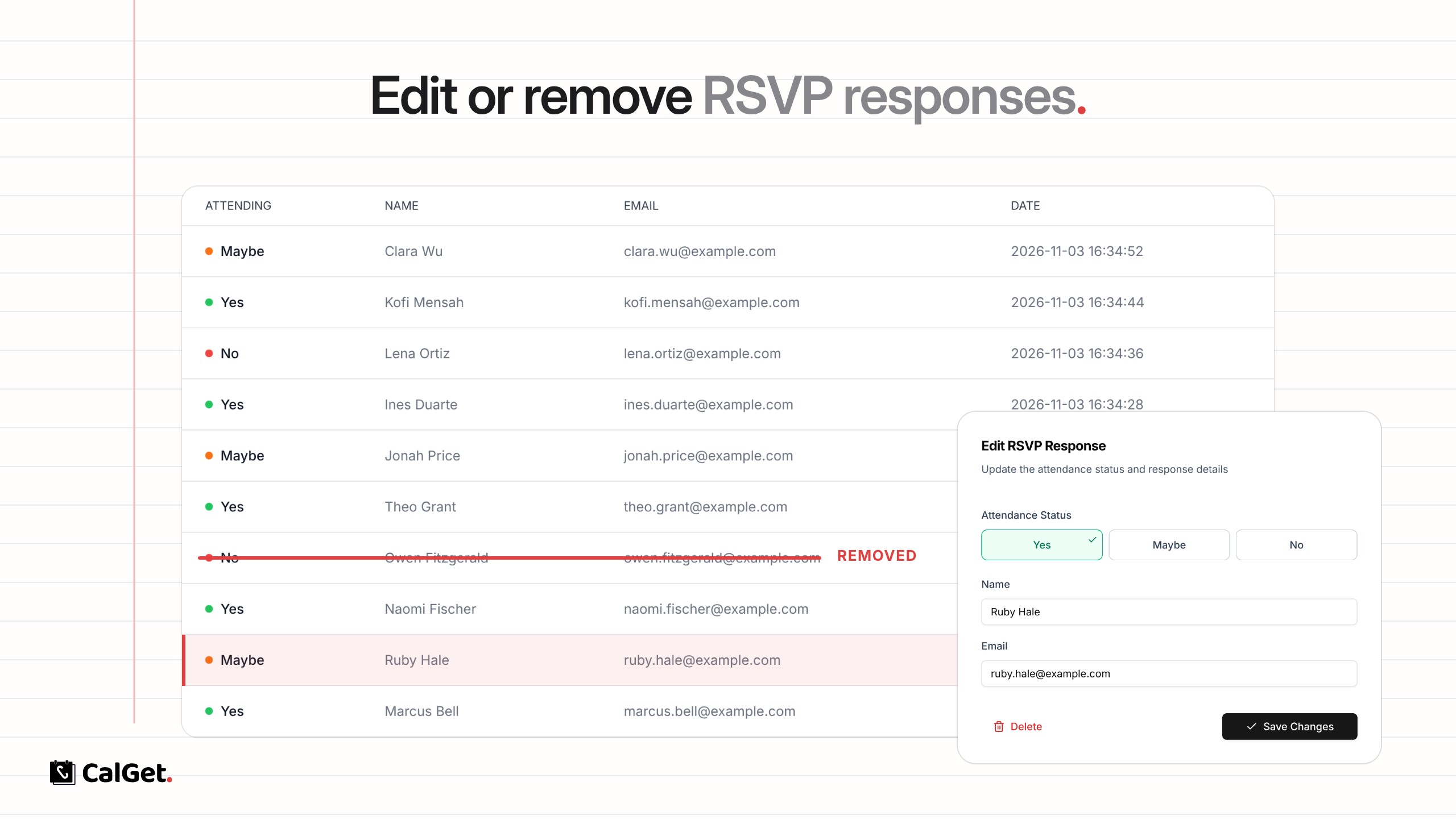
You can now change or delete RSVP responses after they come in. Fix a typo in a name, update a guest’s answer, or remove a response that shouldn’t be there.
Edit a response – Switch the attendance status between Yes, Maybe and No, and correct the name, email or any other answer from your RSVP form.
Remove a response – Delete it, and it’s gone from your attendee list and RSVP counts.
To do it, open your event, go to RSVPs, click a response in the attendee list, then choose Save Changes or Delete.