Choose Which RSVP Options Guests See
Show Yes, Maybe and No on your RSVP form, or only the answers you want, like just Yes and No.
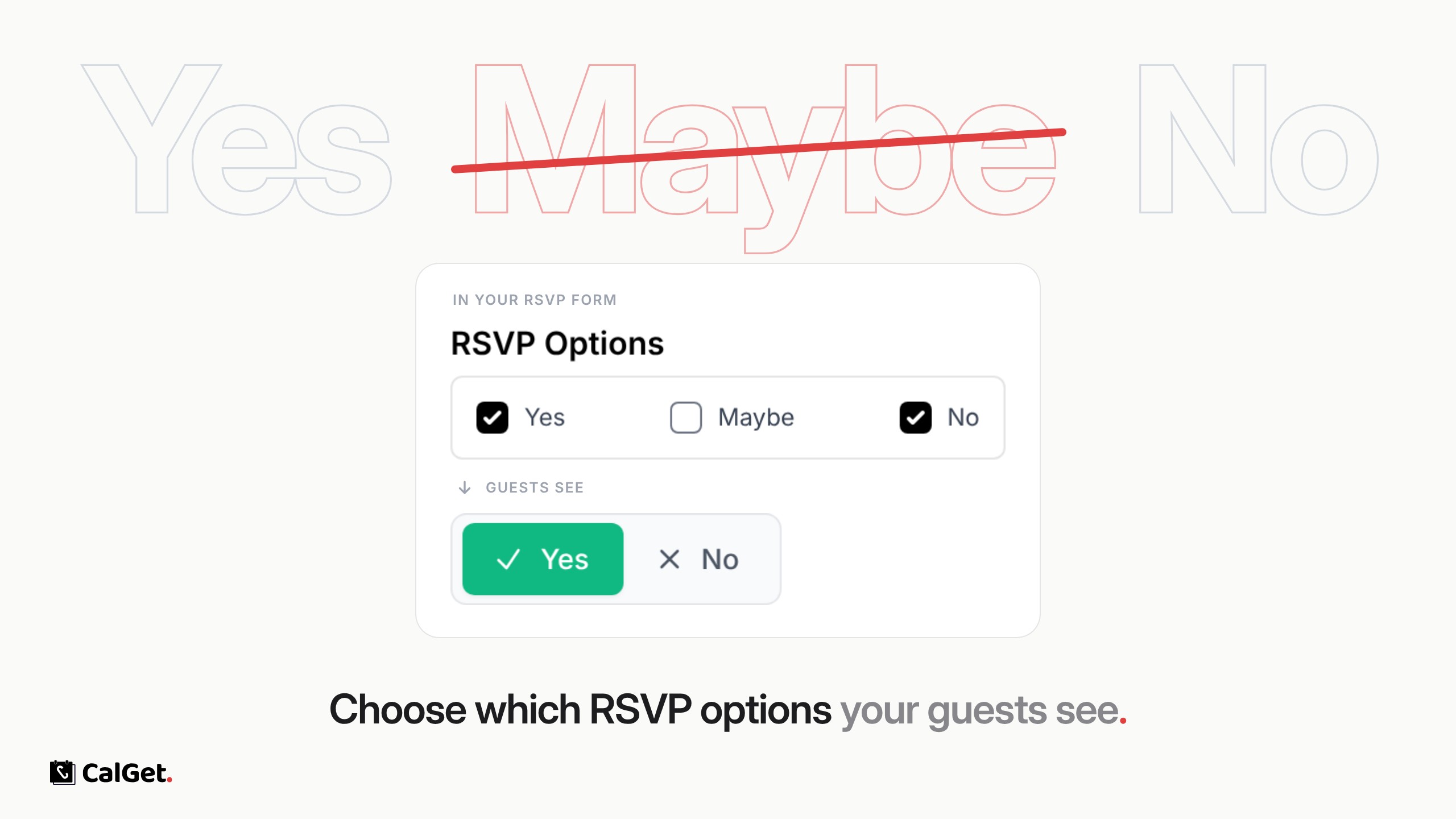
You can now choose which RSVP options appear on your event pages. Show Yes, Maybe and No, or keep it to just Yes and No.
Pick the answers – Tick or untick Yes, Maybe and No in your RSVP form. Only the ticked ones show on the event page.
Set once per form – The choice is saved with the RSVP form, so every event that uses that form shows the same options.
To set it, go to RSVP Forms, open a form, tick the answers you want under RSVP Options, and click Update.