Set an RSVP Deadline for Your Event
Pick a date and time, and your event page stops taking RSVPs on its own once it passes.
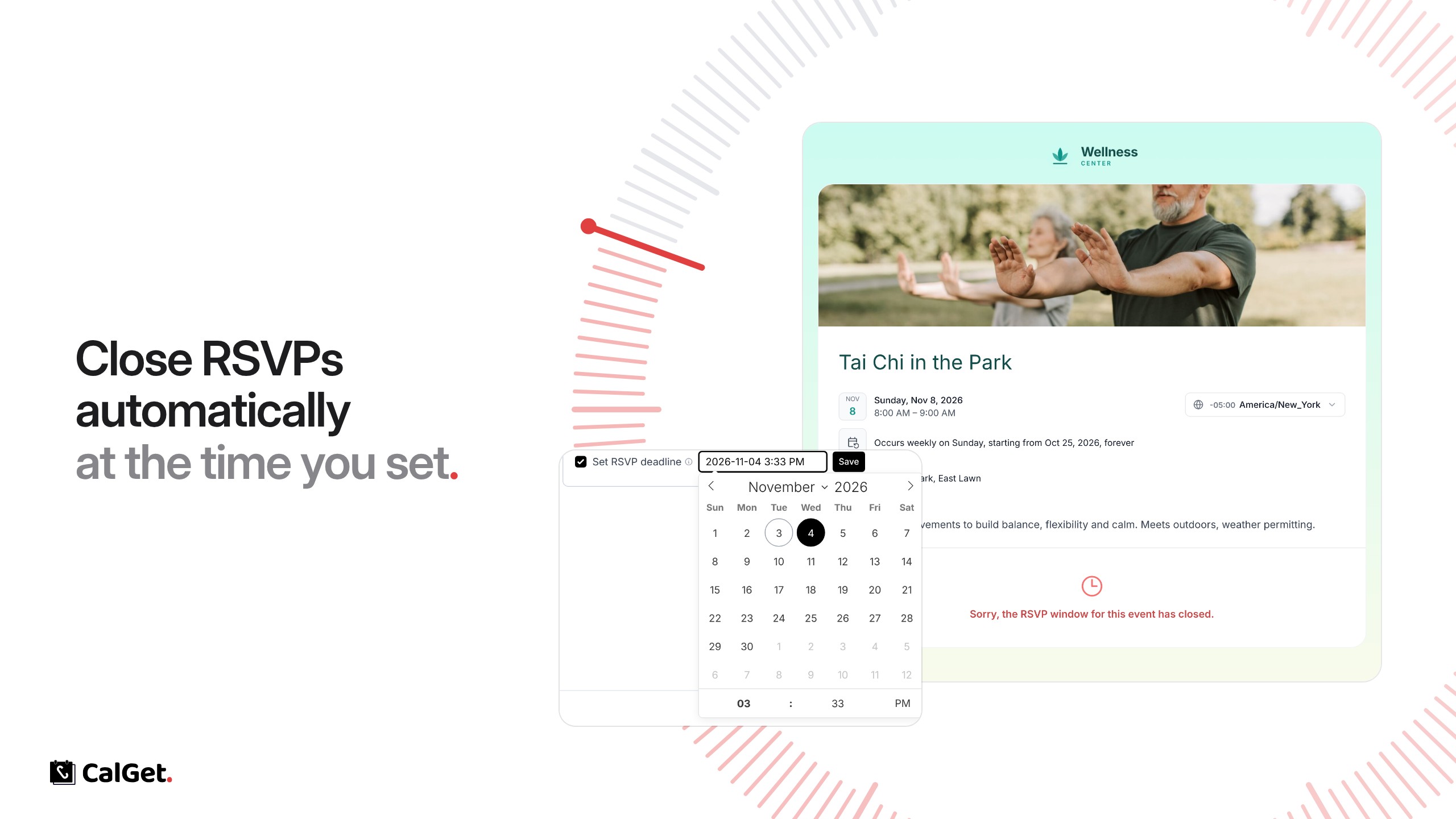
You can now set a deadline for RSVPs. When the time you set passes, your event page stops taking RSVPs on its own.
Pick a date and time – Choose the exact day and time RSVPs close.
Closes by itself – After the deadline, the RSVP form on your event page is replaced with a short note: “Sorry, the RSVP window for this event has closed.”
Change it anytime – Move the deadline, or untick it to take RSVPs again.
To set it, open your event, go to RSVPs, check Set RSVP deadline, pick the date and time, and click Save.