Sort Your Events by Event Date or Created Date
Order your event list by nearest or farthest event date, or by the newest or oldest you created.
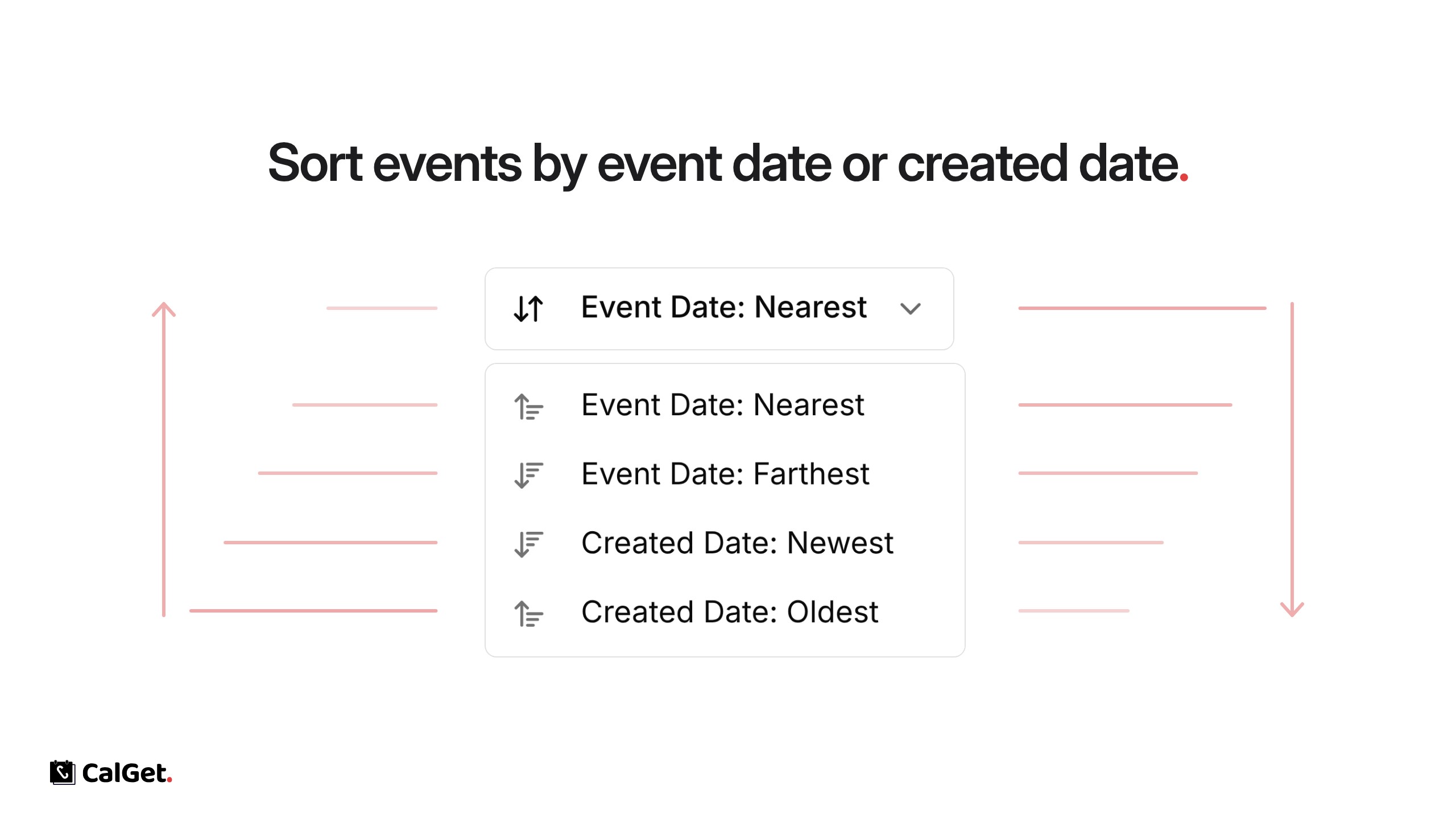
You can now sort the event list in your dashboard. There are four options:
Event Date: Nearest – Events happening soonest come first.
Event Date: Farthest – Events furthest away come first.
Created Date: Newest – The events you added most recently come first.
Created Date: Oldest – The events you added first come first.
Use the sort menu next to Search events at the top of My Events. On the All tab you can sort by created date; on Upcoming you also get the event date options.