Get Email Notifications When Guests RSVP
Choose how you hear about new RSVPs: an email for each one, a daily summary, both, or none.
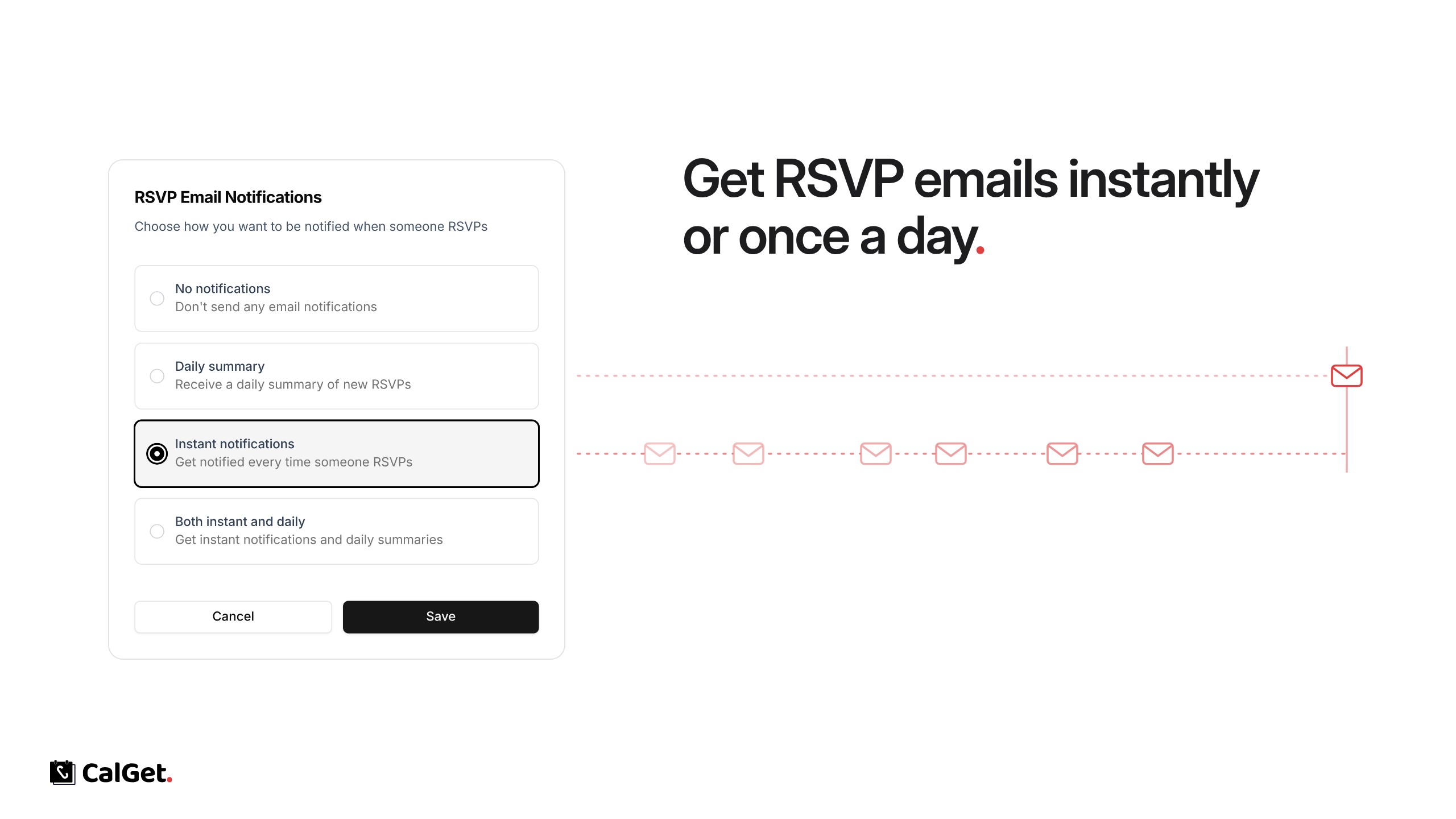
You can now get an email when someone RSVPs to your event. Choose what works for each event:
No notifications – No emails. This is the default.
Daily summary – One email a day with the new RSVPs.
Instant notifications – An email every time someone RSVPs.
Both instant and daily – Instant emails plus the daily summary.
To set it, open your event, go to RSVPs, click Configure next to Email notifications, pick an option and click Save.