Sync Google, Apple and Outlook Calendars into CalGet
Paste an ICS feed URL from Google, Apple or Outlook, and its events show up in your CalGet calendar. The feed syncs every 12 hours.
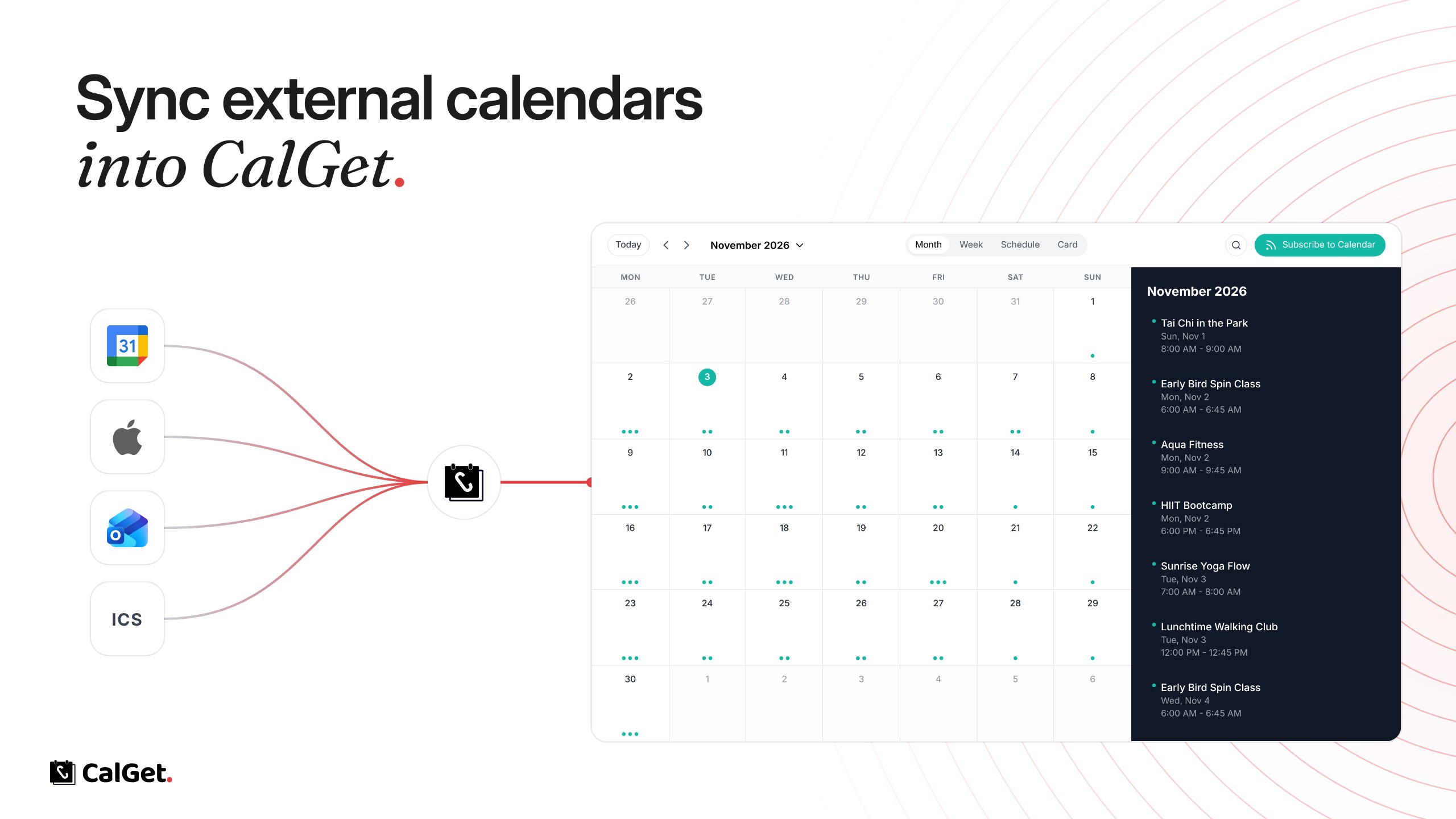
You can now bring events from another calendar into a CalGet calendar. Paste that calendar's ICS feed URL, and its events show up next to your CalGet events.
Any ICS feed – Google Calendar, Apple Calendar, Outlook, or any other calendar that publishes an ICS link.
Stays in sync – CalGet syncs the feed every 12 hours, and you can sync it manually anytime.
Works across CalGet – Synced events appear in your embeddable calendar and your subscription calendar, and visitors can add them to their own calendar like any of your events.
Read-only – Synced events can't be edited or deleted in CalGet. Change them in the original calendar, and the next sync brings the update.
To set it up, open a calendar, go to External Calendars, click Add External Calendar and paste the ICS feed URL.