Rebuilt Embeddable Event Calendar: 4 Views, Dark Mode and Full Styling
The embeddable calendar is rebuilt with Month, Week, Schedule and Card views, light and dark mode, your colors, and a layout that fits any screen.
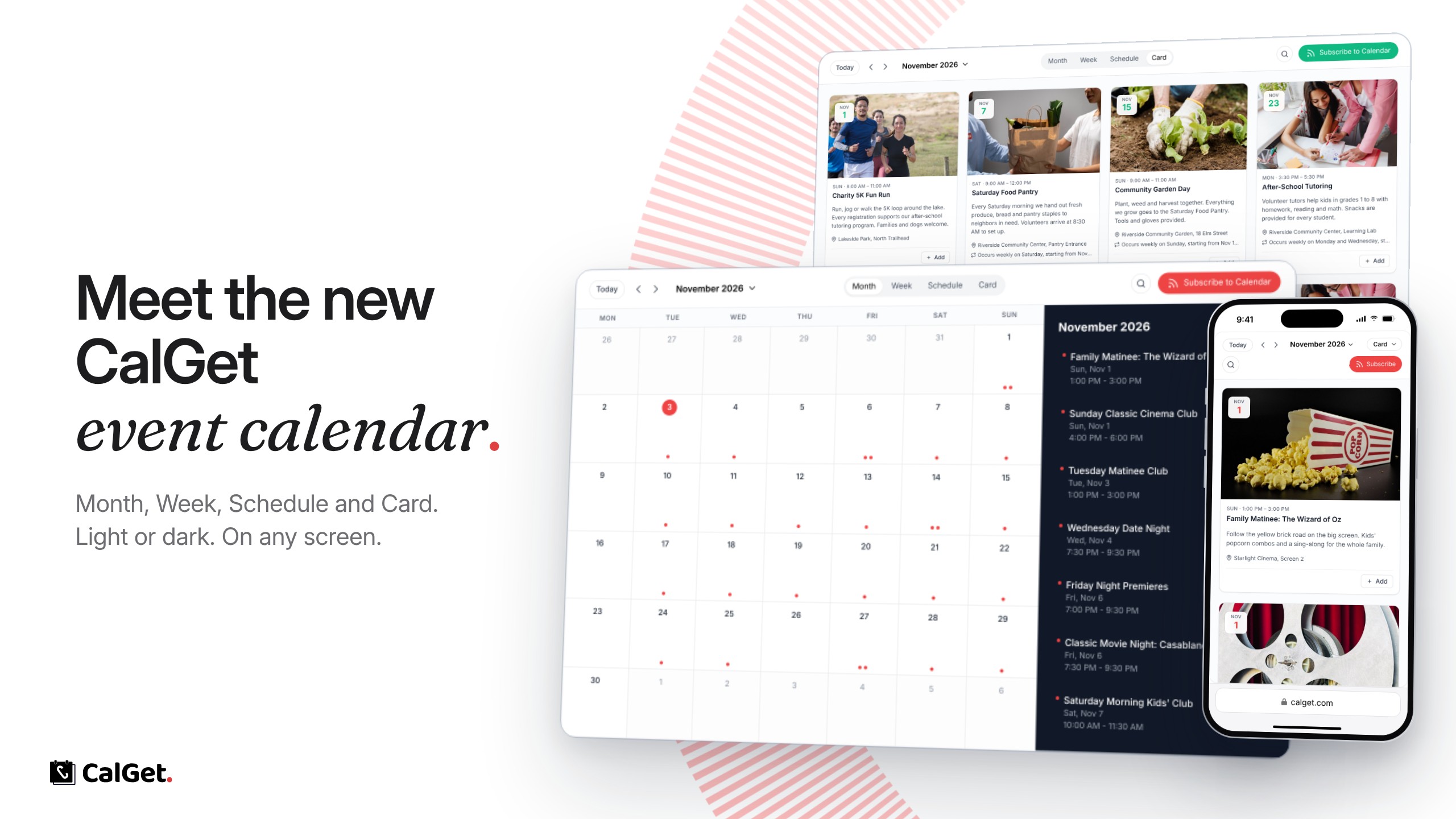
We rebuilt the CalGet embeddable event calendar from scratch. You add it to any website with one embed code, and it always shows your current CalGet events: add or change an event and the calendar on your site updates by itself.
Four views – Month, Week, Schedule and Card. Card view shows every event with its photo. Visitors can switch between views, or you can keep it to one.
Month layout – A single month grid, or the grid with a side panel that lists the month's events.
Your colors and mode – Set your brand color, and pick light mode, dark mode, or auto, which follows the visitor's device setting.
Language, week and time zone – Choose the language and the first day of the week. Times show in the visitor's time zone, and visitors can change it.
Only what you need – Hide the date navigation, the view switcher, search, the subscribe button or the time zone picker, or the whole top bar.
What visitors can do – Search your events, open any event for its details, add it to Google, Apple, Outlook or Yahoo Calendar or download it as an .ics file, and subscribe to the whole calendar so new events reach them automatically.
Every screen – The layout adapts to desktop, tablet and mobile.
Set it up under Embeddable Calendar in your CalGet dashboard: Embeddable Event Calendar