Guest Event Submissions
Visitors can submit events from your public calendar page or an embedded form. Nothing is published until you approve it.
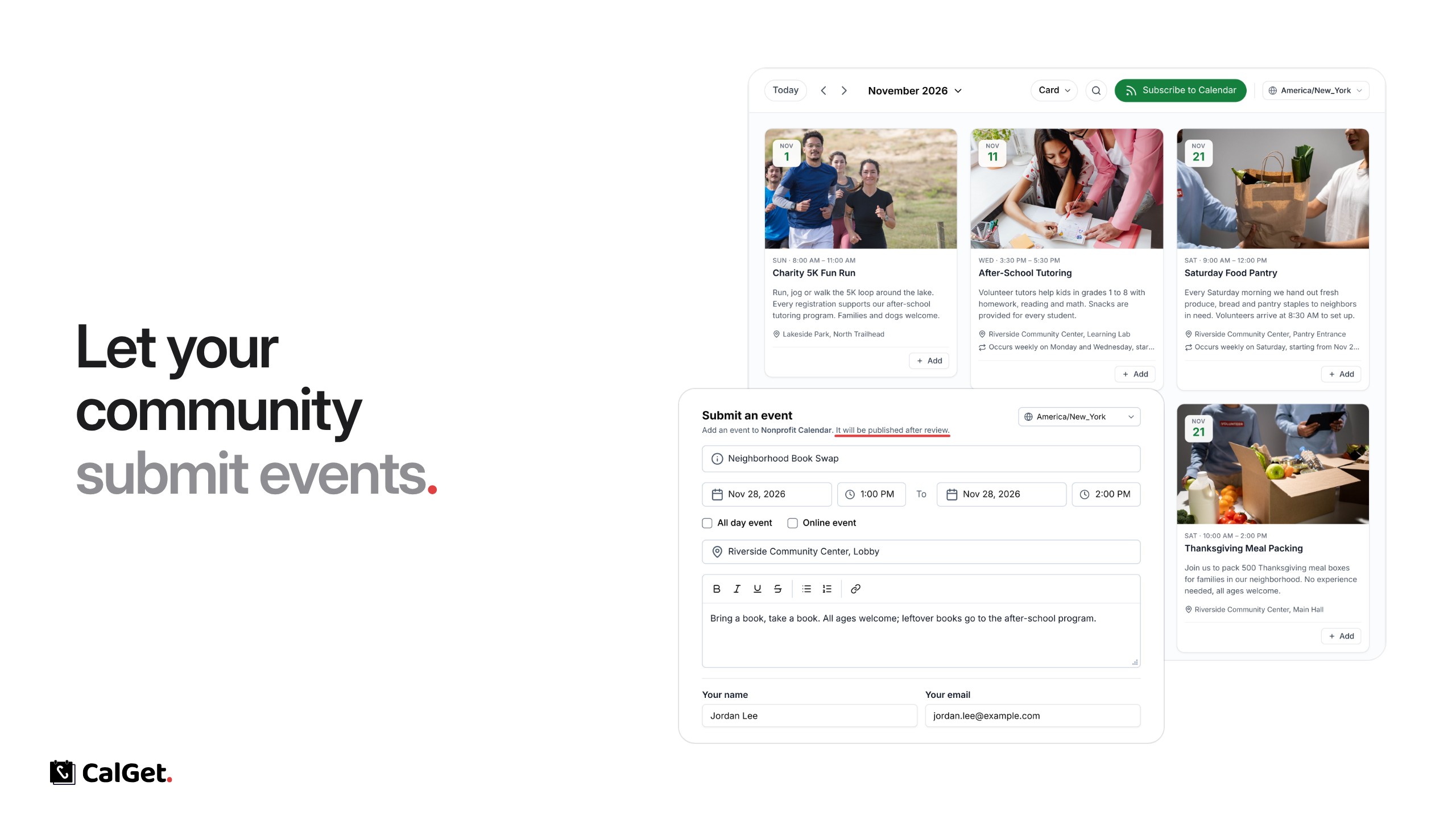
Your community can now submit events to your calendar. Visitors click Submit event on your public calendar page (or use an embedded form), and nothing is published until you review it.
Submit an event – Guests add the title, date and time, location and description, plus their name and email. They don’t need a CalGet account.
Review – Submissions wait under Pending until you approve them; approved ones move to Approved and appear on your calendar.
To turn it on, go to Calendars, open a calendar, choose the Guest Events tab and switch on Accept guest event submissions. Use Embed guest event form to put the form on your own website.