Add an image and a custom link to your event
Updated October 20, 2026
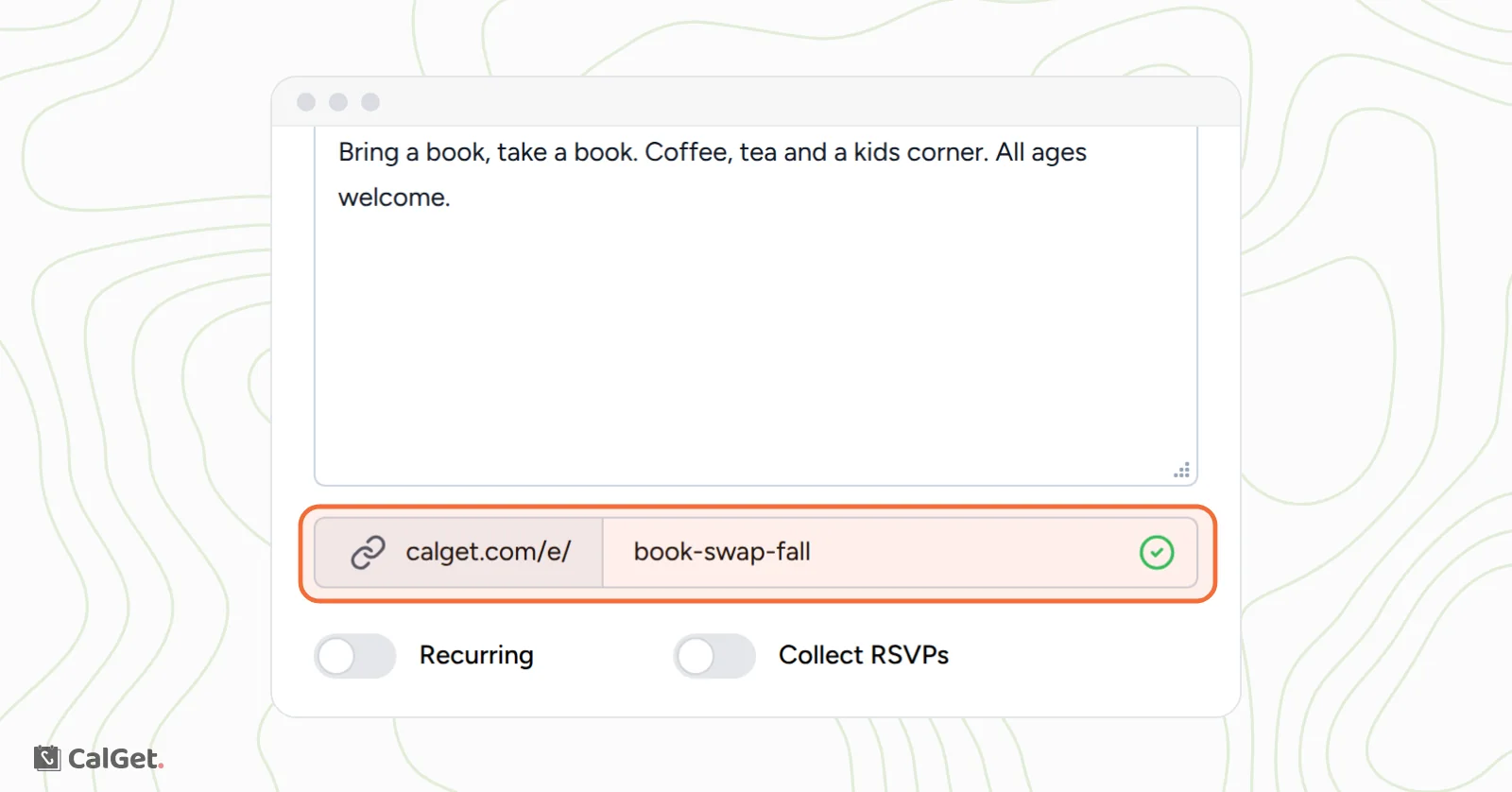
Make your event page look like yours: add a picture at the top, and give the event a short link people can read and remember, like calget.com/e/book-swap-fall.
Set a custom event link
You can set the link when you create the event, or later.
- Go to Events, click your event and open the Edit tab. (In the New Event form, the same field is under the description.)
- In the field after calget.com/e/, type the ending you want, for example book-swap-fall. A green check mark shows the link is available.
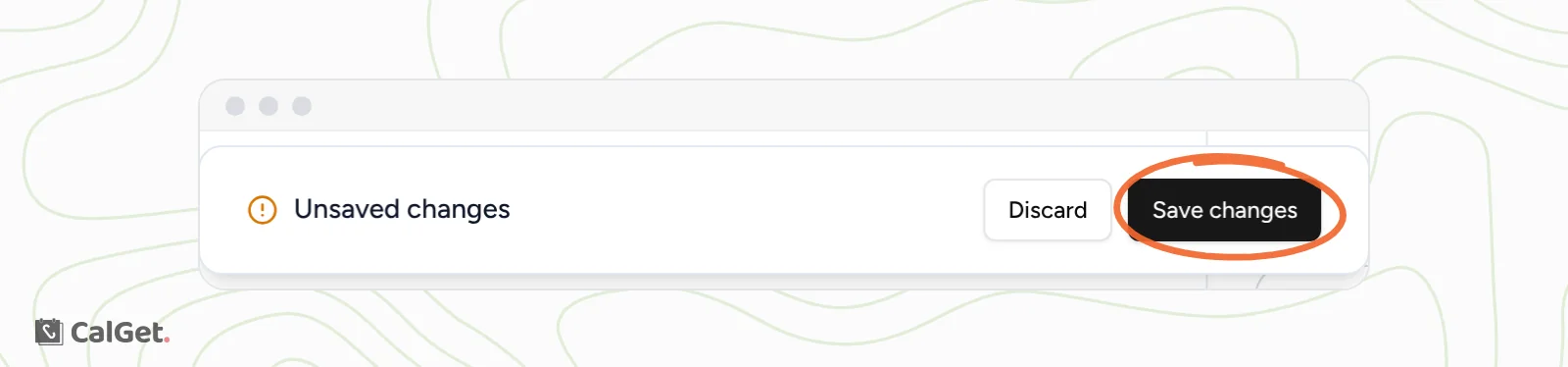
- Click Save changes at the bottom of the page.
Your event now uses the new link everywhere on the Event Details tab. The original link still works too, so anything you've already shared keeps working.
Add an event image
- On the event's Edit tab, find Event Image on the right.
- Click Click to upload and choose a PNG, JPG or GIF up to 5 MB.
- Click Save in the Event Image box.
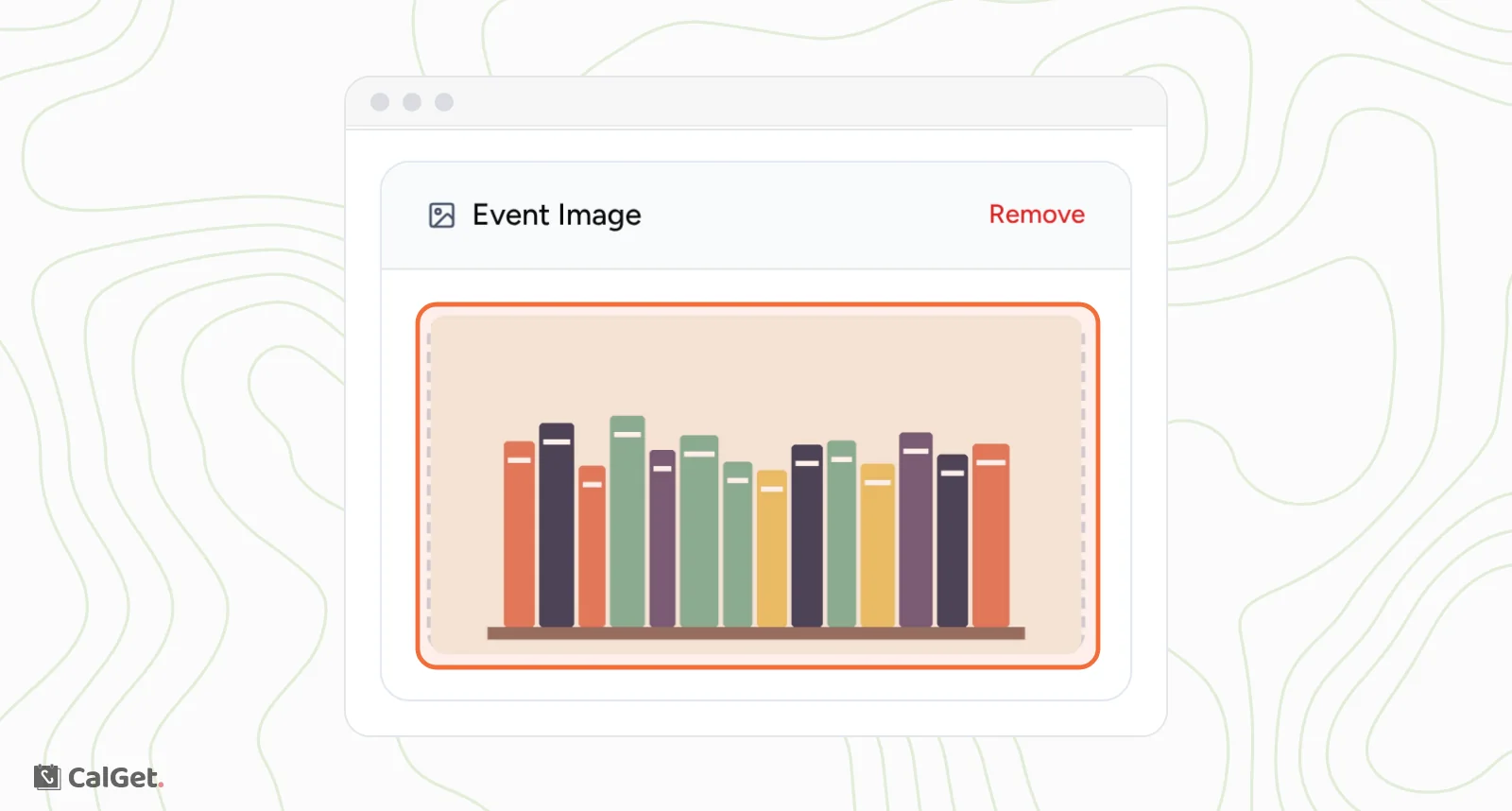
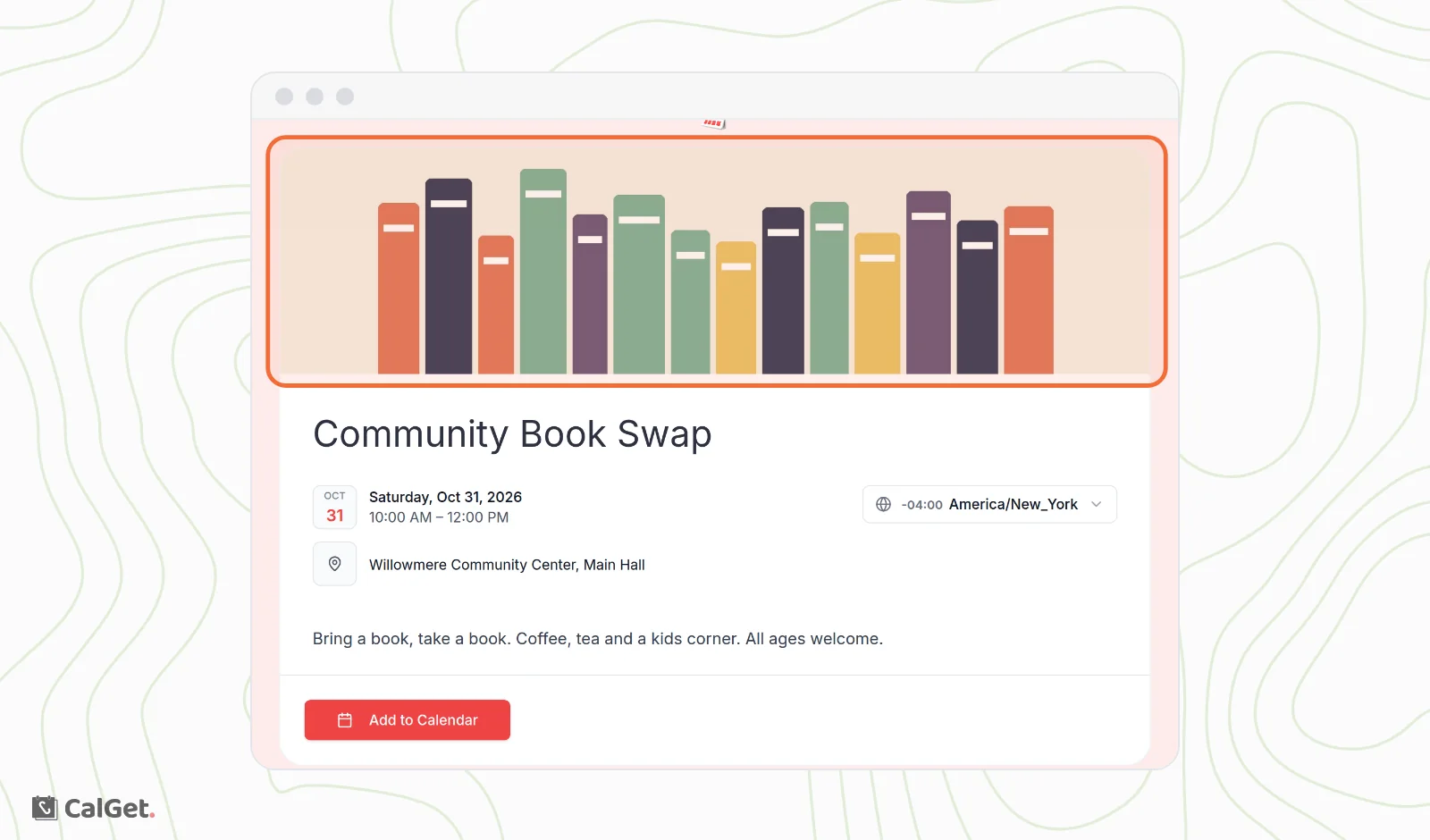
The image shows at the top of your event page. A wide (landscape) picture fits the space best. To replace it, click Click to change. To take it off, click Remove.
Common questions
Will my old link stop working?
No. After you set a custom link, the original link still opens the same event page.
Does the event image show when I share the link on social media?
Not automatically. The picture in link previews comes from the Social Media Preview box on the same Edit tab.
Which file types can I use?
PNG, JPG and GIF, up to 5 MB.